In short
- Three ways in: a native ATS connection, the public API with webhooks, or the interview embedded on your careers page. You can use more than one.
- ATS: link a job and stage in Workable, Greenhouse, Teamtailor, Recruitee or Breezy HR to a published interview. Each candidate moved into that stage is invited once, and the results go back as a note.
- API: create candidates and invitations from your own systems with a scoped API key, and learn what happened through signed webhooks.
- Embed: run the interview inside your own site with one script, from the sites you allow.
- Test first: send a webhook test event, move a test candidate through the stage, and read the delivery and activity logs before going live.
Three ways to connect AI interviews
An AI interview ATS integration saves your recruiters the copy and paste: candidates are invited from the system you already use, and results come back to it. If your ATS has no native connection, or you hire through your own portal, the public API and the embed do the same job with some code.
- Native ATS connection. Workable, Greenhouse, Teamtailor, Recruitee and Breezy HR. No code: paste a key, link a job and a stage, and moving a candidate into that stage sends the invitation.
- Public API and webhooks. Your system creates candidates and invitations over REST and fetches results; webhooks tell it when something happens.
- Embed SDK. One script runs the interview in a frame on your careers page. It needs an invitation link, so it goes with the API.
All three need a paid plan and a company admin. The interview is the same one candidates get from an email link, including the option to type instead of speaking.
Choosing between the ATS, the API and the embed
| Native ATS connection | Public API and webhooks | Embed SDK (with the API) | |
|---|---|---|---|
| Best for | Teams on one of the five supported ATSs | Any other ATS or your own workflow | A careers page or portal you control |
| Code needed | None | API calls and a webhook receiver | A few lines on the page, plus the API |
| What sends the invitation | Moving a candidate into the linked stage | Your API call | Your API call; the link is mounted on your page |
| Results come back as | A note on the candidate in the ATS | Results you fetch after the results webhook | The same; the page only learns the candidate finished |
Start with the native connection if your ATS has one. Choose the API when you need control over who is invited and when. Add the embed when candidates should stay on your site.
Set up an AI interview ATS integration
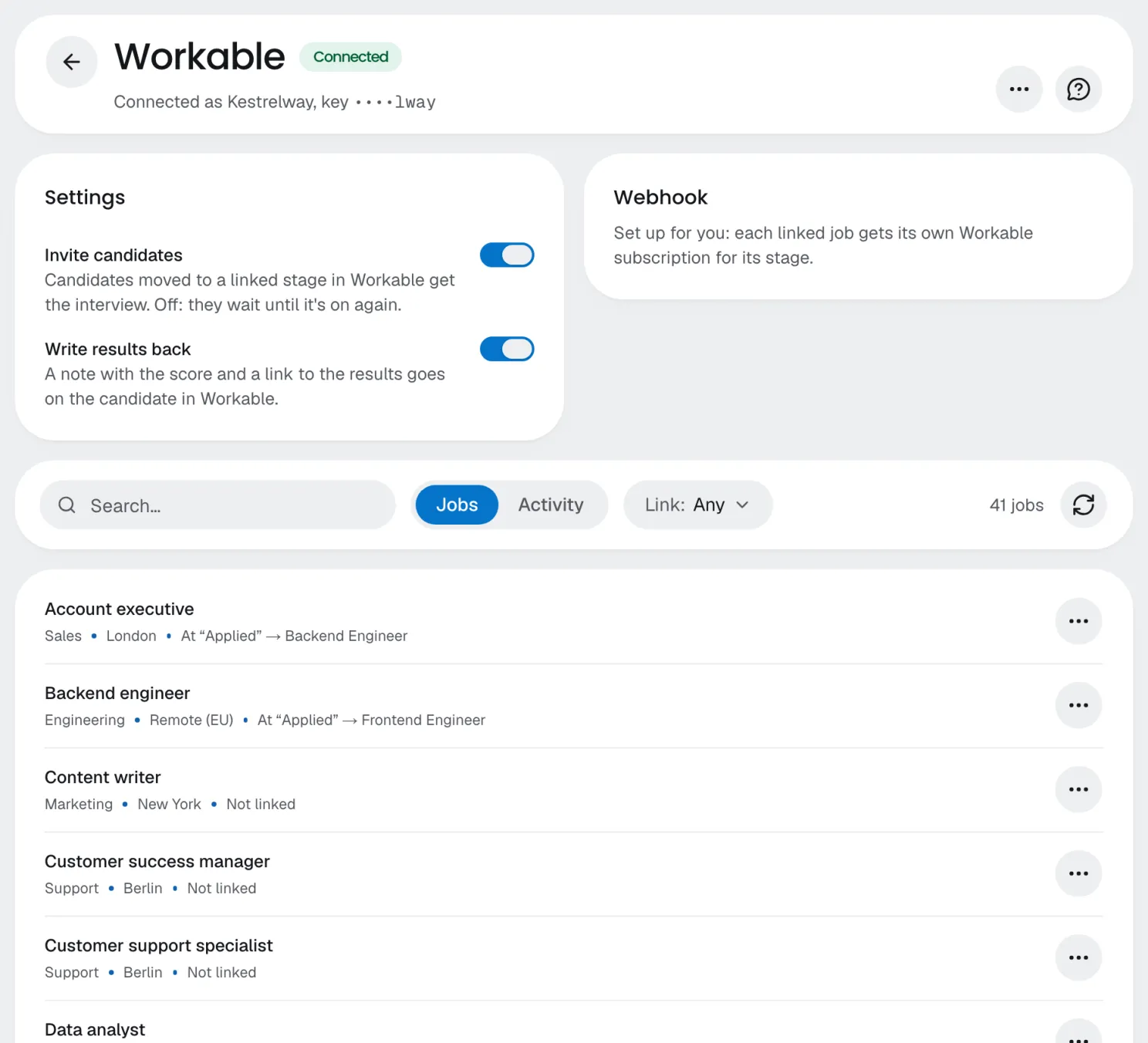
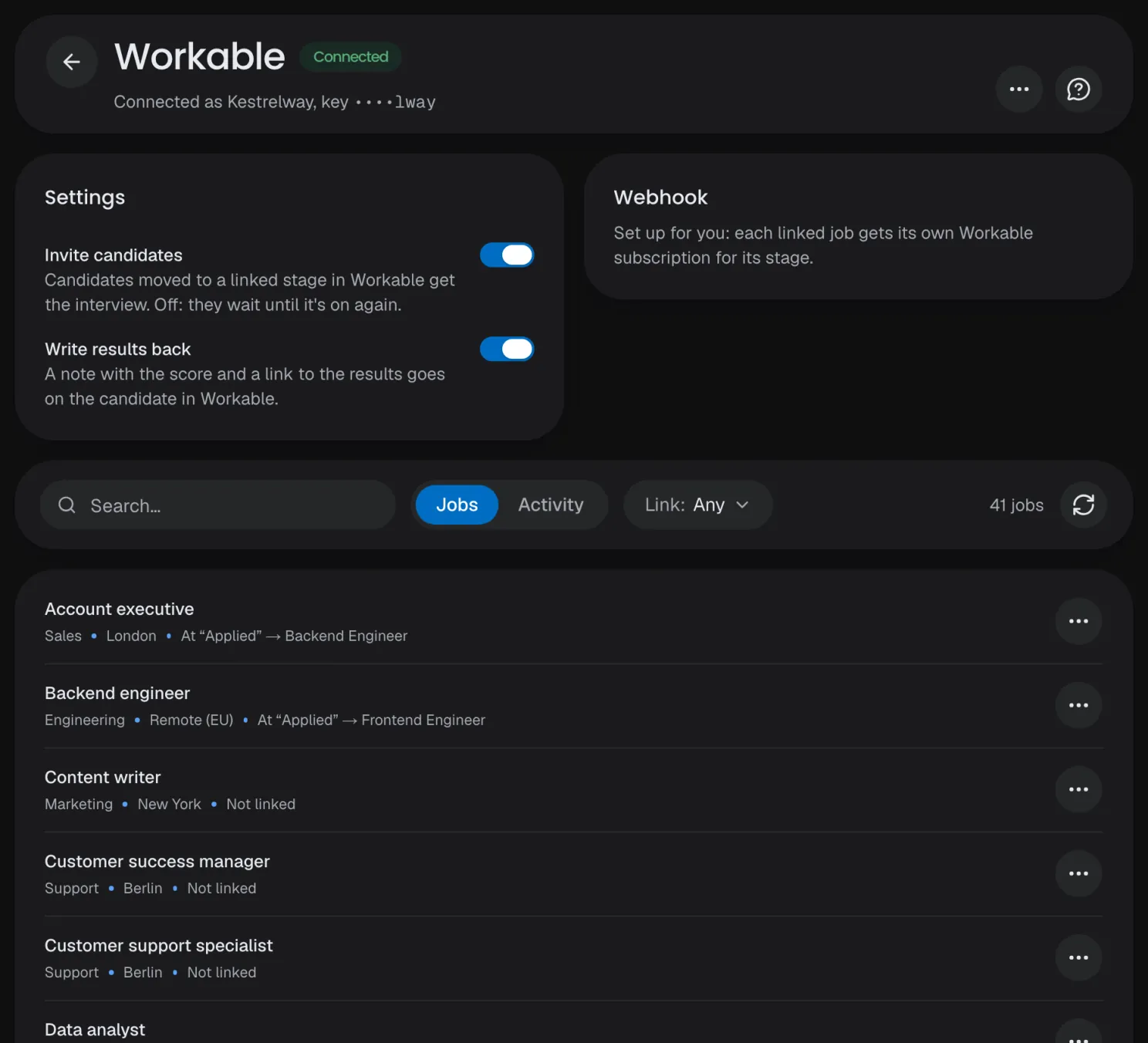
Connect an ATS and link a job
- Publish the interview. Only a published interview can be linked to a job.
- Open Integrations → ATS and press Connect ATS. Paste the ATS's credentials (where to find them). testee tries them with the ATS before saving, then stores them encrypted and shows only a masked hint.
- Set up the webhook. Workable and Breezy HR need nothing: testee registers it. For Greenhouse, Teamtailor and Recruitee, add a webhook in the ATS with the address on the connection's Webhook card and exchange the secret as the card says.
- Link a job. The Jobs tab lists the ATS's open jobs. Open one, pick the published interview and the stage that sends the invitation, and save.
- Mark New York City jobs on the link, so invitations carry your Local Law 144 notice and open 10 business days later.
What happens for each candidate
- Invited once, however often the ATS sends the event. Events for jobs or stages you haven't linked are ignored.
- Fixed fields: the candidate's email and name, the job and stage, and the ATS's reference. There's no mapping to configure.
- Results as a note: the coverage score (for review, not a hiring decision), the summary and a link to the results. You can turn the write-back off per connection.
- Failures: an outage is retried for about eight hours; a refusal, such as no interview minutes left, shows in the log.
- Extra time for a candidate who asked for it is set on the invitation's page in the dashboard, until they start.
Pause holds invitations and notes until you resume. If the ATS refuses the key later, the connection shows Reconnect needed and notes wait.
Use the AI interview API and webhooks
The public REST API does what a recruiter does in the dashboard: list published interviews, create candidates, invite them and fetch results. The reference is in the AI interview API docs.
API keys
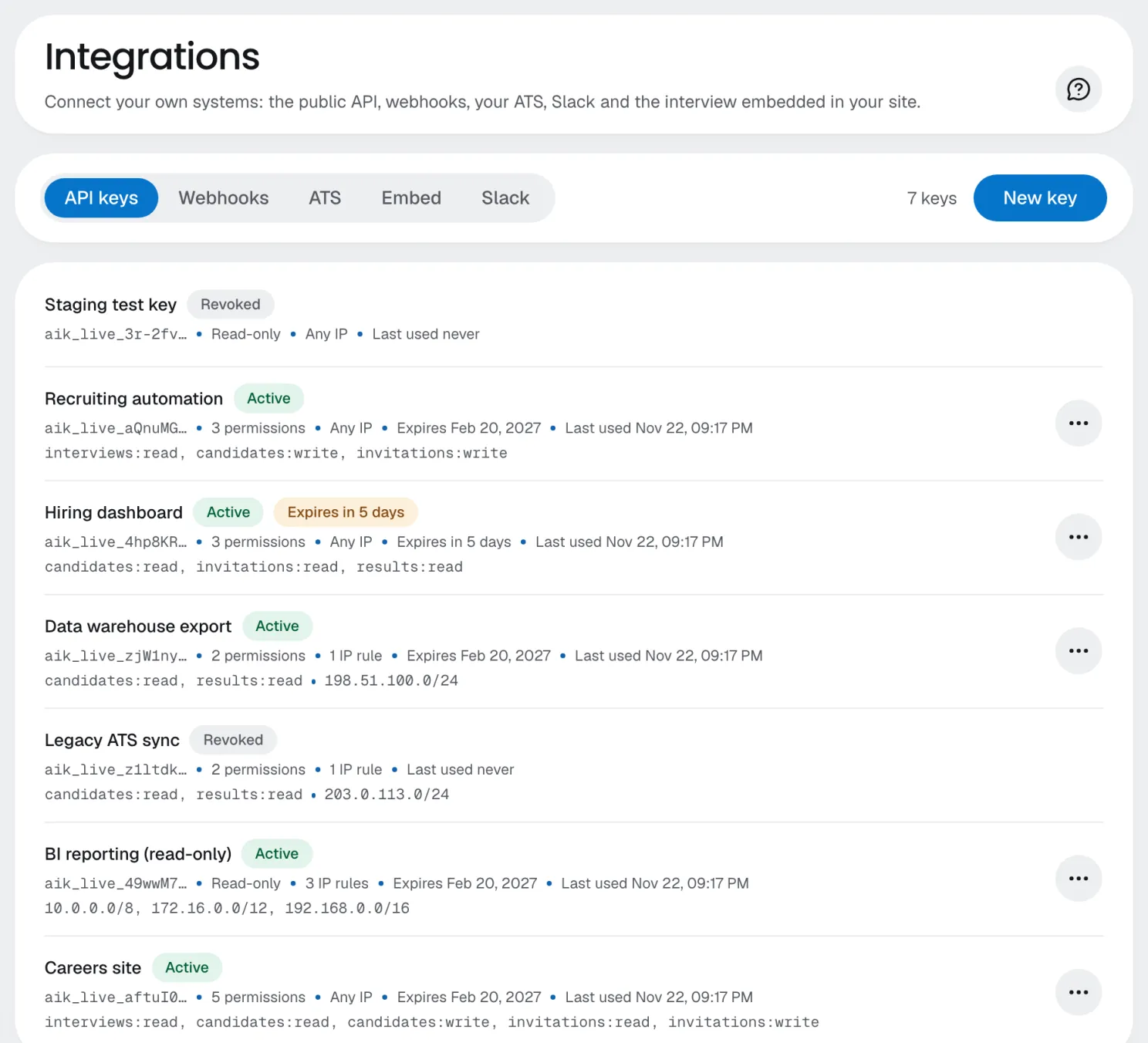
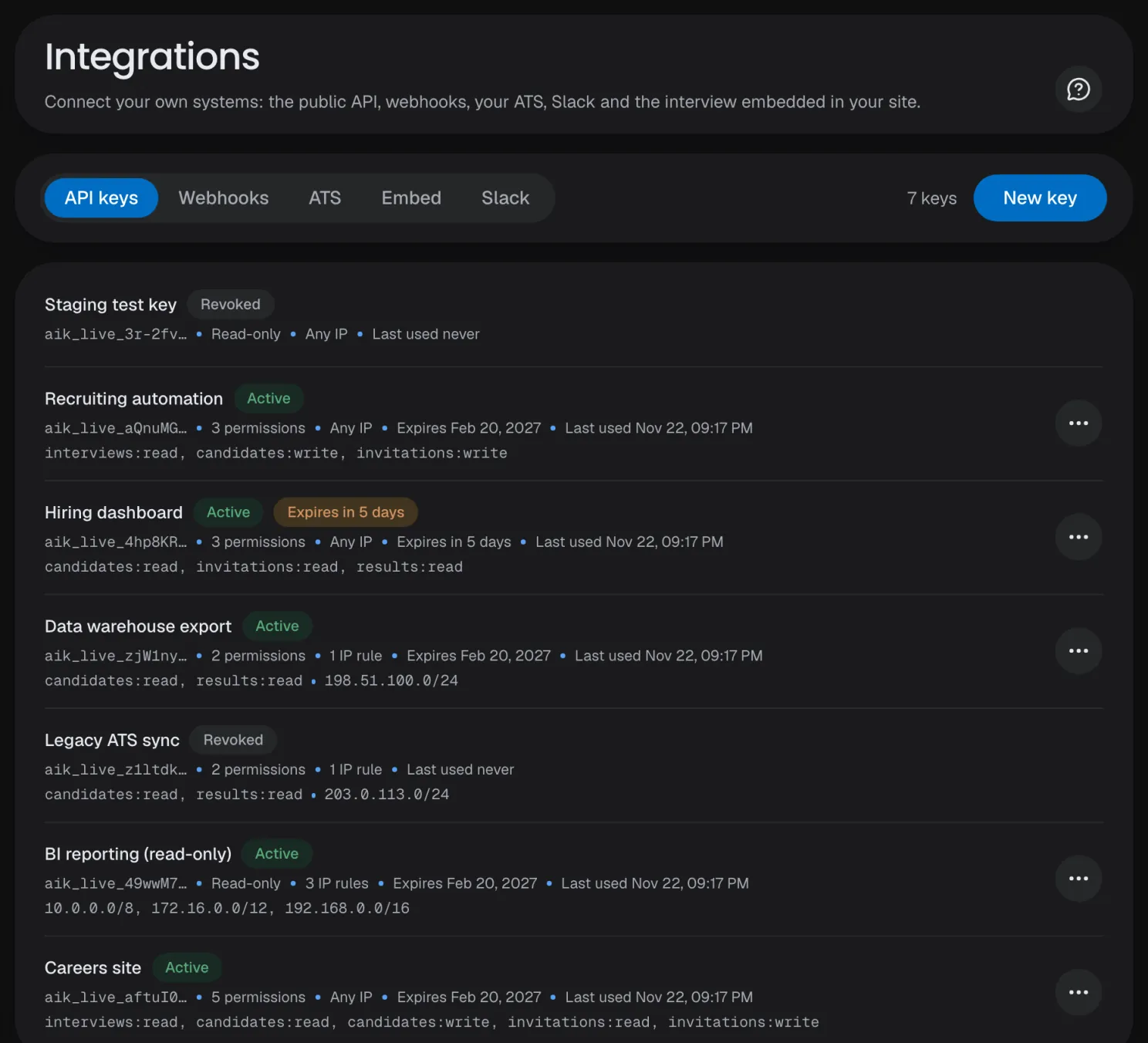
- Create a key under Integrations → API keys. The secret (aik_live_…) is shown once and sent as a bearer token, never in a URL.
- Scopes: give each key only the permissions its system uses, such as invitations:write and results:read.
- IP allowlist: up to 50 addresses or ranges, such as your servers' outbound addresses.
- Expiry: 30 days, 90 days (the default), 1 year, a date up to 2 years ahead, or never. The list warns 7 days ahead.
- Rate limit: 120 requests a minute per key.
Invite a candidate from your system
- GET /v1/interviews lists your published interviews.
- POST /v1/candidates with the name and email. A second candidate with the same email is refused, so store the id.
- POST /v1/invitations with both ids. The response holds the link, shown once; testee also emails it to the candidate.
- Send an Idempotency-Key header on every POST. A retry with the same key after a timeout creates nothing twice (keys last 24 hours).
| Optional invitation field | What it does |
|---|---|
| externalId | Your own id (the job application, say). It comes back on the invitation and in every webhook |
| returnUrl | After finishing, the candidate sees a button back to this https address (not inside the embed) |
| extraTime | 25, 50 or 100 percent more time for a candidate who asked for it; an interview runs at most 60 minutes, extra time included. Never returned by the API or sent in webhooks |
| nycNotice | The candidate lives in New York City: the email carries your notice, and the interview opens 10 business days later |
| skipSignIn | Your site already signed the candidate in: the link alone opens the interview (see the embed) |
Webhooks
Add an endpoint under Integrations → Webhooks: a public https URL and its events, which are invitation.created, invitation.opened, invitation.resent, invitation.revoked, invitation.expired, session.started, session.completed, results.failed, review.decision_changed, candidate.erased and results.ready. Payloads carry ids and your externalId only, never names or scores; on results.ready, fetch GET /v1/sessions/{id}/results.
- Verify every signature: an HMAC-SHA256 of the timestamp and the raw body, keyed with the endpoint's secret. Compare in constant time and reject timestamps over 5 minutes old (code in the webhooks docs).
- Answer 2xx within 10 seconds. Failures are retried with backoff for about 24 hours.
- Expect repeats and any order: skip an event id you've handled, and read the current state from the API.
Embed the interview in your careers page
A careers page interview embed keeps candidates on your site: one script puts the interview in a frame and reports what the candidate does (embed SDK docs).
Embed the interview
- Allow your site under Integrations → Embed: an https origin with no path, up to 20. The interview won't load in a frame anywhere else.
- Create the invitation on your server and pass its link to the page. The API key never goes in the page.
- Mount it with TesteeEmbed.mount: a container, the link and an onEvent function. The dashboard's Embed tab shows the snippet.
- Handle the events: ready, login_required, started, completed, feedback_submitted and error, each with ids only.
Skipping the sign-in code
By default the candidate signs in inside the frame with a 6-digit code emailed to them; your page never sees it. If your site has already signed the candidate in, create the invitation through the API with skipSignIn, and the link alone opens the interview. The dashboard can't set it.
- The trade-off: the link becomes the only key, so anyone who has it can take the interview. Keep the expiry to a day or two, create the invitation just before the candidate starts, and show it only behind your own sign-in.
- On the record: the invitation shows "Sign-in skipped", and the results say the identity was verified by your company's site.
Test before you go live
A test run
- Use a test candidate with an email you can read; previews by team members send no webhooks.
- Send a webhook test event from the endpoint's menu: a signed test.ping, so it checks your signature code too.
- Read the delivery log on the endpoint's page. Replay sends a delivery again with the same id, which tests that you skip repeats.
- Move the candidate into the linked stage and check the ATS connection's Activity tab: each event, invitation and note is done, retrying, failed or ignored.
- Take the interview and check results.ready arrived, or the note appeared in the ATS. Fixes for common problems are in the ATS troubleshooting docs.
Security notes
- Keys stay on the server, one per system, with only the scopes it needs, an IP allowlist and an expiry. Revoke a key you suspect leaked.
- Verify, then trust: reject webhooks whose signature or timestamp fails, and read the data from the API.
- Allow only your own sites for the embed.
- Invitation links are personal: never log or share them, especially with skipSignIn.
Slack notifications
Under Integrations → Slack, connect with Add to Slack or an incoming webhook, choose which notifications to post, such as results ready, and send a test message (Slack docs).
Summary
- On one of the five supported ATSs, use the native connection: link each job and stage to a published interview.
- Otherwise, use the API with scoped, expiring keys and Idempotency-Key headers, and verify every webhook.
- To keep candidates on your site, add the embed, and skip the sign-in code only behind your own sign-in.
- Before going live, run one test candidate end to end.
Questions and answers
Does testee integrate with Greenhouse or Workable?
Yes, natively, and with Teamtailor, Recruitee and Breezy HR. You link a job and a stage to a published interview; each candidate moved into that stage is invited once, and the results go back as a note.
Is there an AI interview API?
Yes. The REST API creates candidates and invitations, reports their status and returns results, PDF reports and CSV exports. Signed webhooks tell your system when something happens.
My ATS isn't supported. Can I still connect it?
Yes, through the API: create the invitation when the candidate reaches the right stage, keep your externalId on it, and fetch the results when results.ready arrives.
Can candidates take the interview on our careers page?
Yes, with the embed SDK: allow your site under Integrations → Embed, create the invitation with the API and mount it on your page.
Does the result move candidates forward in the ATS?
No. testee never moves or rejects a candidate. The note carries the coverage score, labeled for review and not a hiring decision; a person decides.
What belongs on an ATS integration checklist?
Which jobs and stages invite, who owns the keys, how webhooks are verified, what goes back to the ATS, how failures are noticed, how New York City candidates and accommodation requests are handled, and a test run.