How AI interviews work,from sign-up to a decision.
Twelve steps, from creating your organization to sharing a candidate's results, and who does each one.
- Your team
- Candidate
- testee
Step 1
Your teamSign up and create your workspace
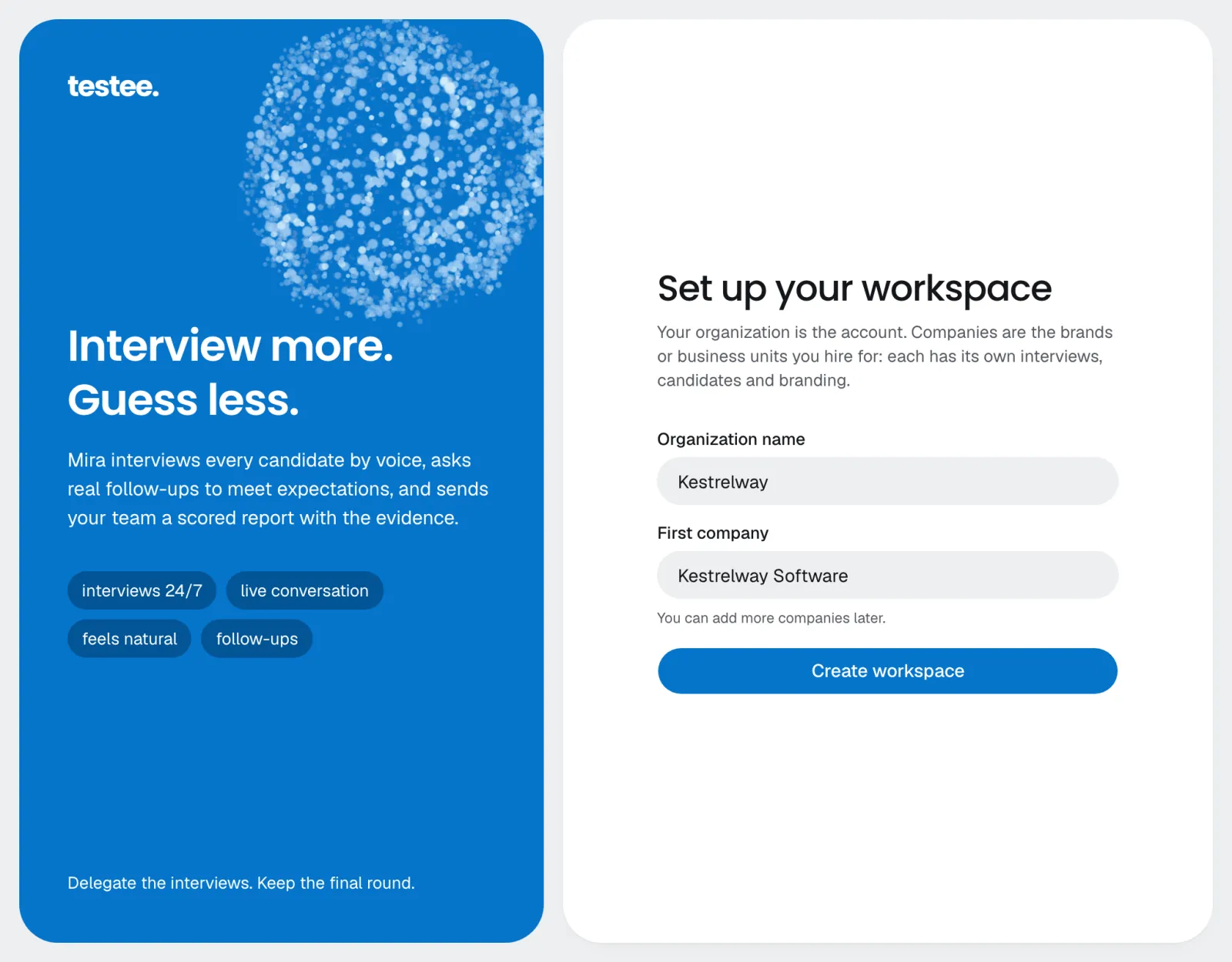
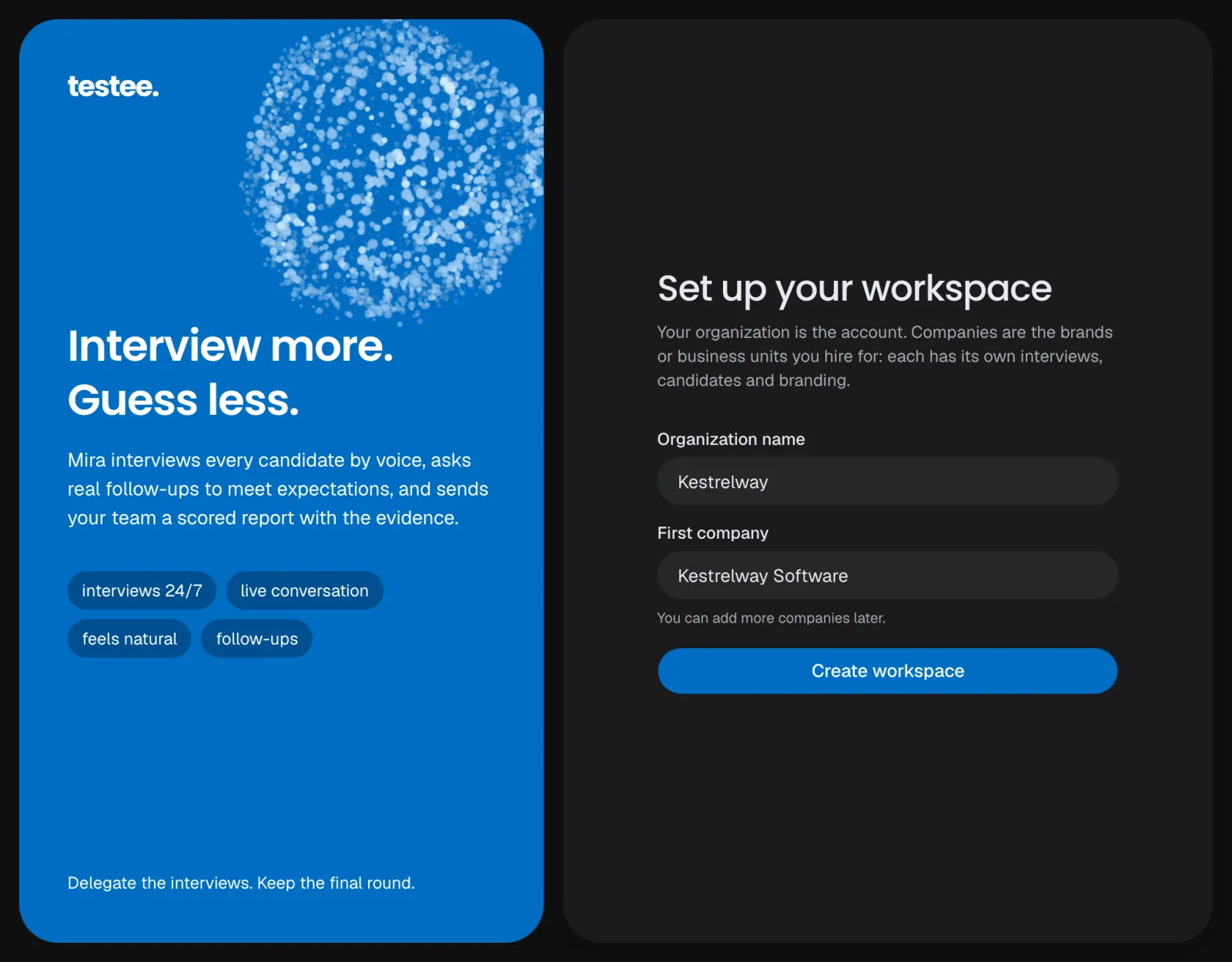
Sign up with email, Google or LinkedIn, then name your organization and its first company. The 14-day free trial starts at once, with no card.
Step 2
Your teamtesteeVerify your company
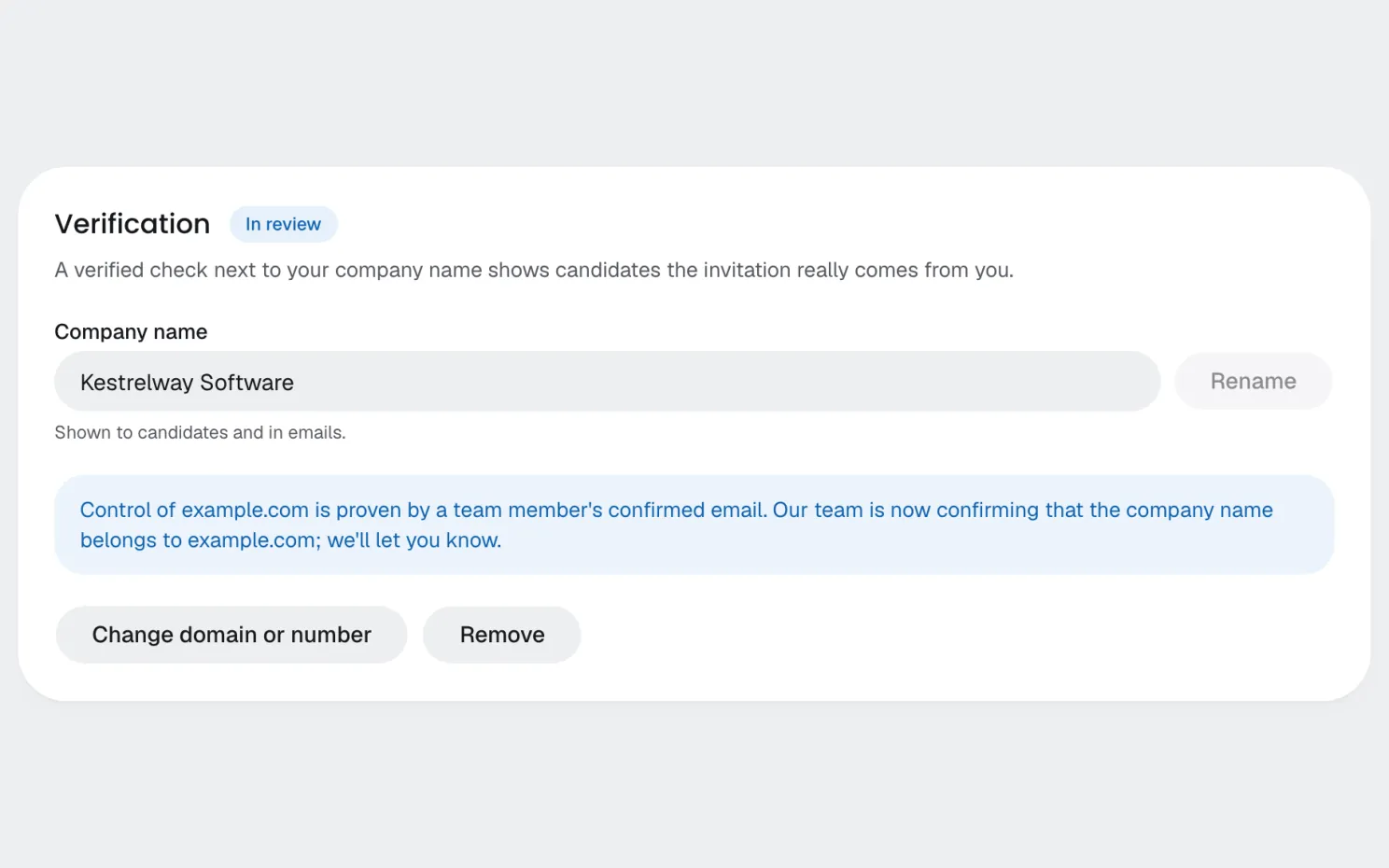
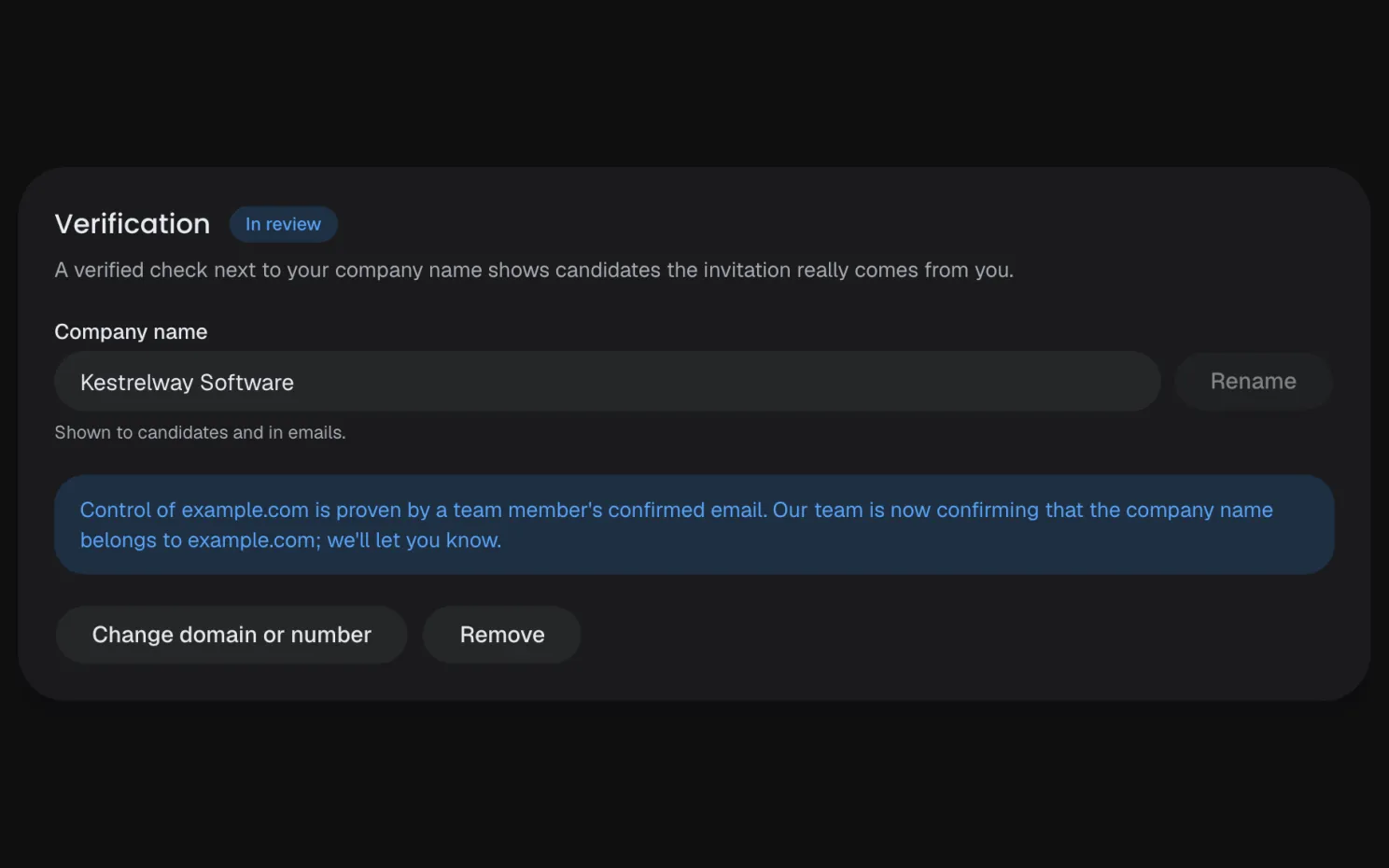
Enter your website's domain. We confirm you control it, from a teammate's email on it or a DNS record, and our team checks the name. Candidates then see a verified check next to your name, and your pages get your own subdomain.
Step 3
Your teamInvite your team
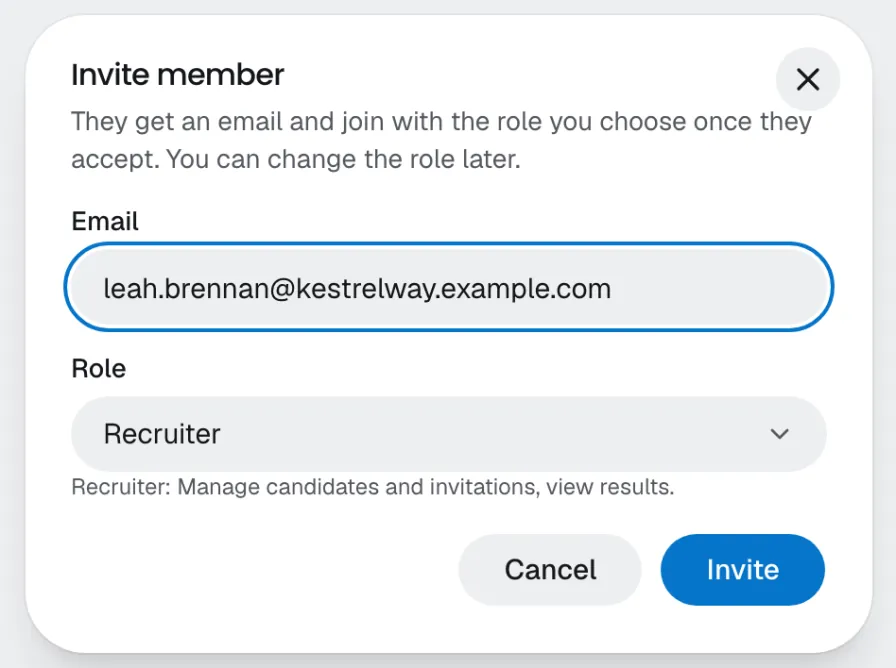
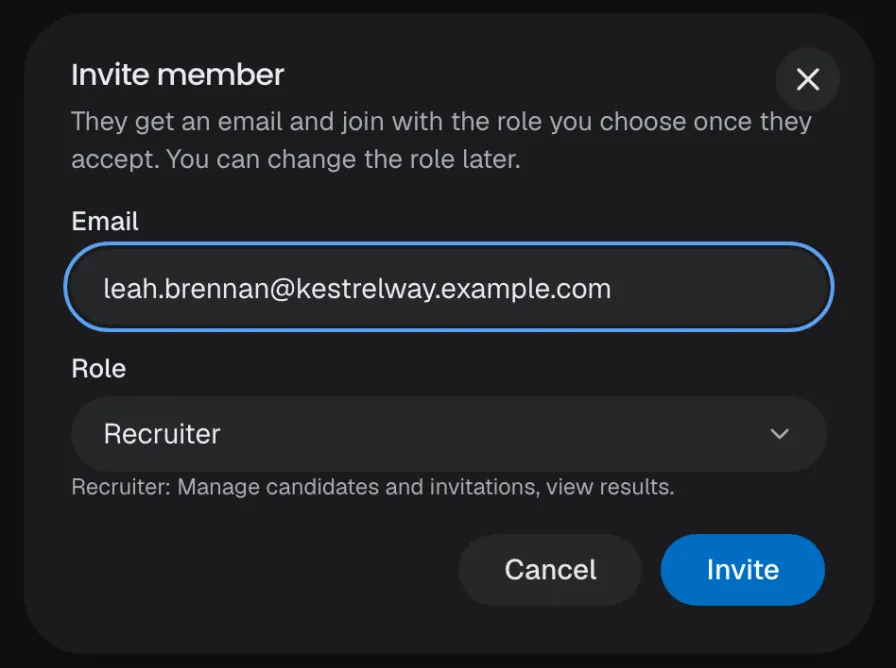
Invite teammates by email and give each one a role: company admin, interview designer, recruiter, reviewer or viewer. You can require two-factor sign-in, and on Scale and Enterprise, sign-in with your SSO.
Step 4
Your teamSet your branding
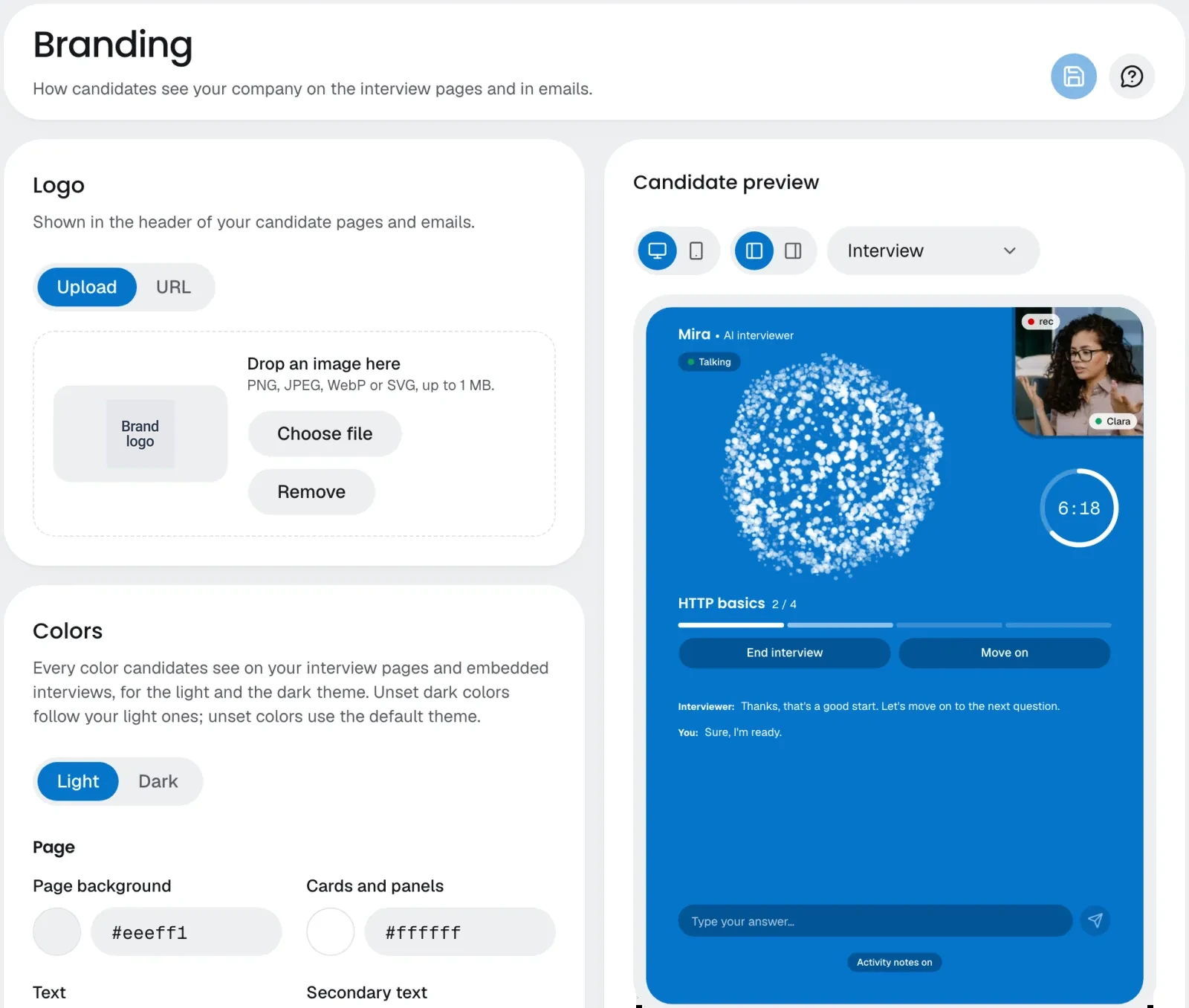
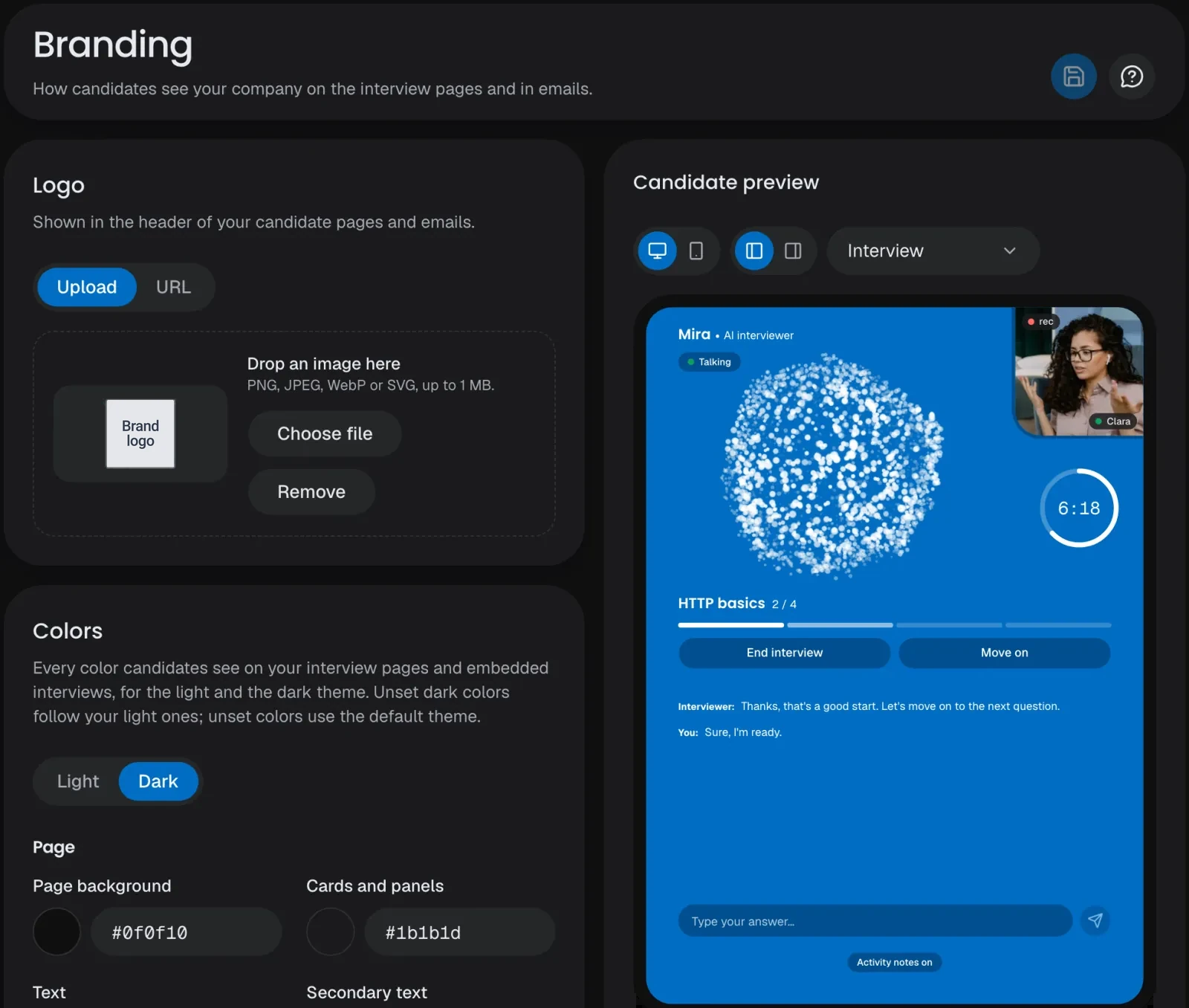
Add your logo, colors for the light and dark themes, fonts and a welcome message, give your AI interviewer a name, a voice and an animation, and watch it all on the candidate's real screens as you edit.
Step 5
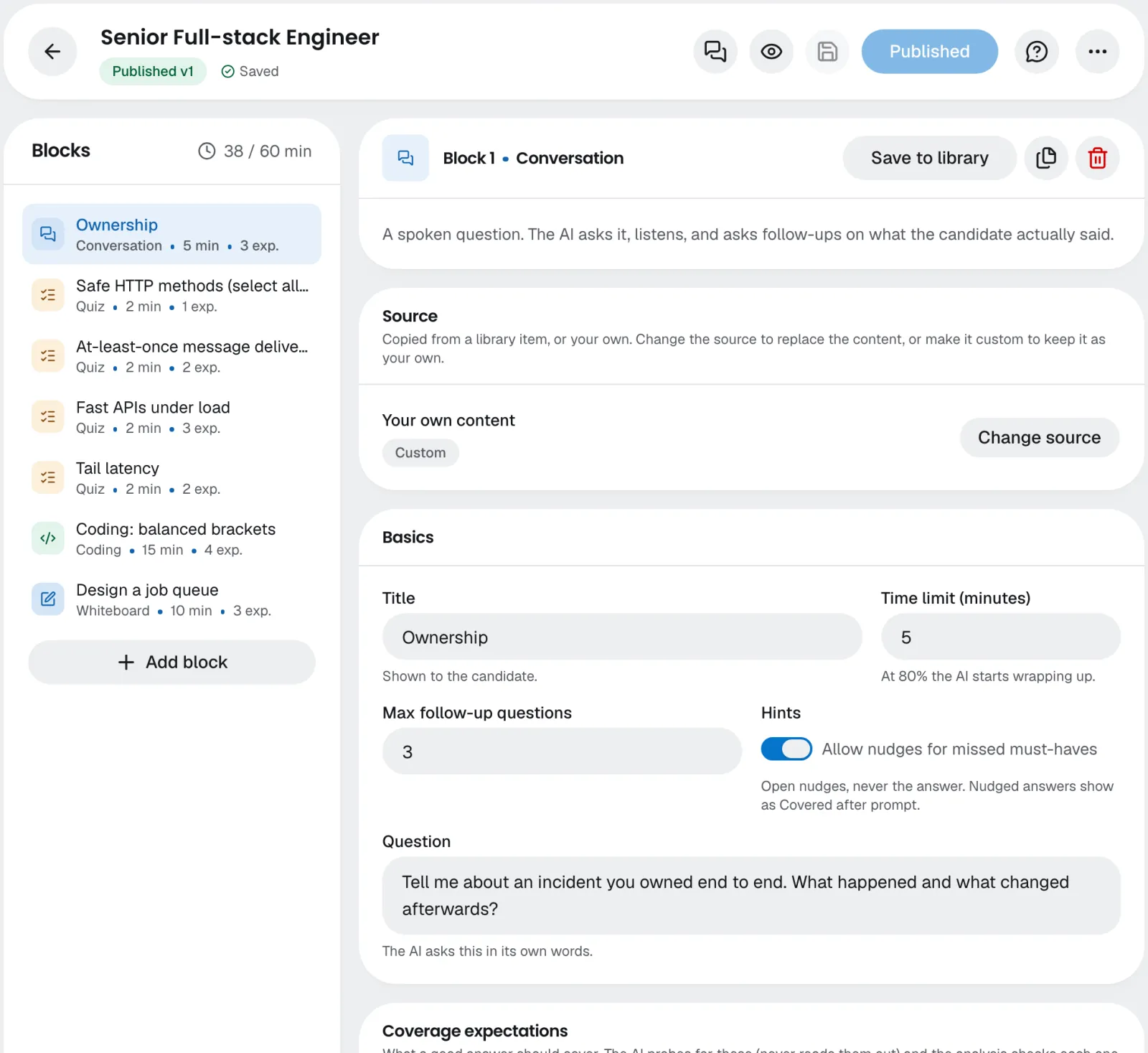
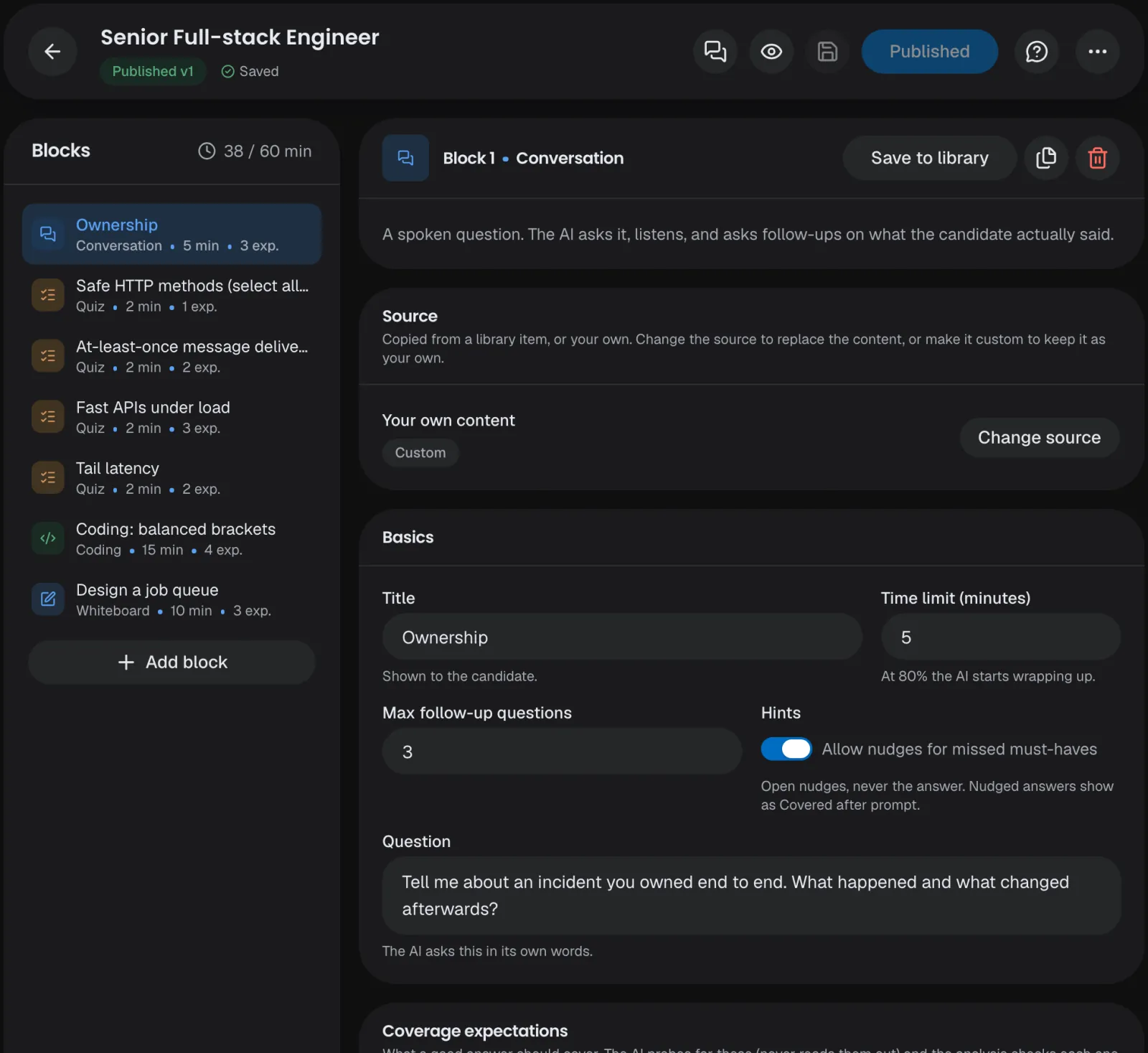
Your teamBuild the interview
Let the AI draft it from a role title or a job description, in any of the 13 interview languages, start from a template or a blank page, or build it with the AI assistant. Set what a good answer covers, in what the candidate says and does, try it yourself in a preview, then publish. Your text is checked for harmful content first.
Step 6
Your teamInvite candidates
Add them one by one or import a CSV, or let your ATS or your own systems send the invitations through the API. Each candidate gets a personal link by email and a reminder before it expires; one who asks can get extra time.





Your ATS
The public API
A CSV file
Your ATS
The public API
A CSV file
Step 7
CandidateOpen the link, agree, check the devices
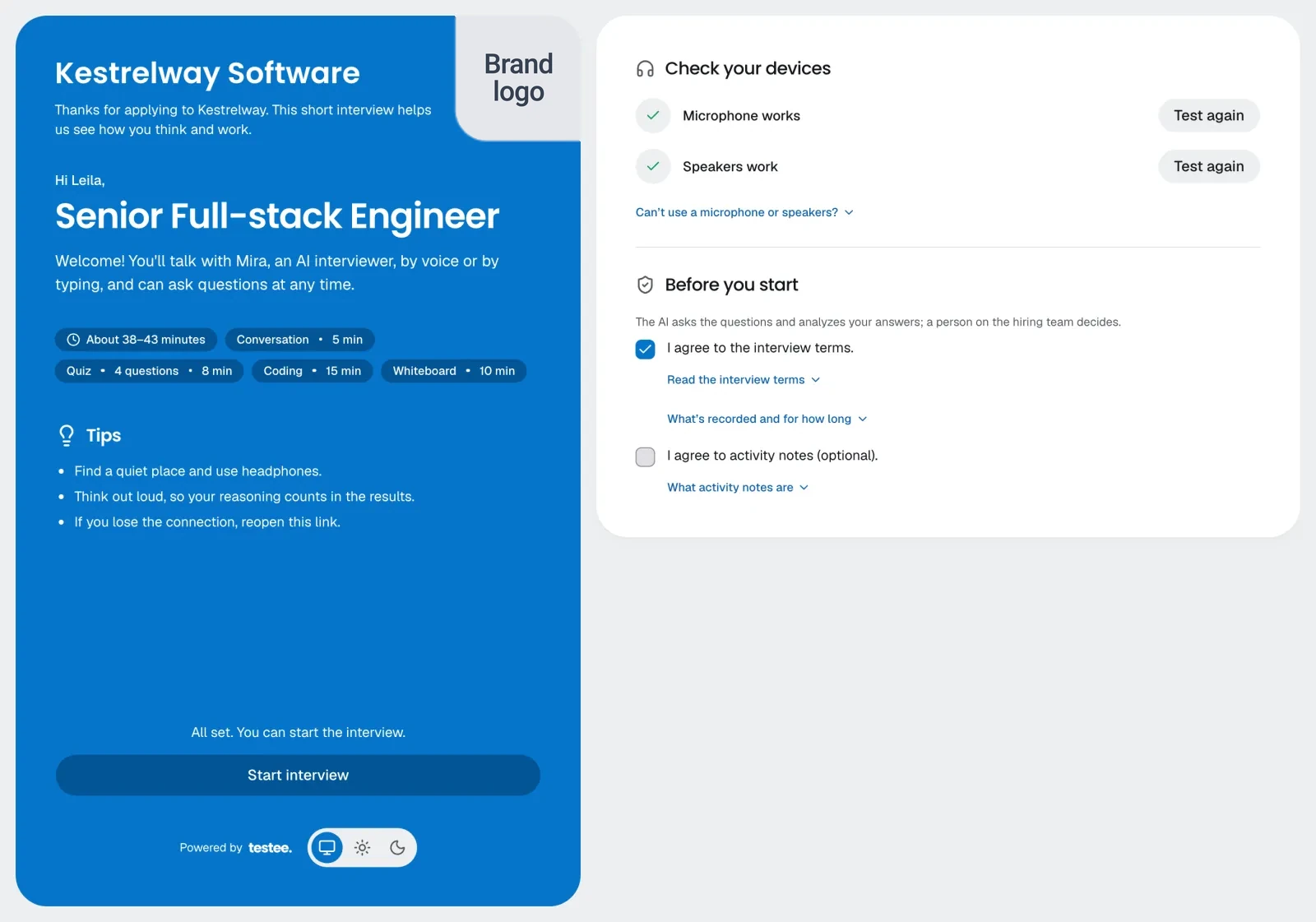
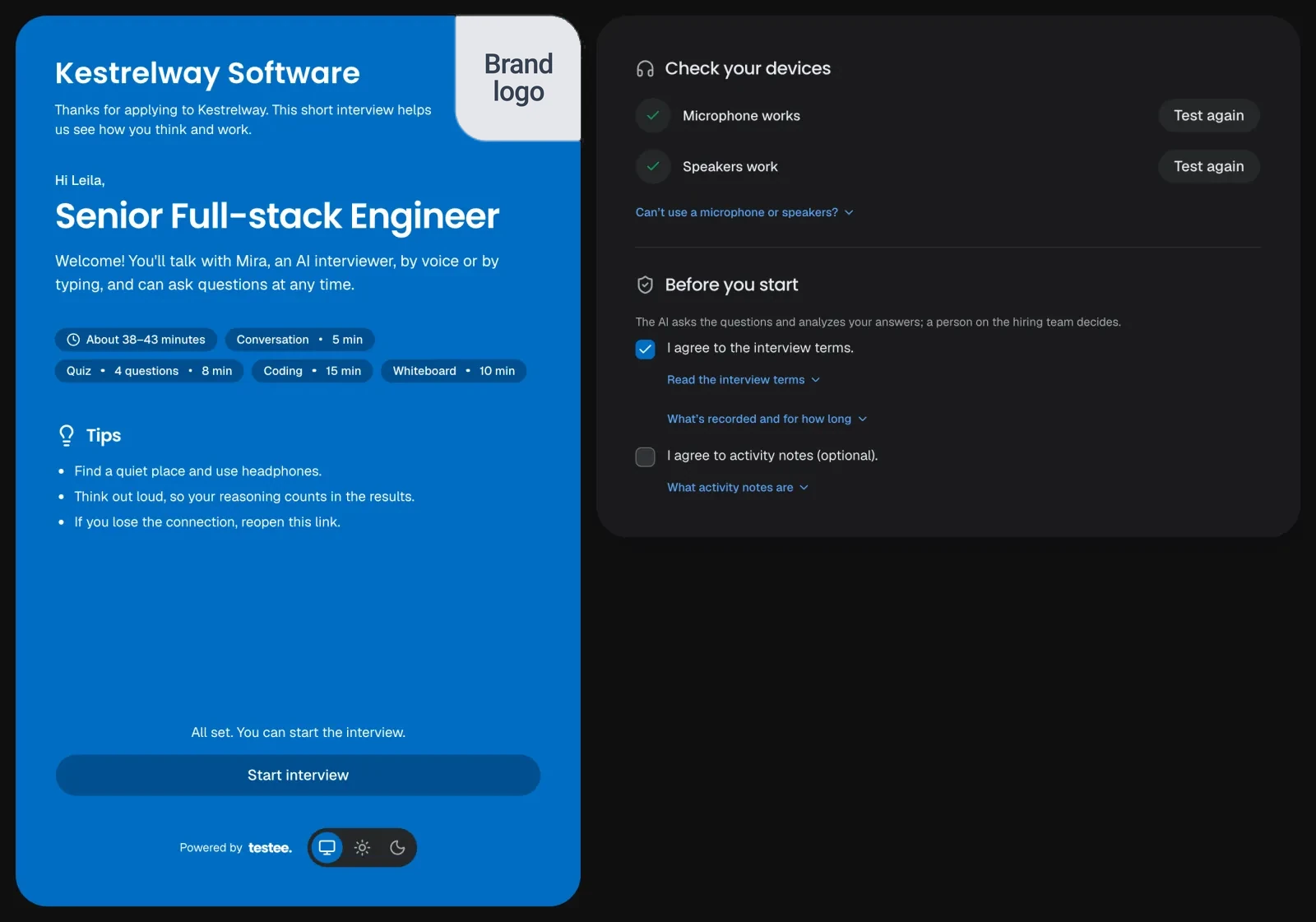
The candidate signs in with a code from their email and gets one compact screen: the role, how long it takes, a check of the microphone and speakers (or typing instead), and what is recorded, to read and agree to. If our AI is ever at capacity, they're asked to try again in a few minutes, and nothing is used.
Step 8
CandidatetesteeThe AI interview
Your AI interviewer runs each block by voice in the interview's language, follows up on what the candidate actually says, ignores coughs and background noise, and keeps to the time. Code, whiteboard and quiz tools open beside the conversation.
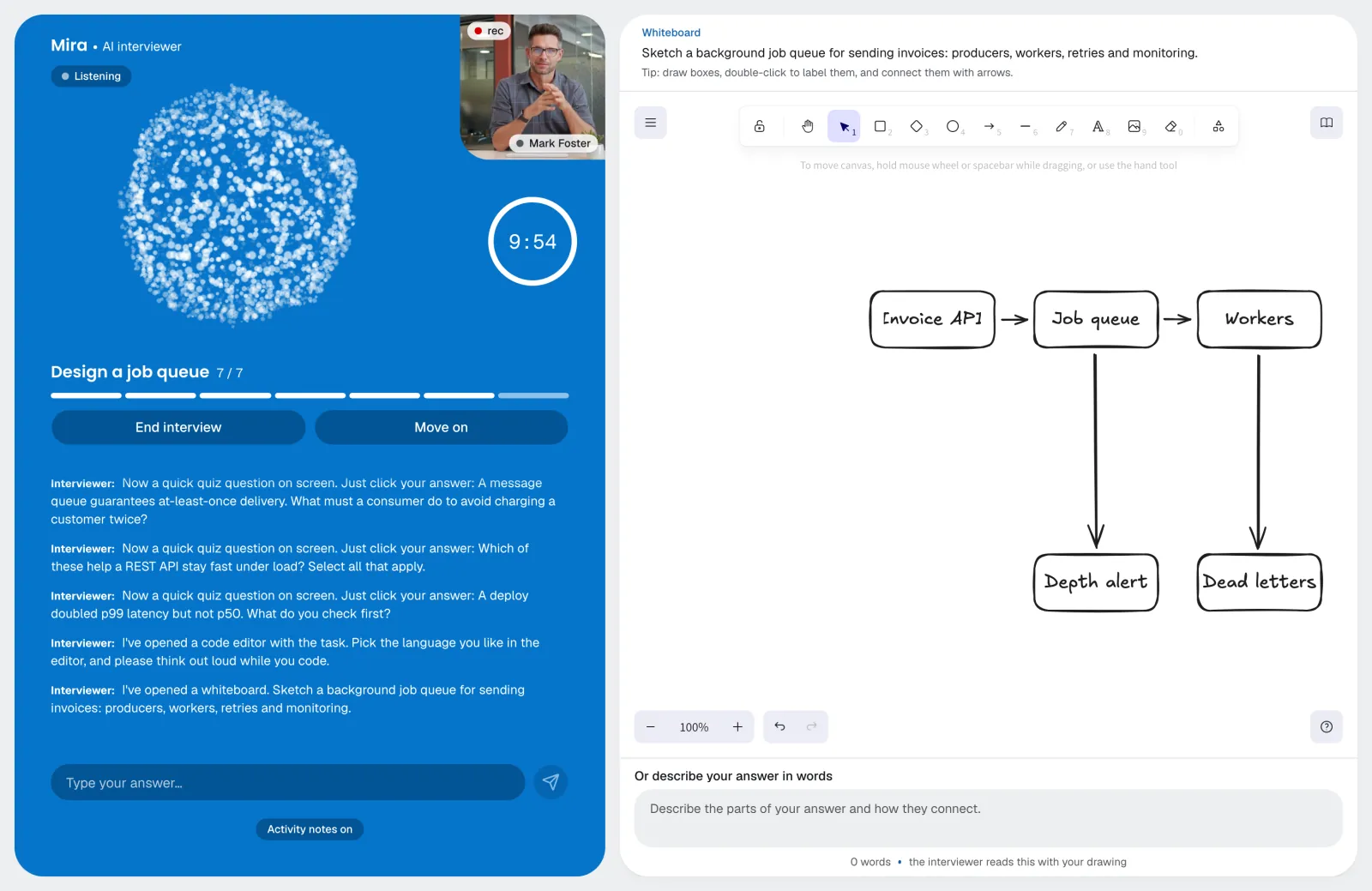
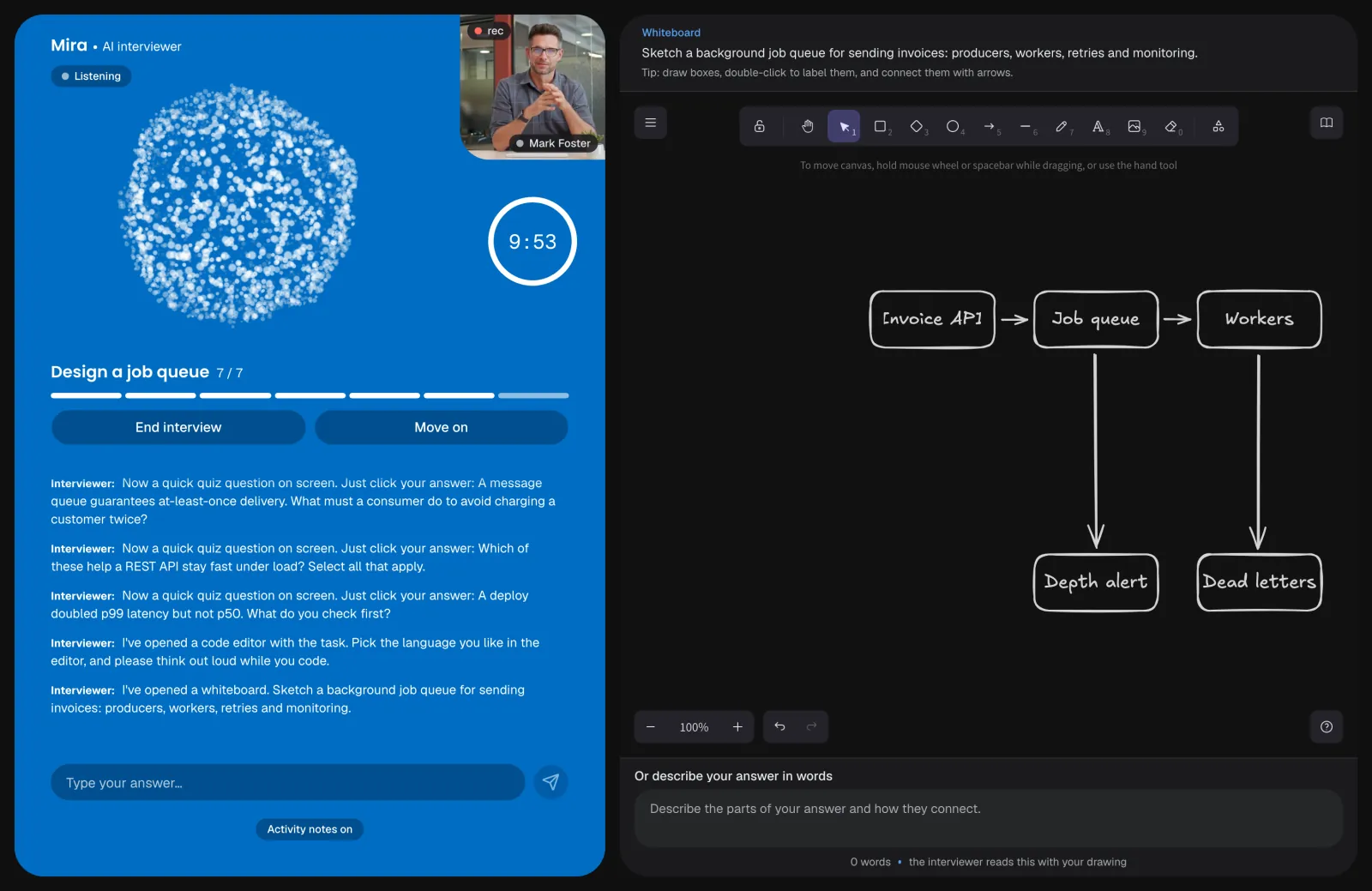
With an animation
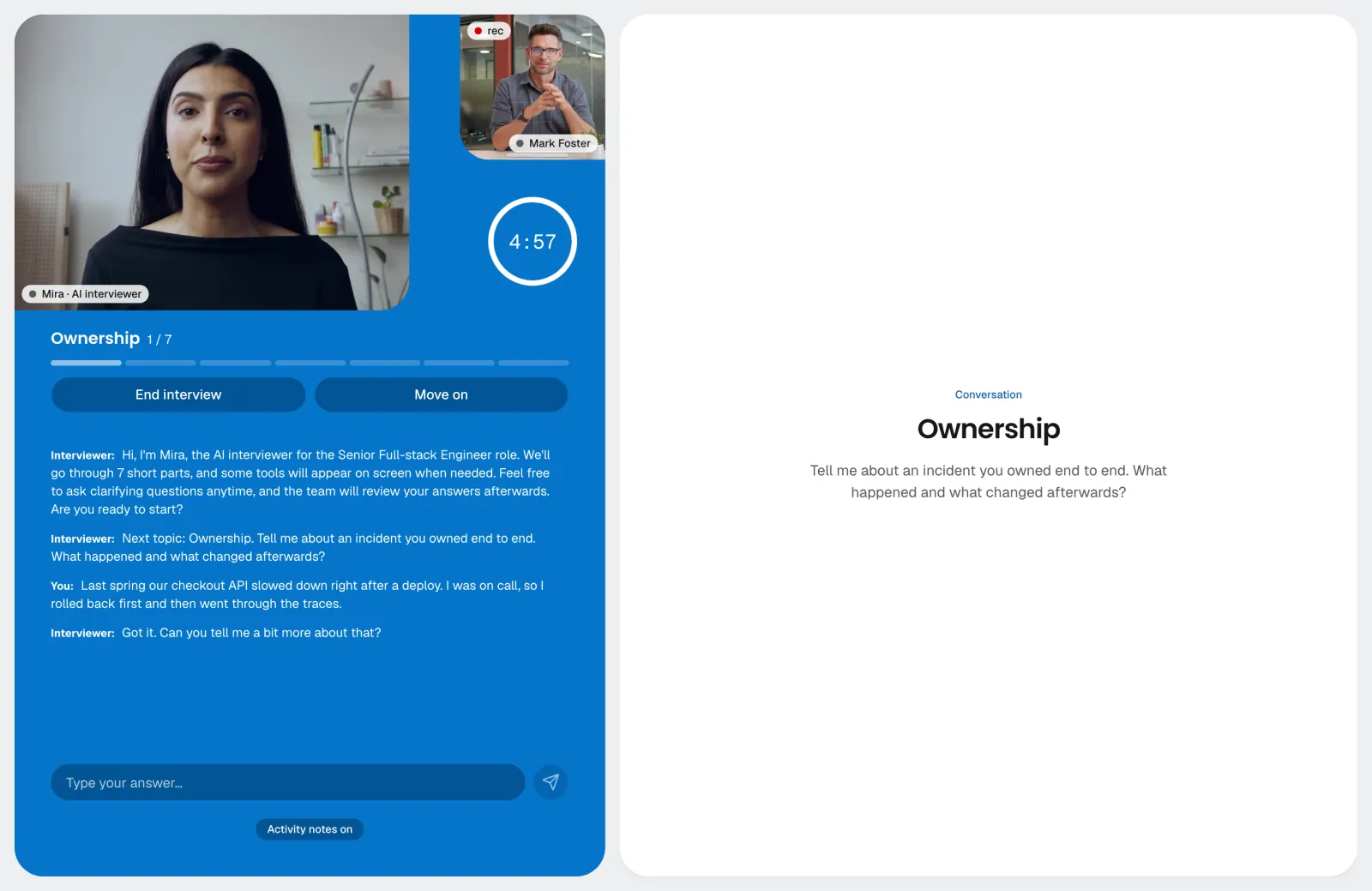
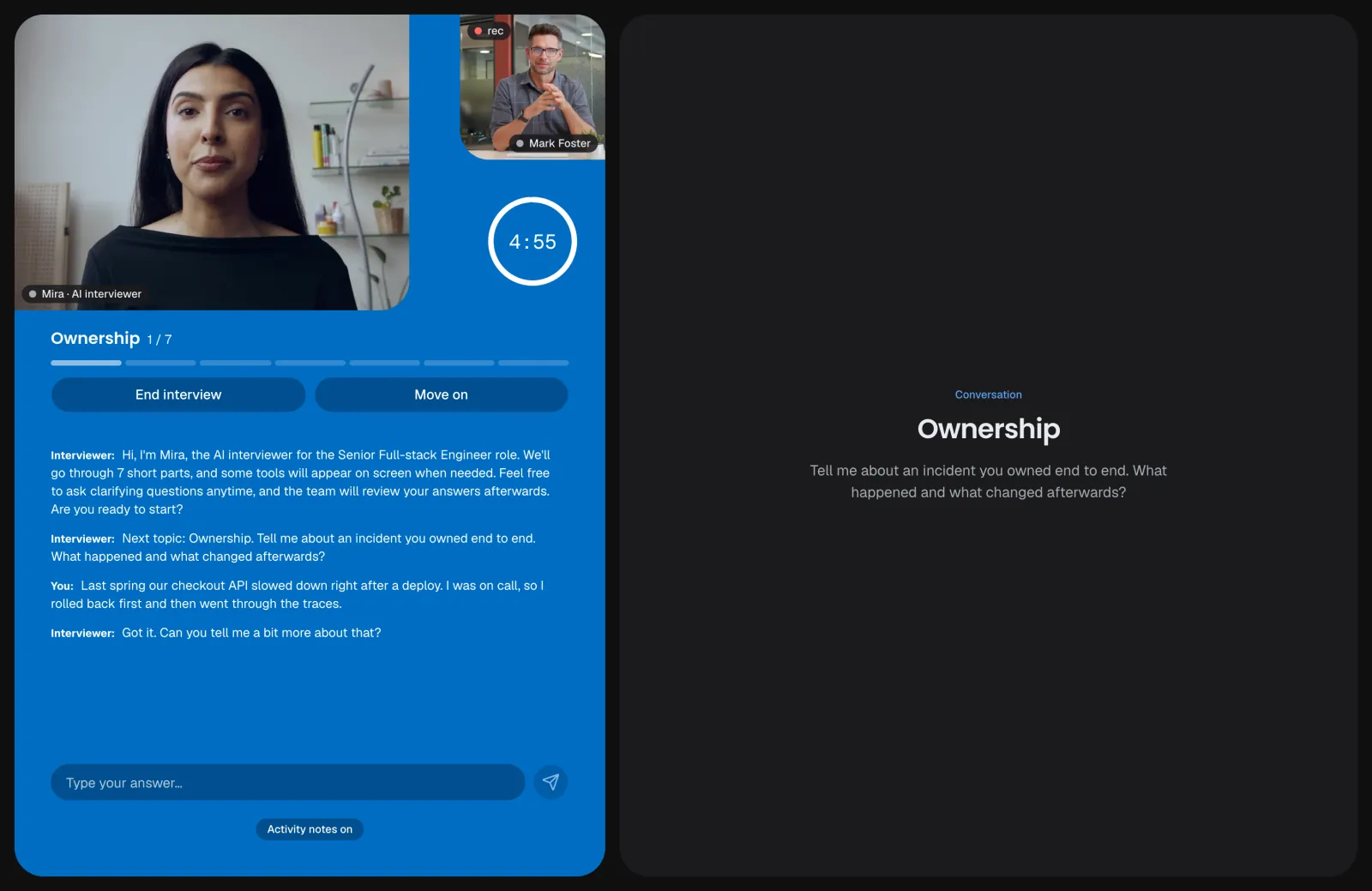
Video avatar, on Enterprise
With an animation
Video avatar, on Enterprise
Step 9
testeeIntegrity signals
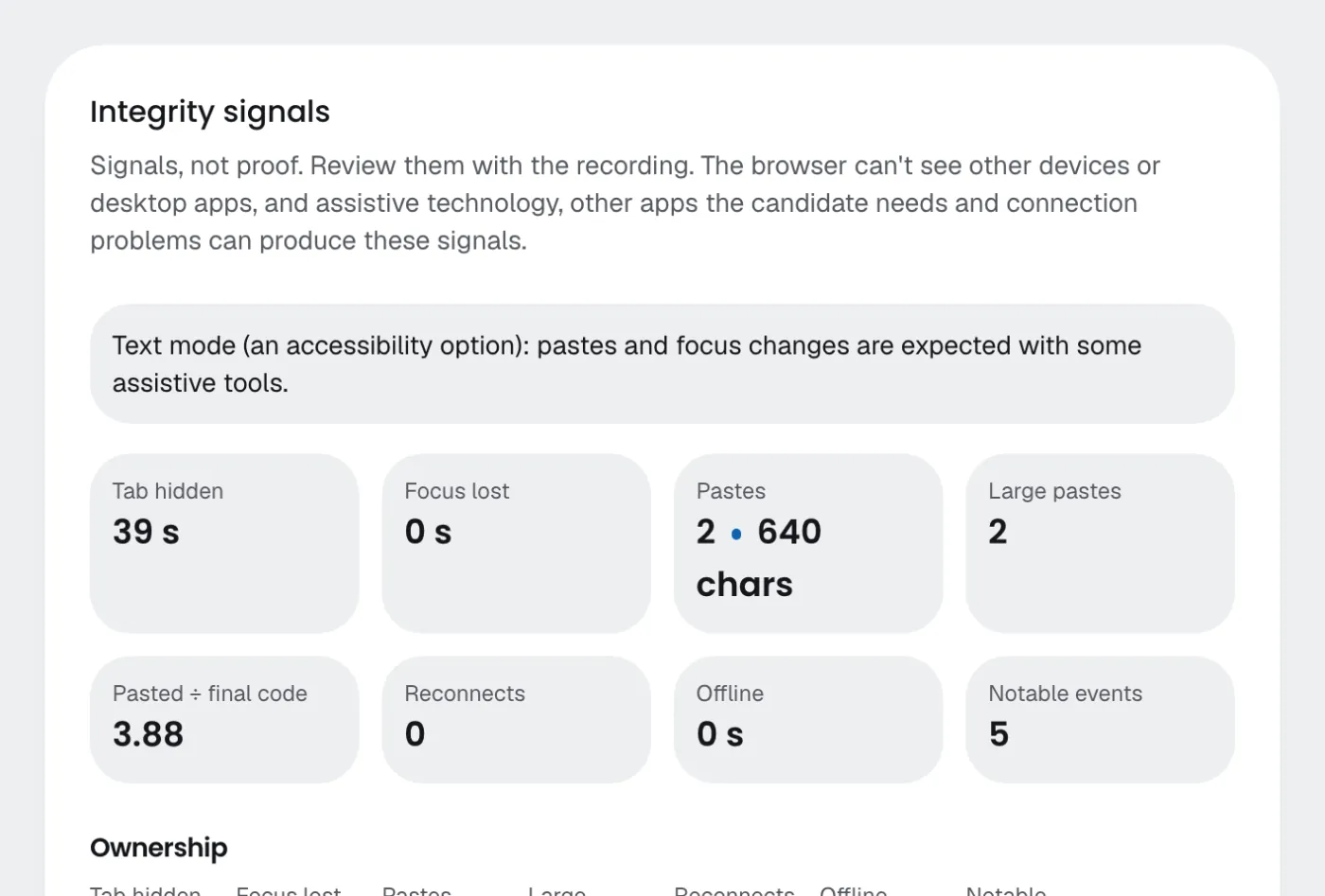
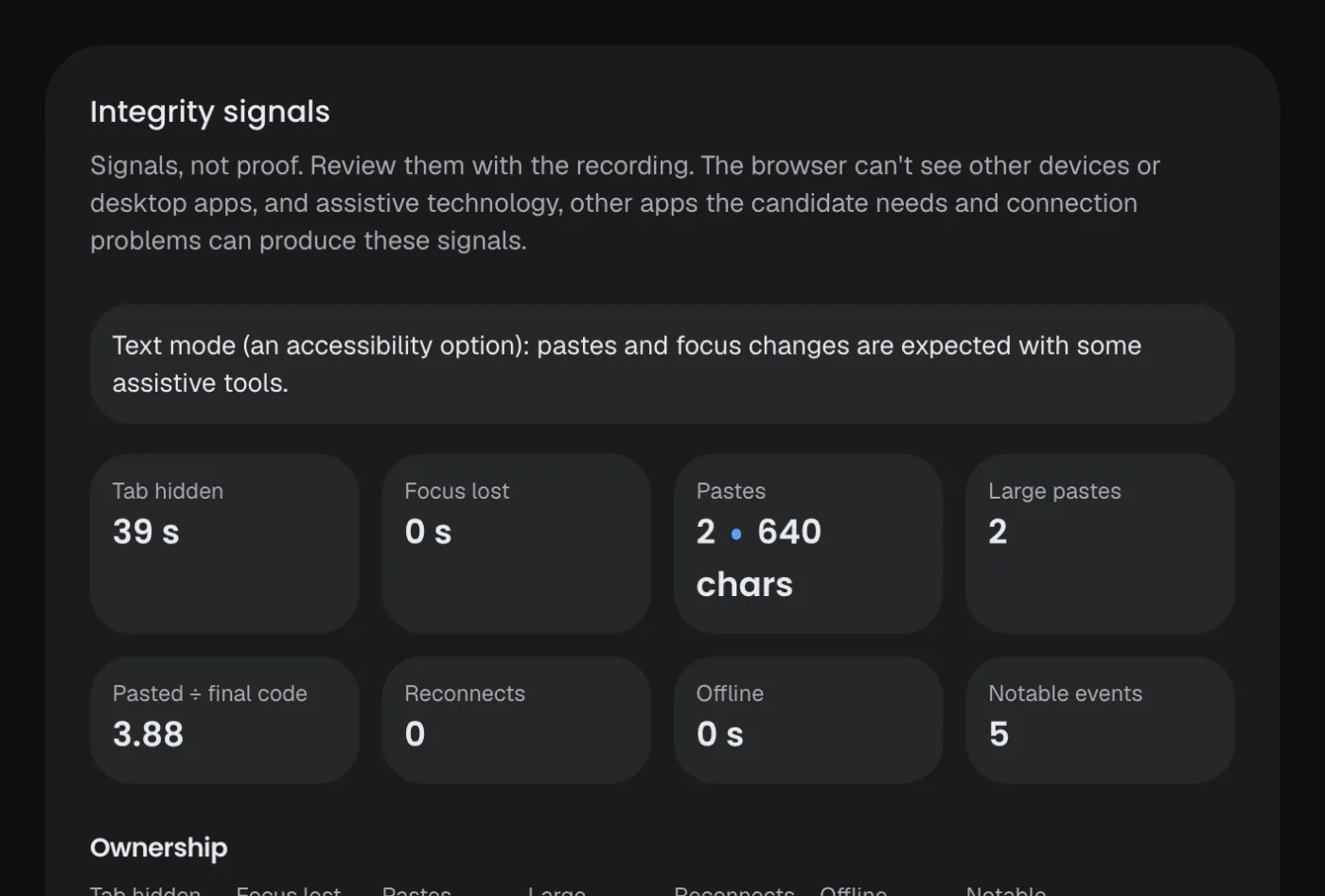
If you turned monitoring on, the browser notes hidden tabs, pastes and reconnects, and the camera and screen are recorded. The candidate is told before agreeing.
Step 10
testeeAnalysis and the coverage report
When the interview ends, every expectation is marked covered, covered after a prompt, partial, incorrect or not covered, with the quotes behind it, followed by a summary, strengths, gaps and questions for your final round. Our interviewer's own turns are checked too.
Step 11
Your teamReview together and decide
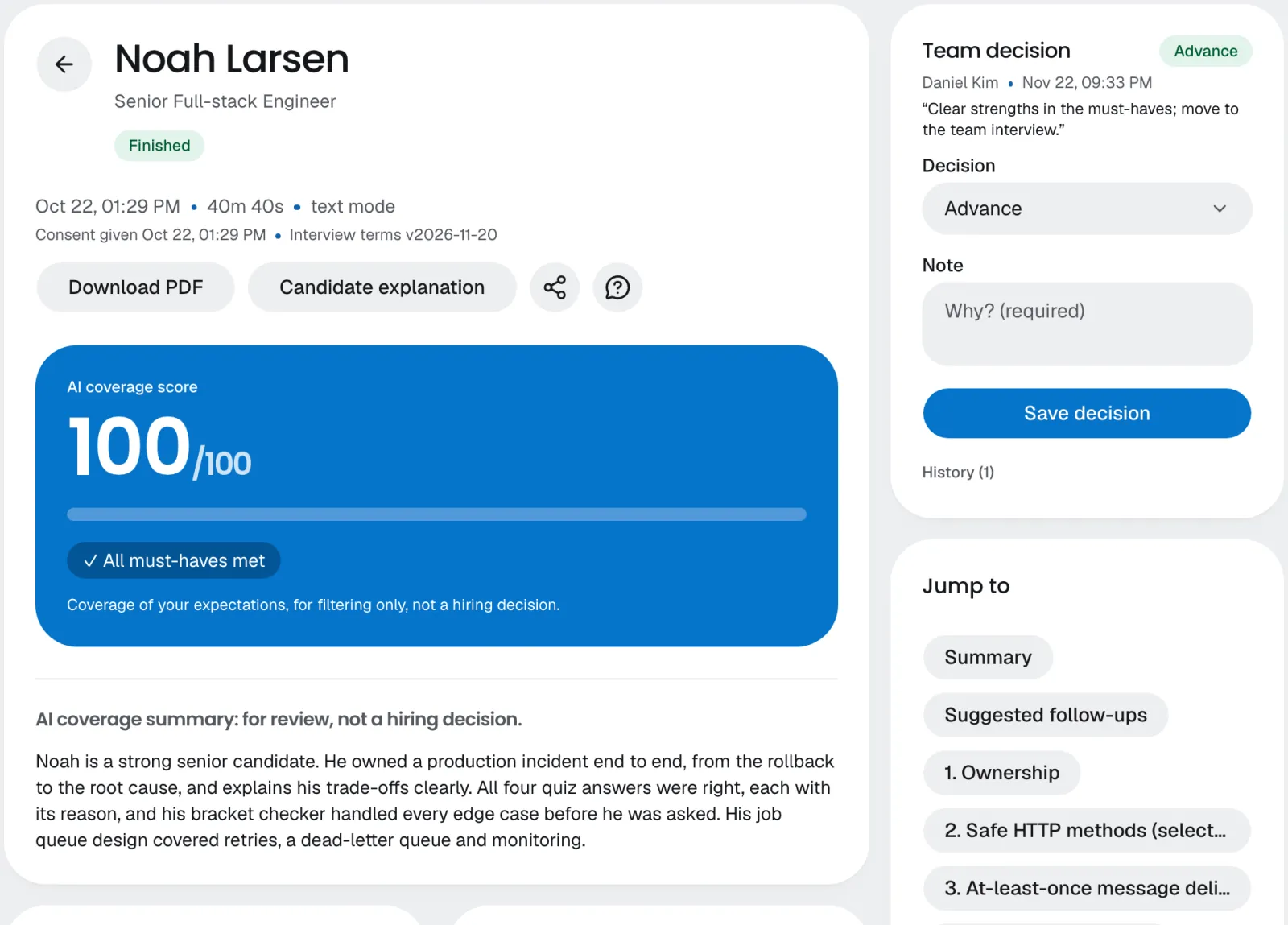
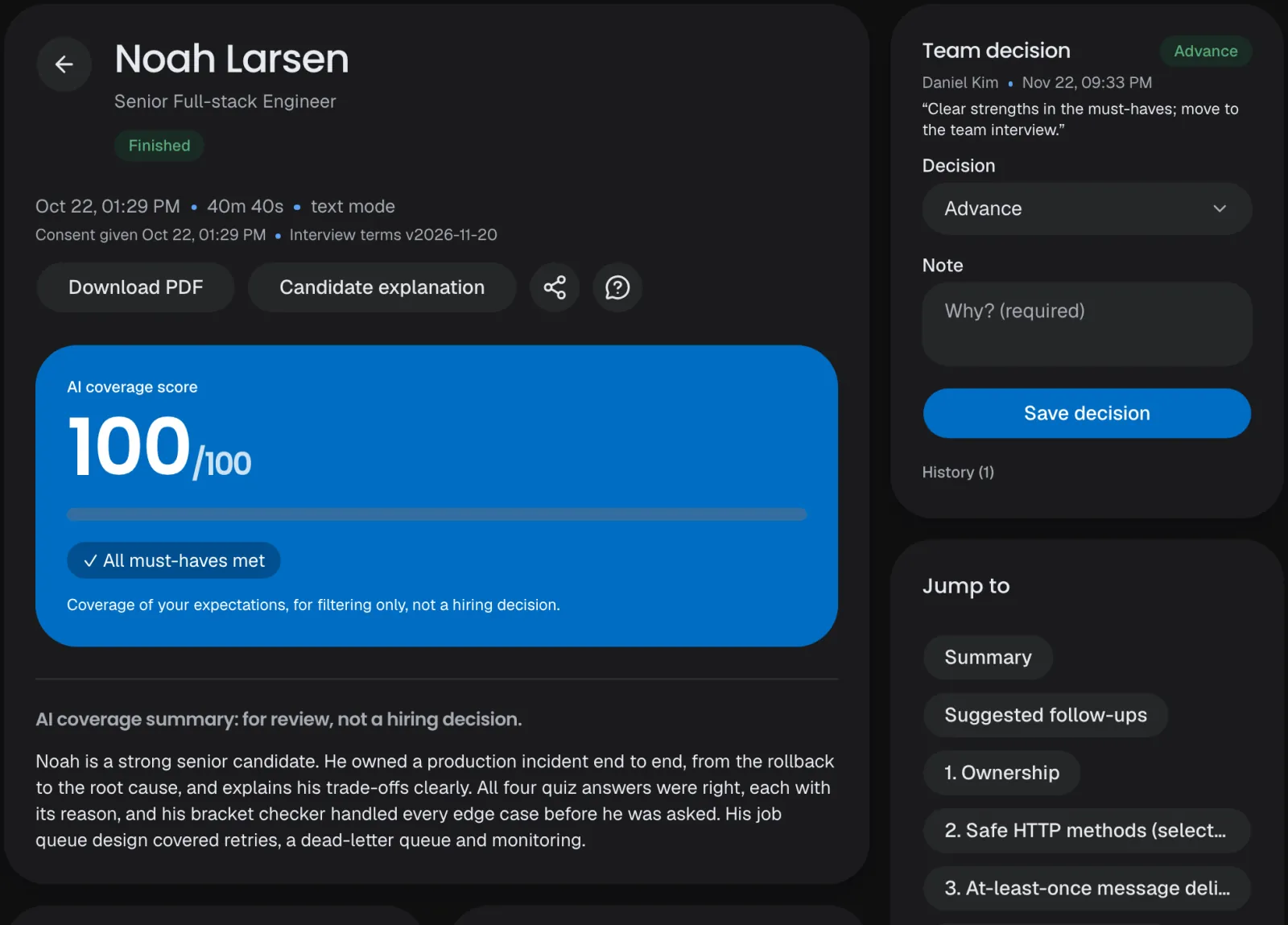
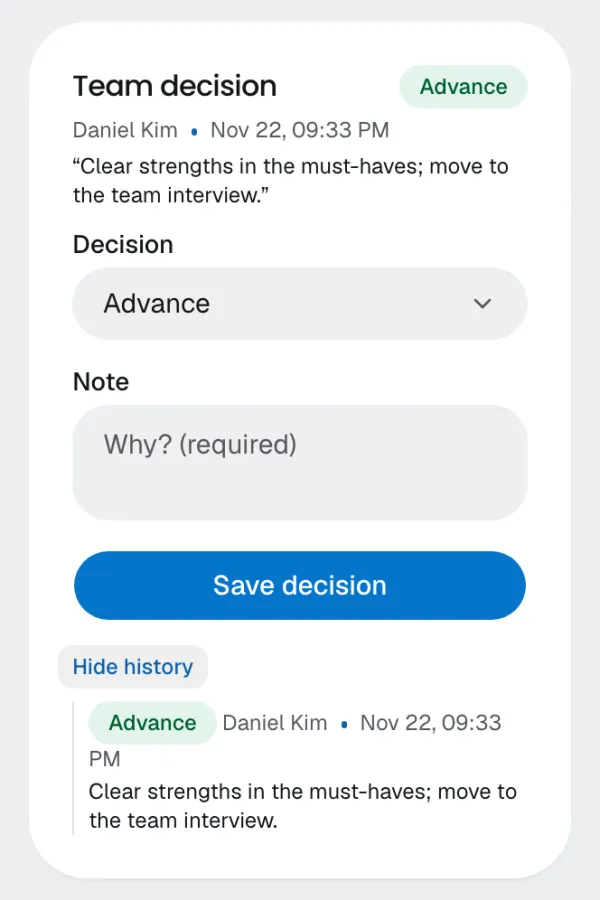
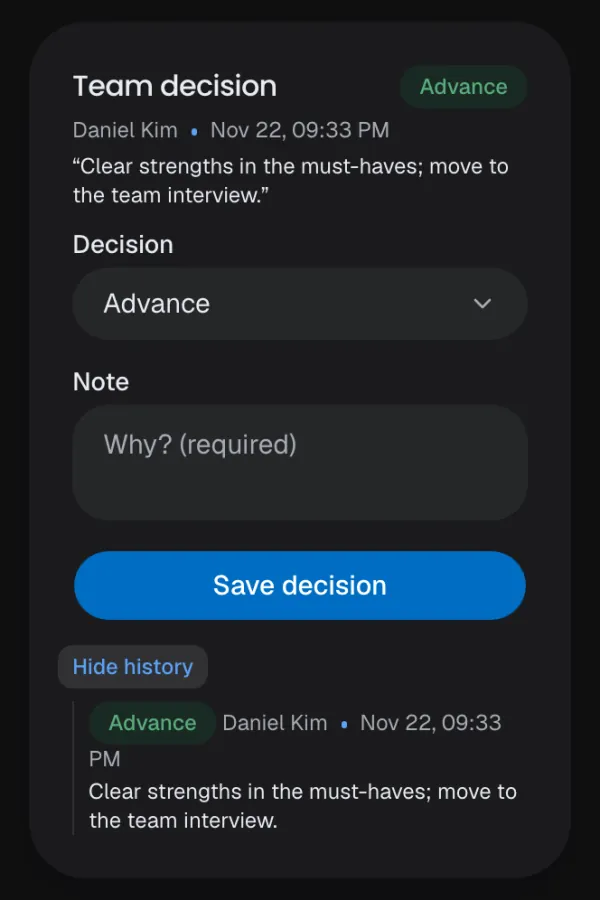
Reviewers check the evidence against the recording, discuss in comments with @mentions and record the team's decision with a note. The AI never decides.
Step 12
Your teamtesteeShare the results
Email the PDF to a hiring manager, send the summary and its link in a messenger, follow along in Slack or with a push on your phone, and the score and a link go back to the candidate in your ATS.
The PDF by email
Messengers
Slack
Try it for free.
14 days and 150 interview minutes free, no card needed.Then from $124 a month. See pricing