Every feature,as you'll use it.
From the first draft of an interview to your team's decision. Every screenshot on this page is the product itself, as your team and your candidates see it.
Build
Build an interviewin minutes.
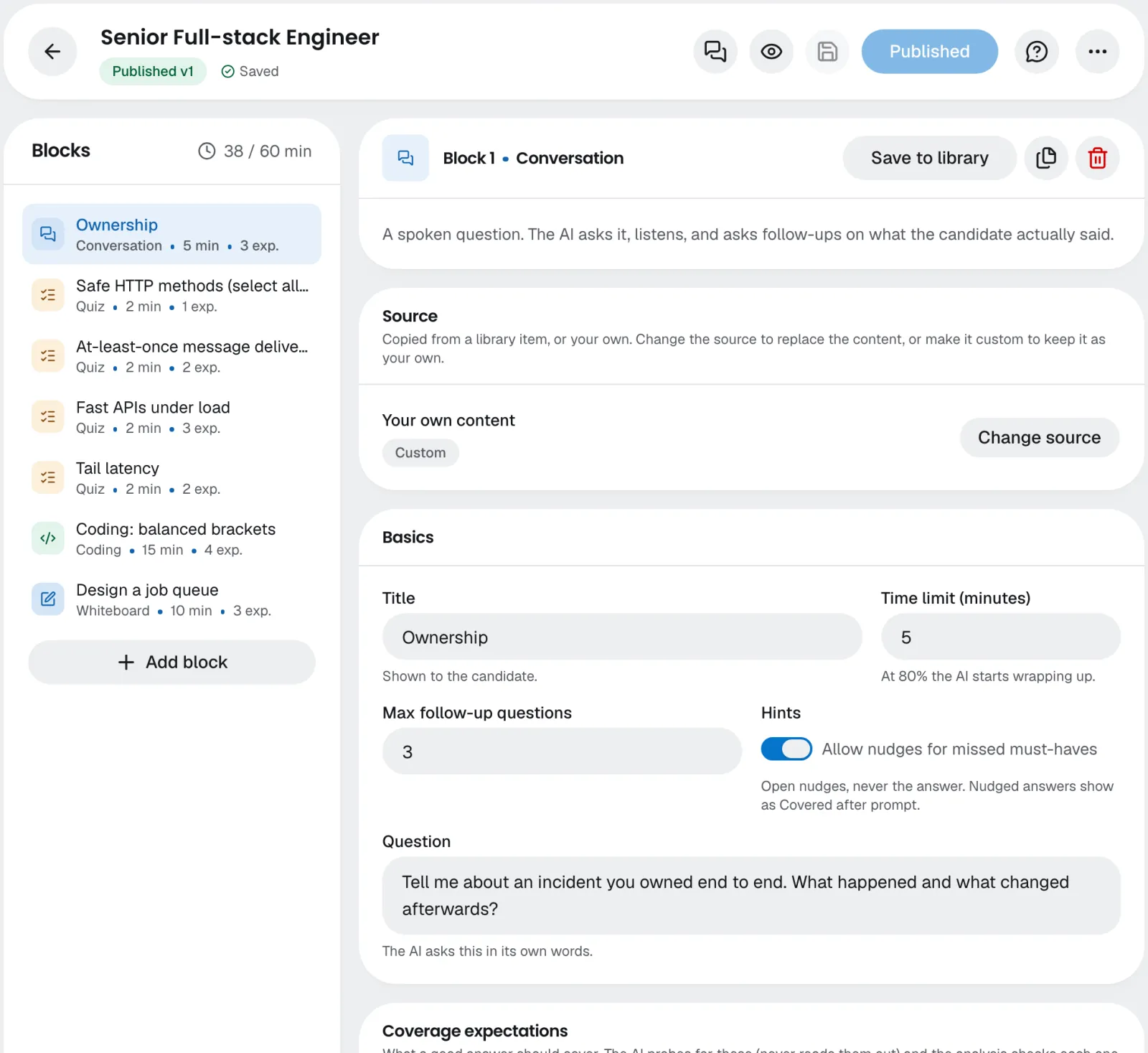
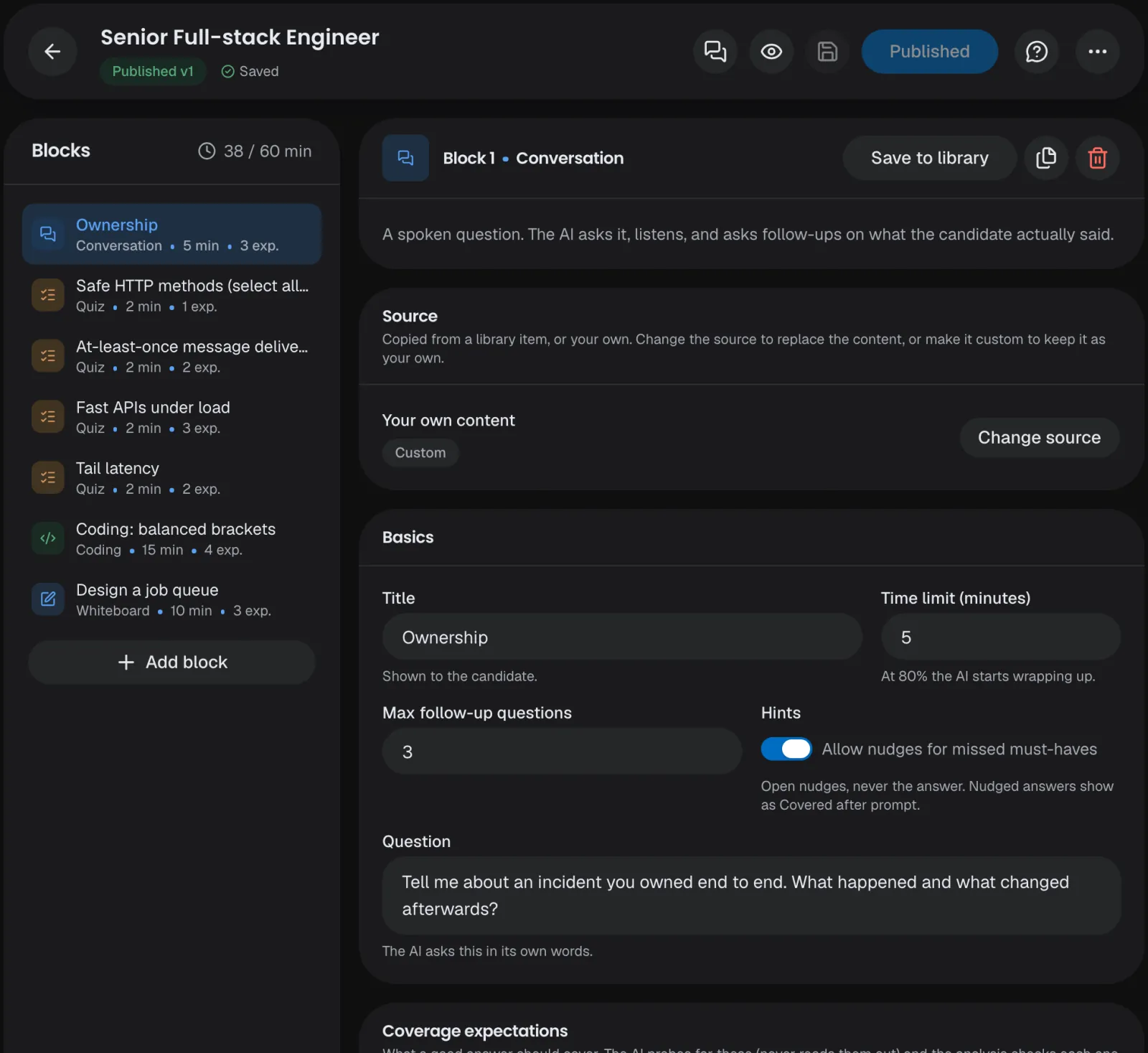
Start from a role title, a job description, a template or a blank page, or build it block by block with the AI assistant. Nothing reaches a candidate until someone on your team publishes it.
Seven block types
Conversation, Quiz, Coding, Whiteboard, Role-play, Review and Written response; the AI drafts all seven.
Hidden expectations
Must-haves and nice-to-haves the AI checks, never shown to the candidate.
From a job or a role
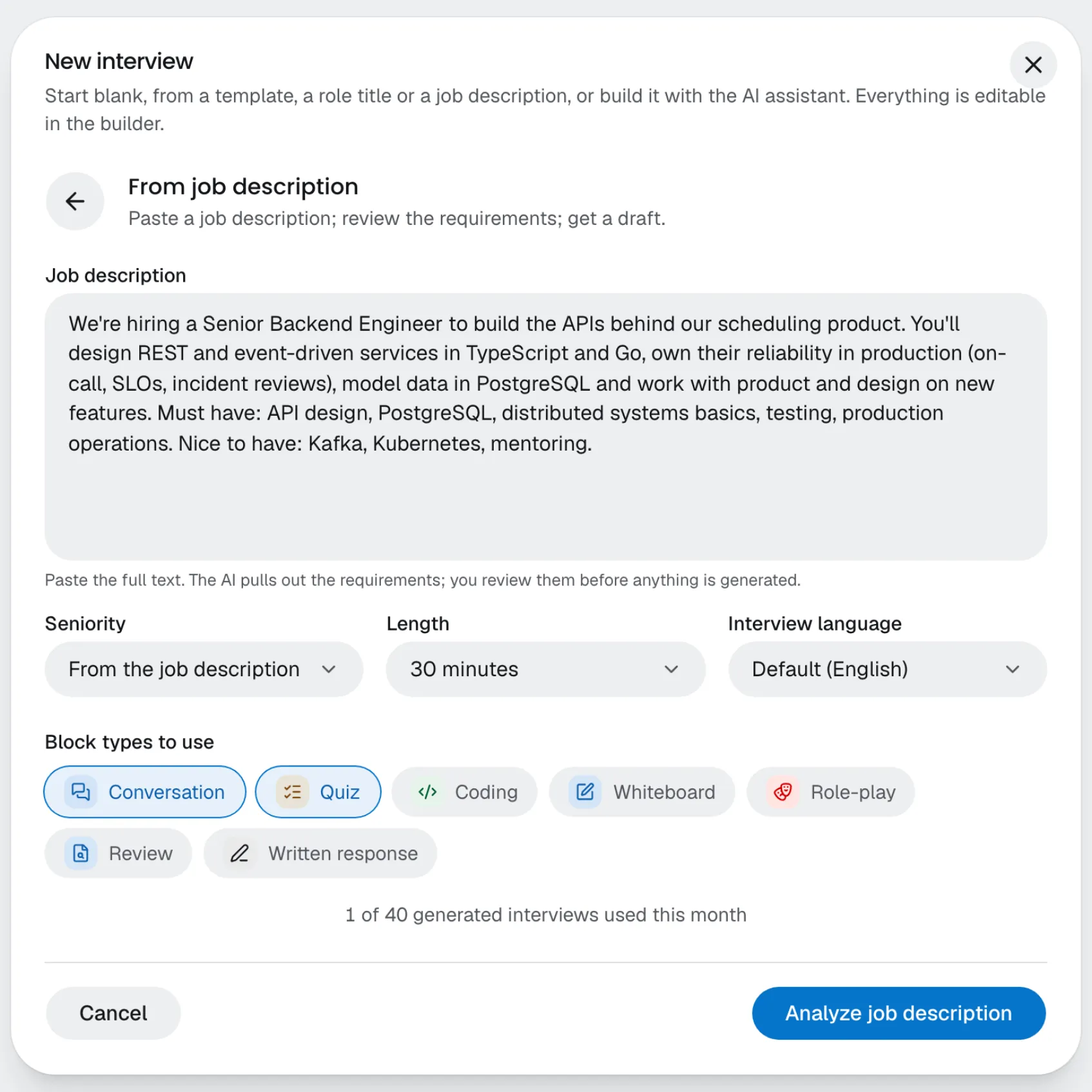
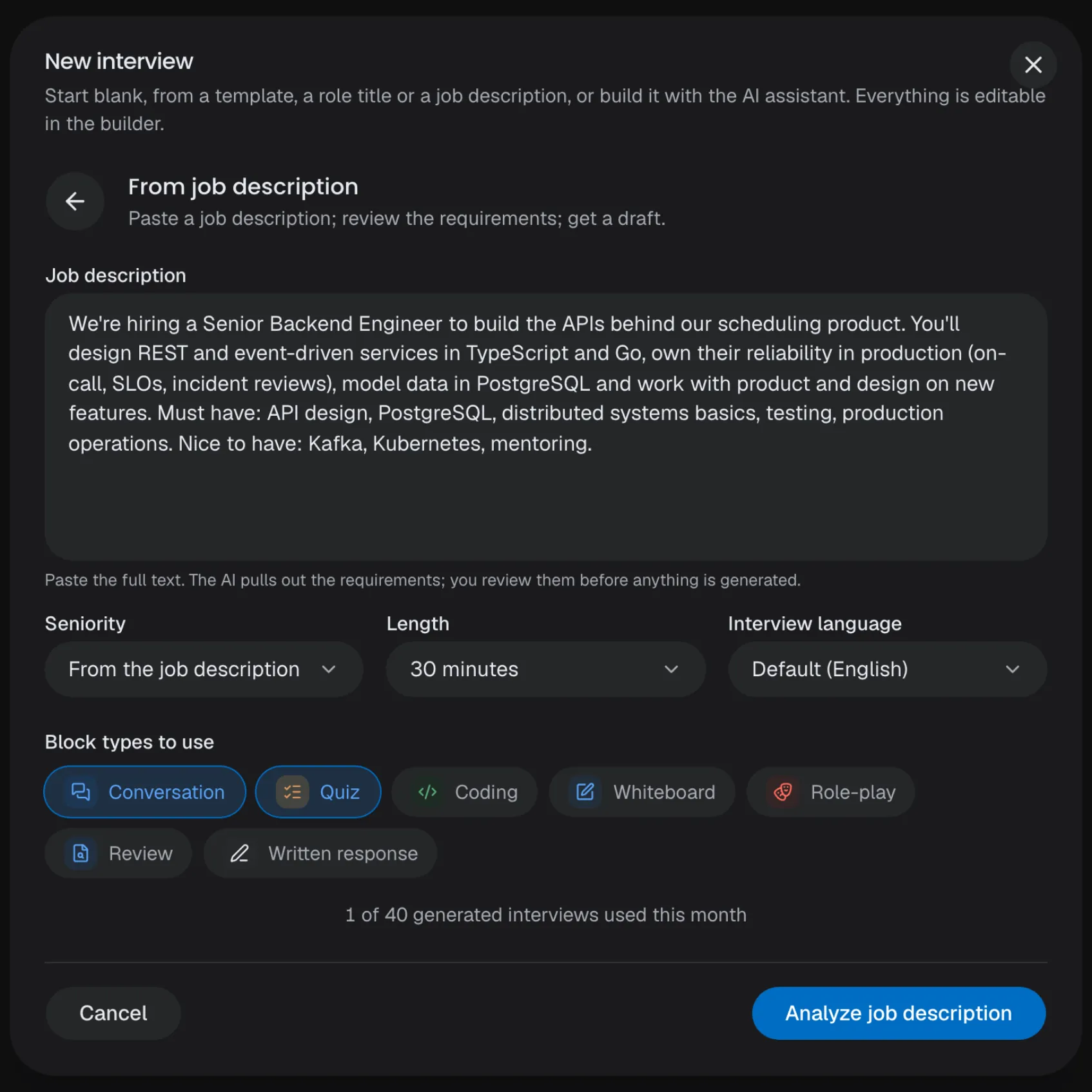
Paste a job description or type a role title, review the requirements, then get a full draft.
Versions
Edit the draft while the published version keeps inviting.
Generate a draft
Pick the length, the language and the block types, and check the draft in the builder.
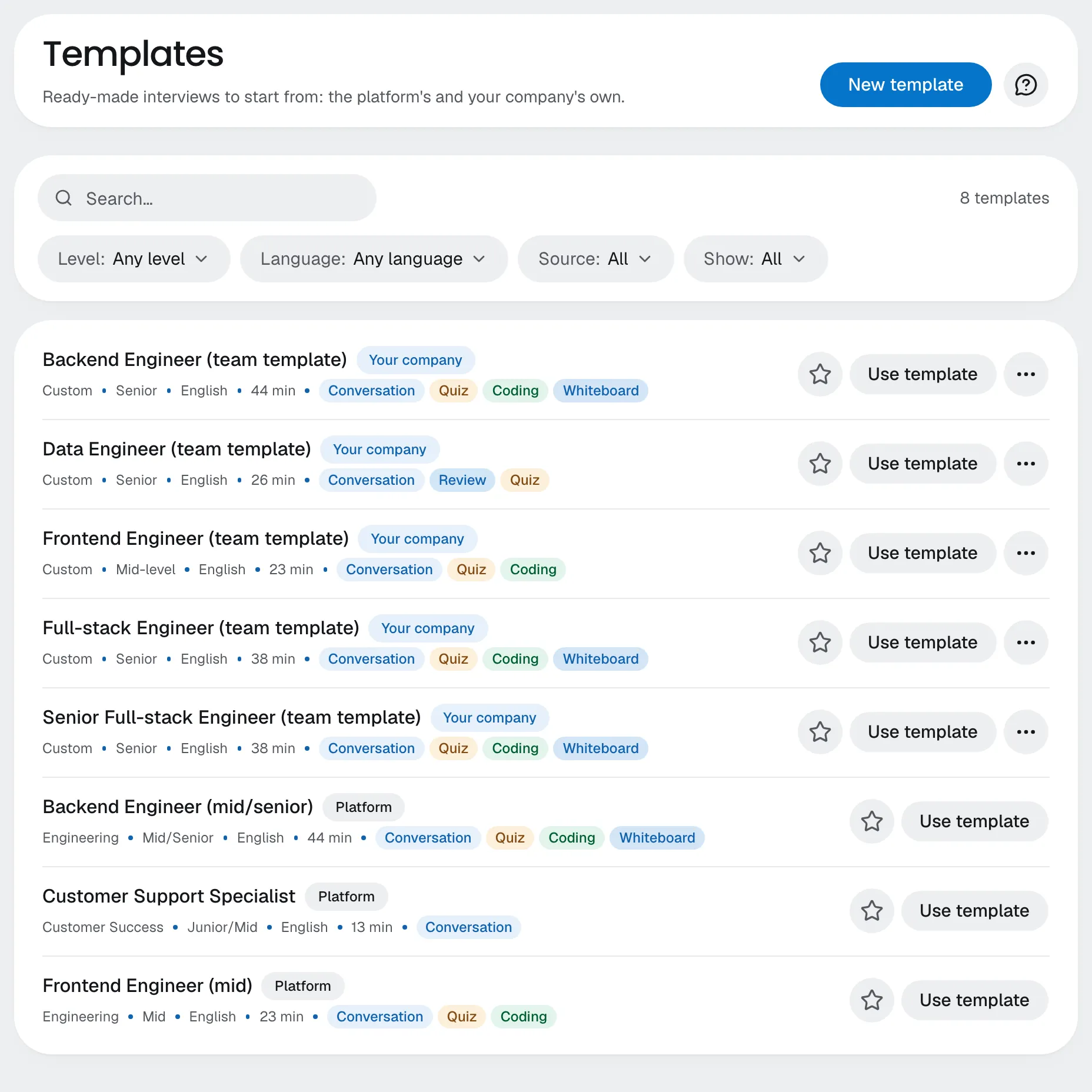
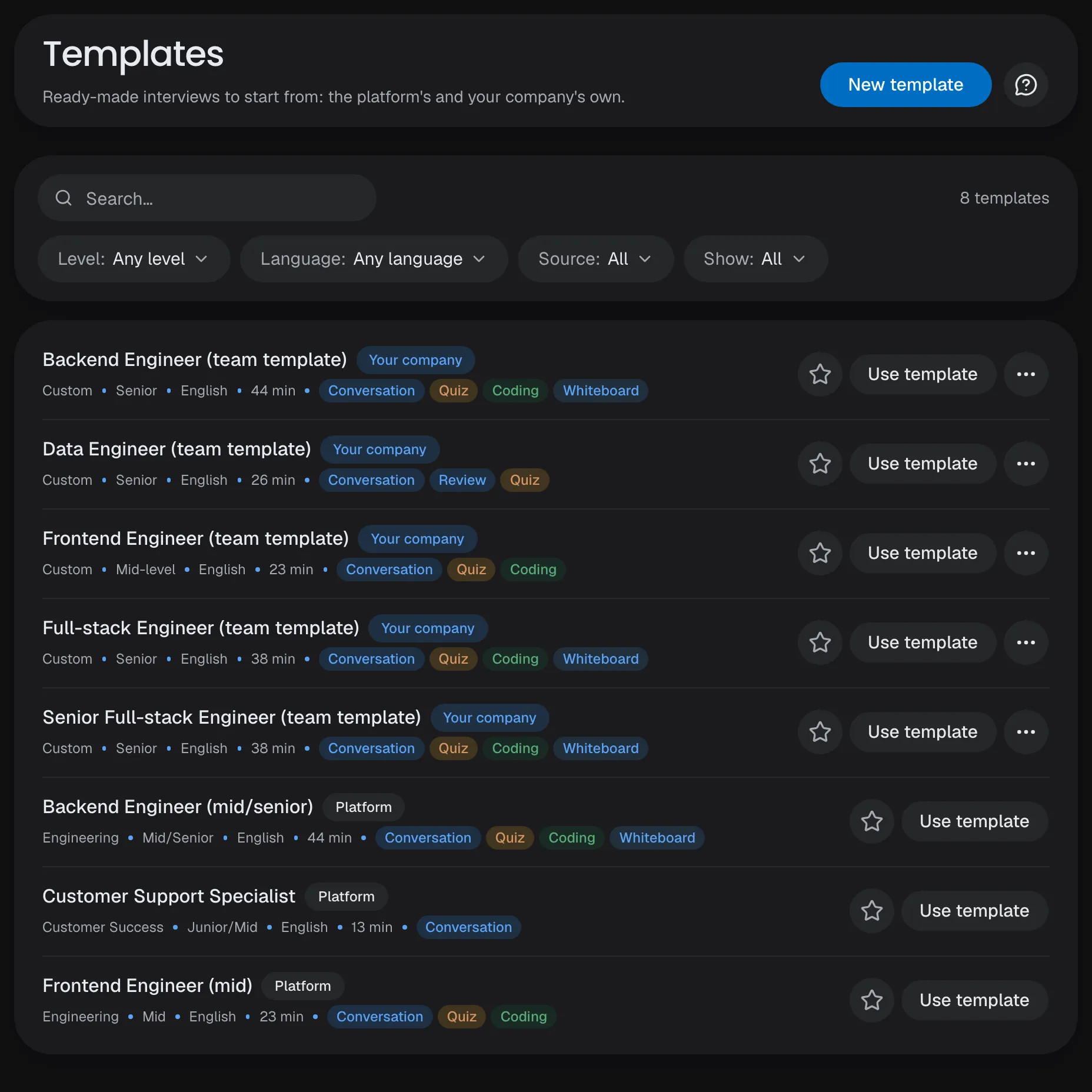
Templates
The platform's ready-made interviews and your company's own in one list, with filters and favorites.
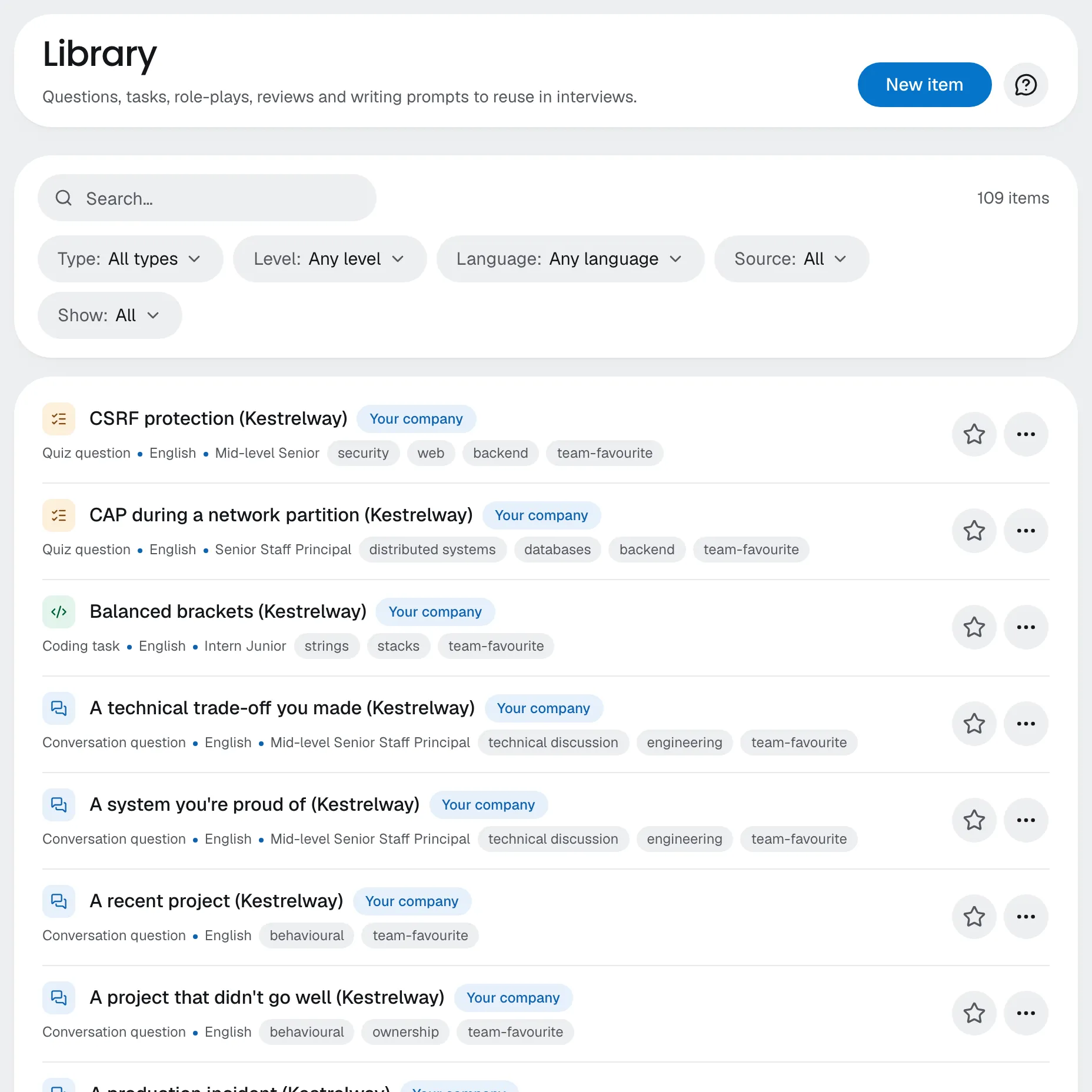
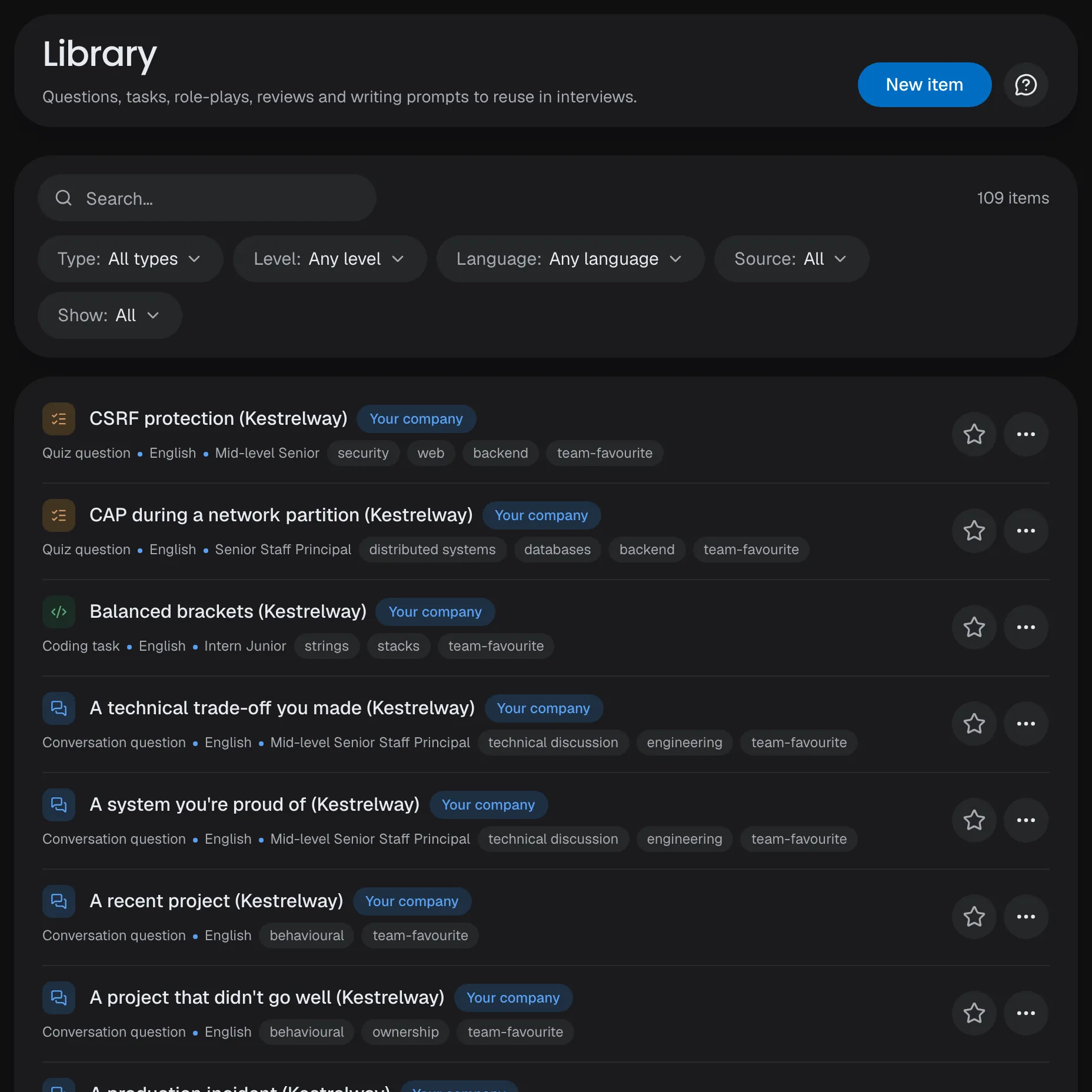
Question library
Questions, tasks, role-plays and prompts for any interview; write your own or have the AI draft them.
Generate a draft
Pick the length, the language and the block types, and check the draft in the builder.
Templates
The platform's ready-made interviews and your company's own in one list, with filters and favorites.
Question library
Questions, tasks, role-plays and prompts for any interview; write your own or have the AI draft them.
Build with AI
Start a new interview with the assistant, or ask it to add, change or move blocks; you confirm each change.
13 languages
Drafts in any interview language, whatever the job description's; the assistant replies in your interface language.
Checked drafts
Generated drafts fit the time, cover every must-have and never ask about protected traits or judge how someone seems.
Content checks
Job descriptions and your own interview text are checked for harmful content before they're used or published.
Preview
Take the interview yourself, as a candidate sees it, before you publish.
Comments
Discuss an interview with your team, with replies and @mentions.
Your own templates
Save any interview as a template, write one from scratch, or have the AI draft one from a role or a job description.
Checked on save
What must be fixed before publishing is marked on its block; an expectation about how someone seems gets a warning.
Per-interview overrides
Give one interview its own language or voice; the rest follow your company's defaults.
Interview
An AI interviewerthat follows up.
The AI interviewer runs every block by voice, listens to what the candidate actually says and asks follow-ups until each expectation is covered, within the time you set.
Voice or text
Candidates talk, or type when they can't or prefer not to use a microphone.
13 languages
8 tested, 5 in beta; the interviewer speaks and transcribes in the interview's language.
Live coding
An editor in the language the candidate picks; they code, then explain.
Whiteboard
Candidates sketch a system design while they talk it through.
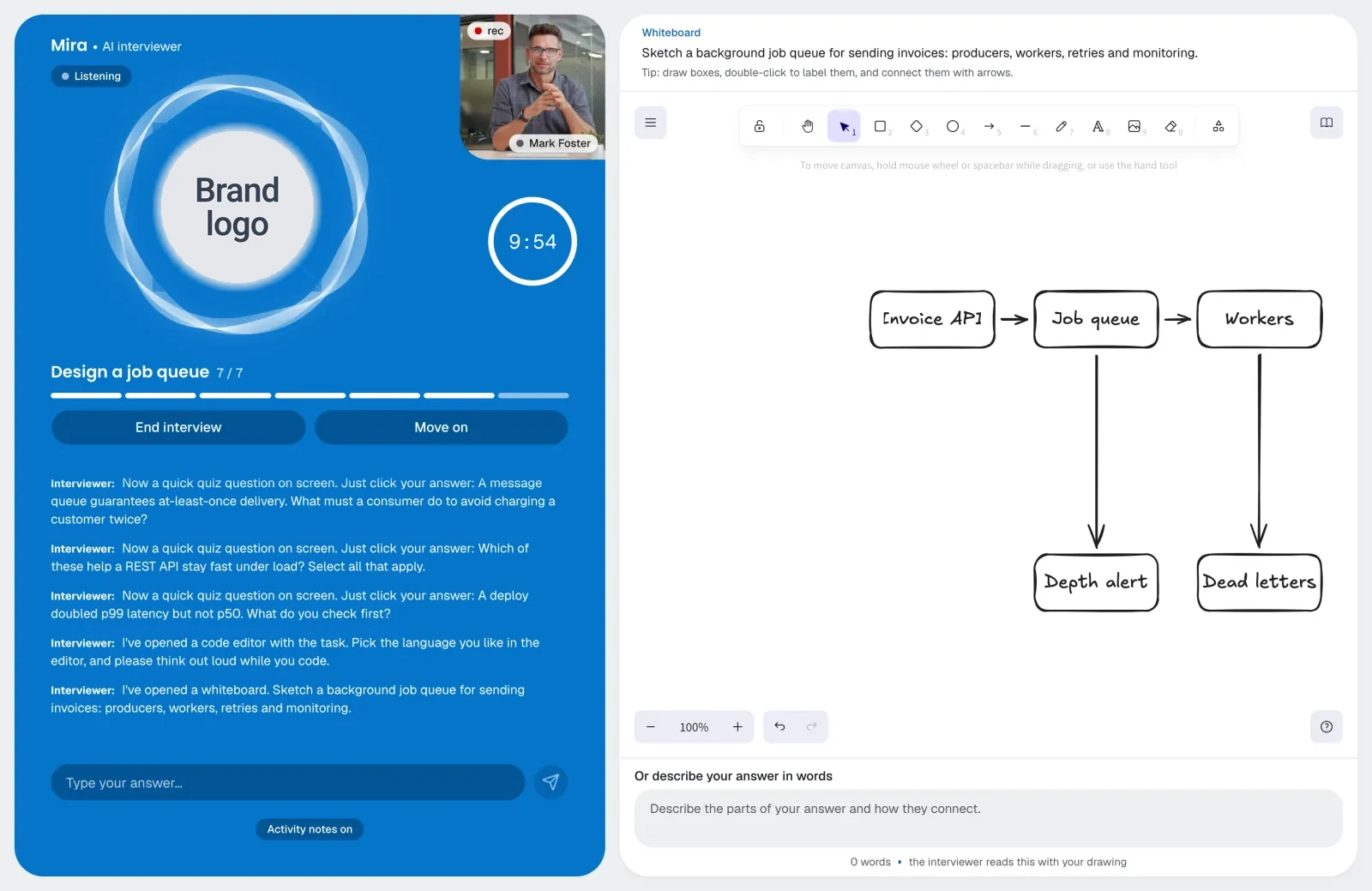
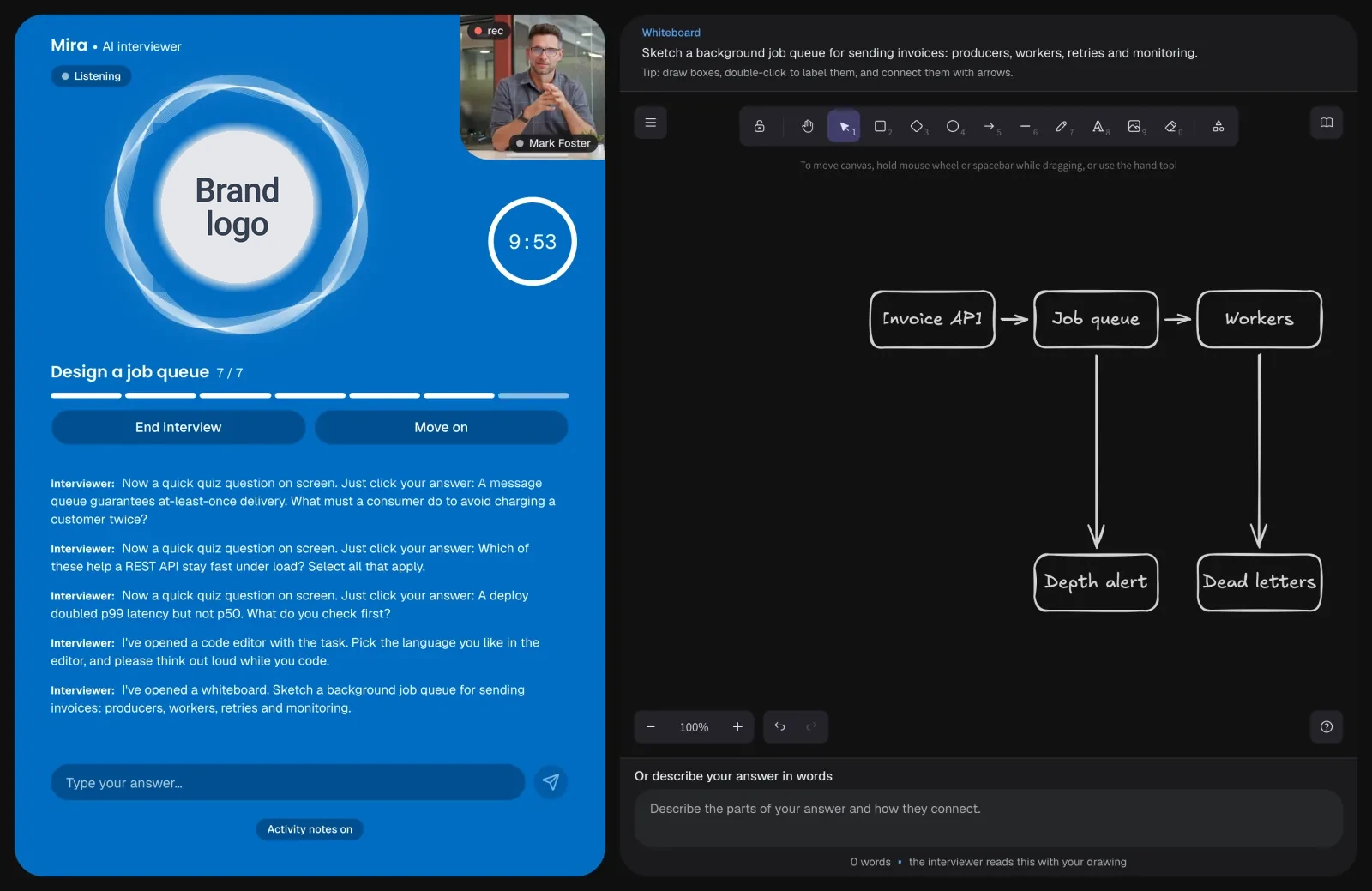
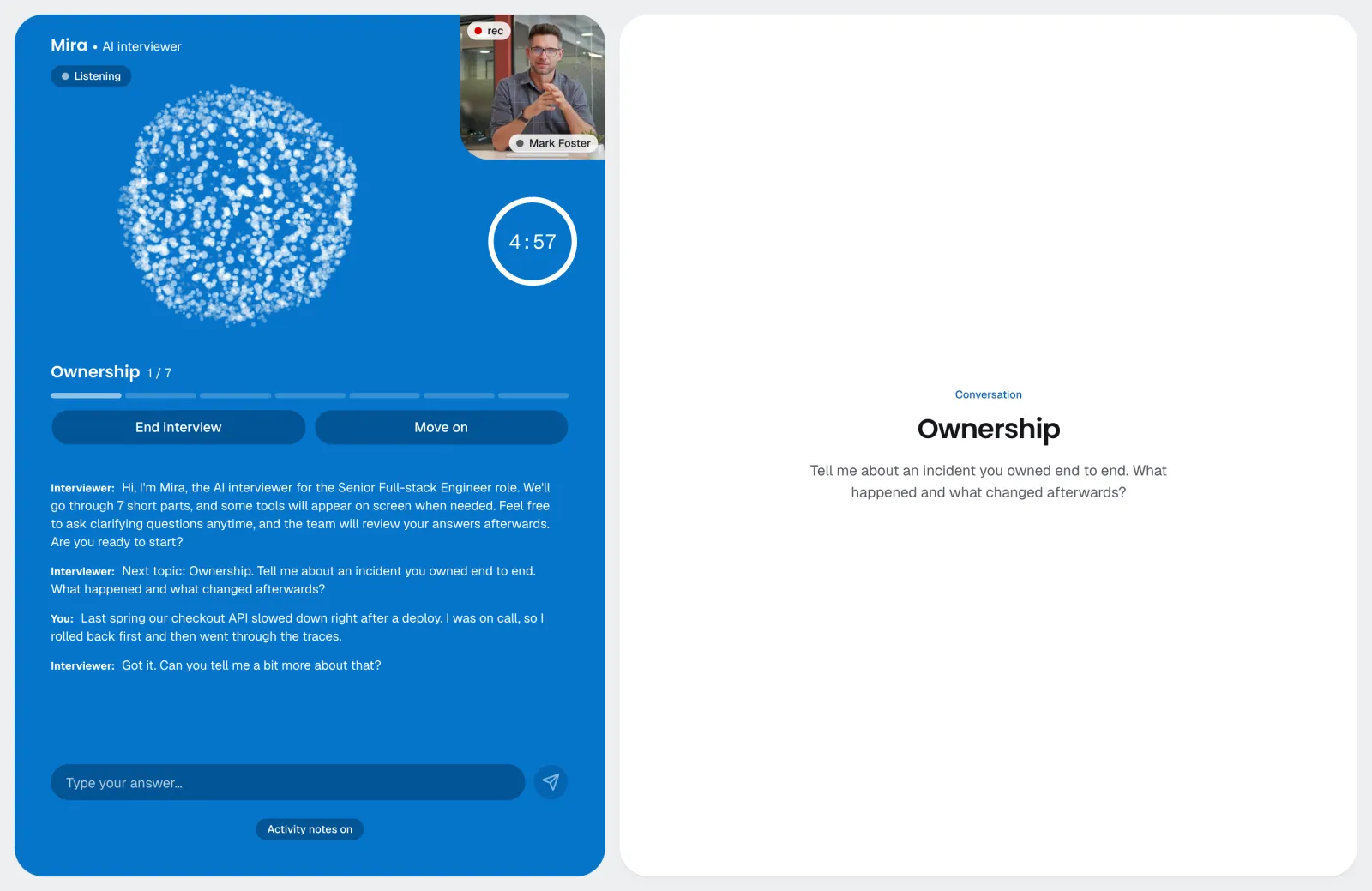
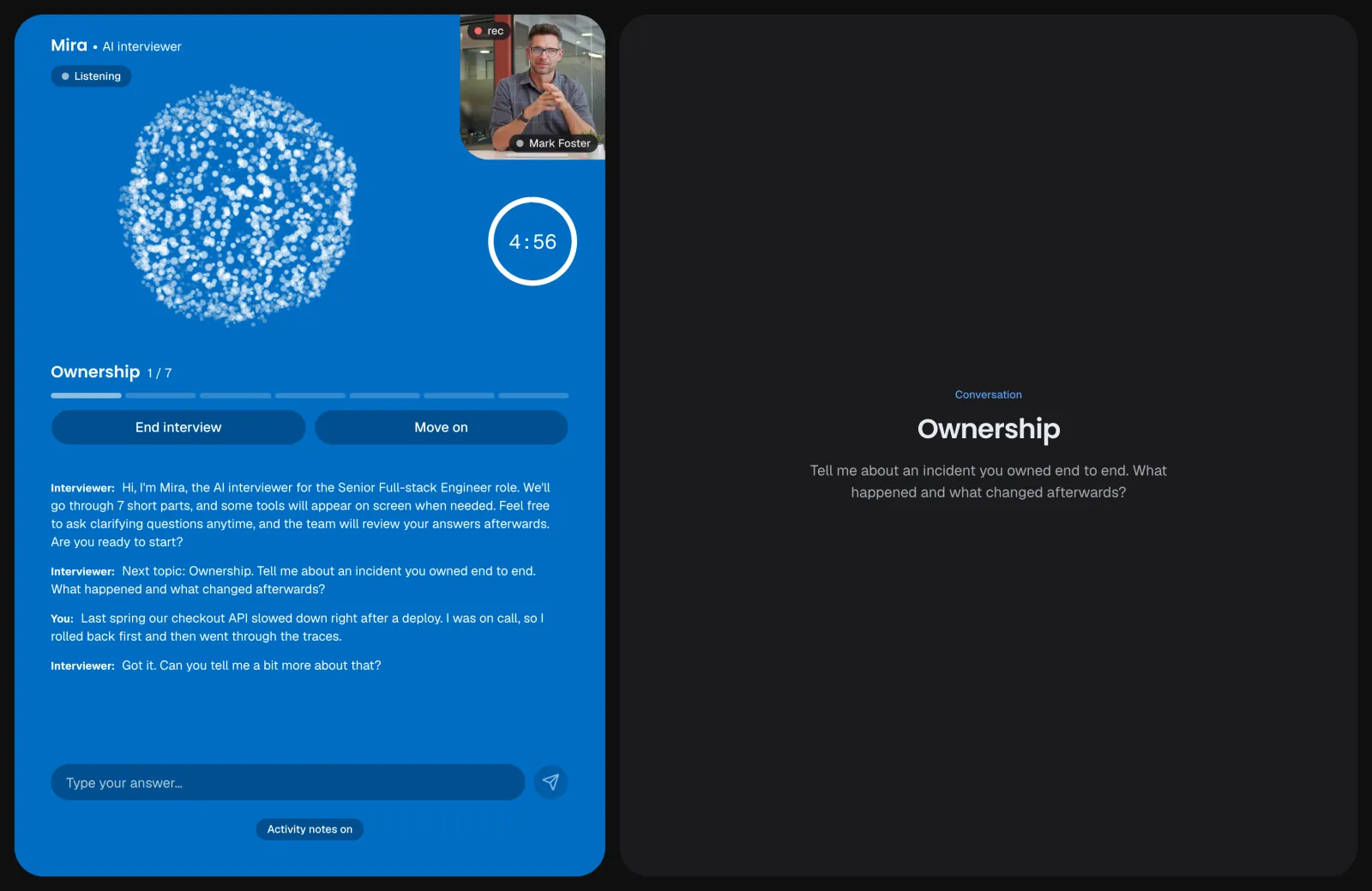
Conversation
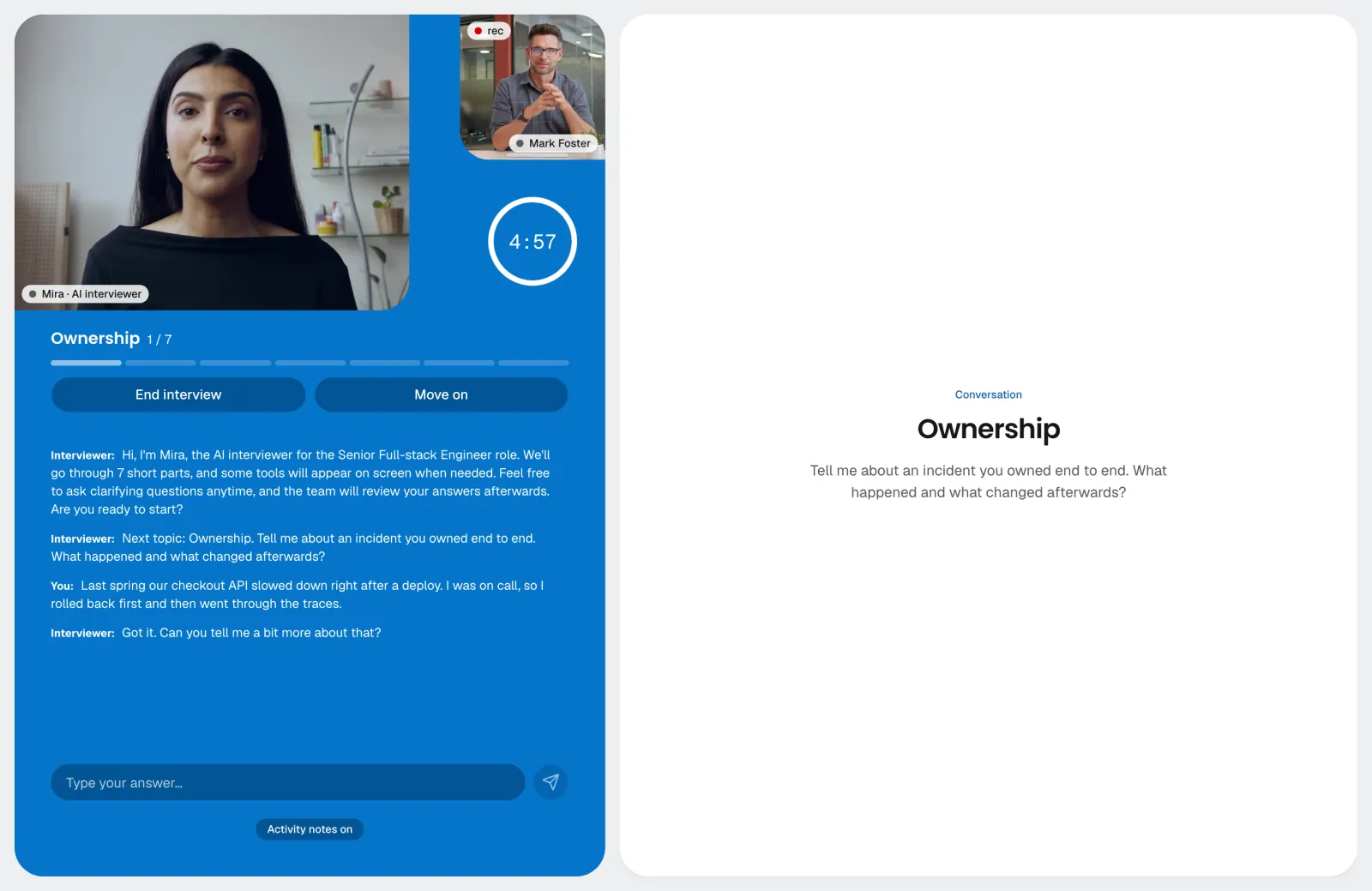
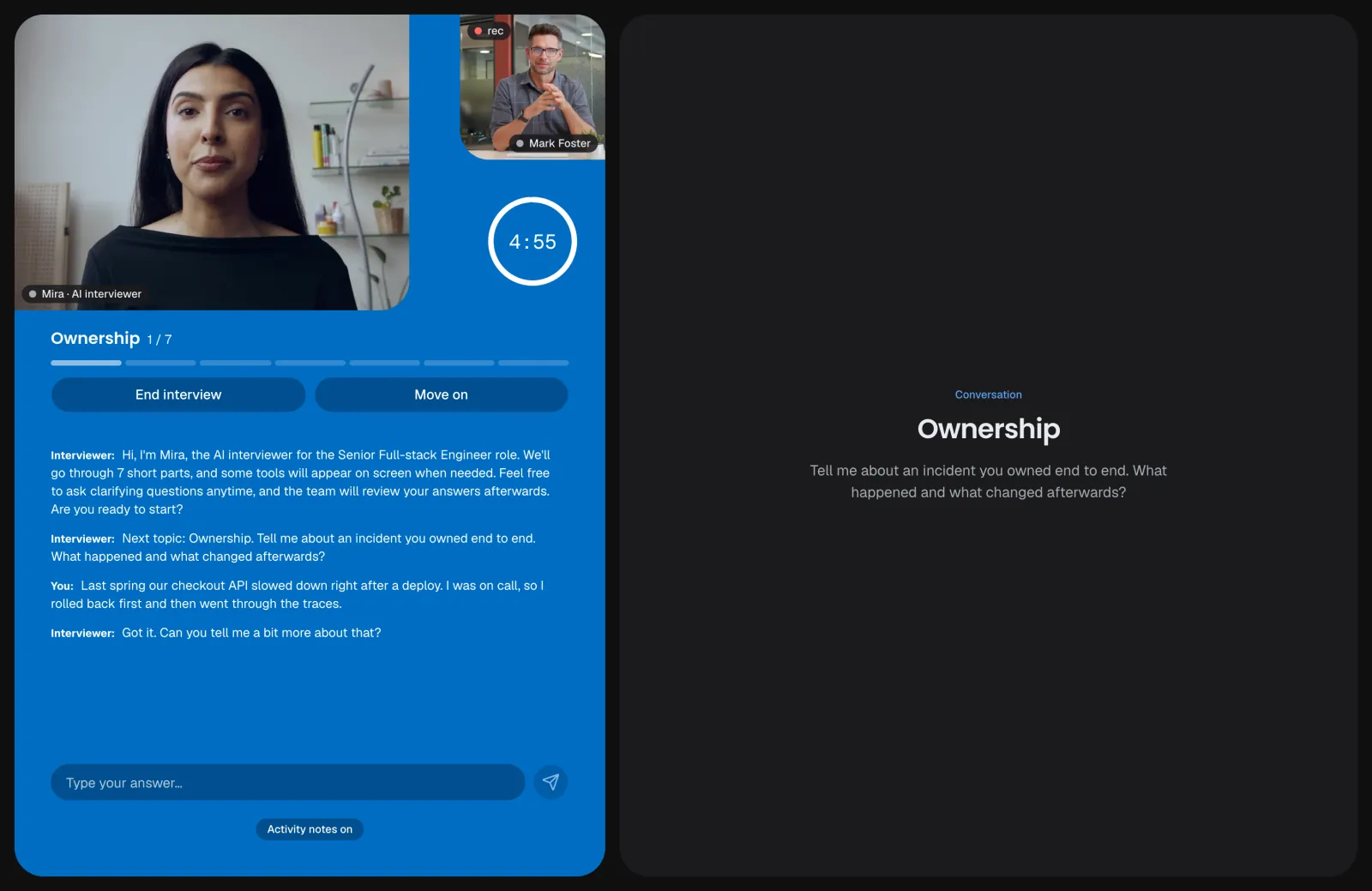
The question on the right; the interviewer, the timer and live captions on the left.
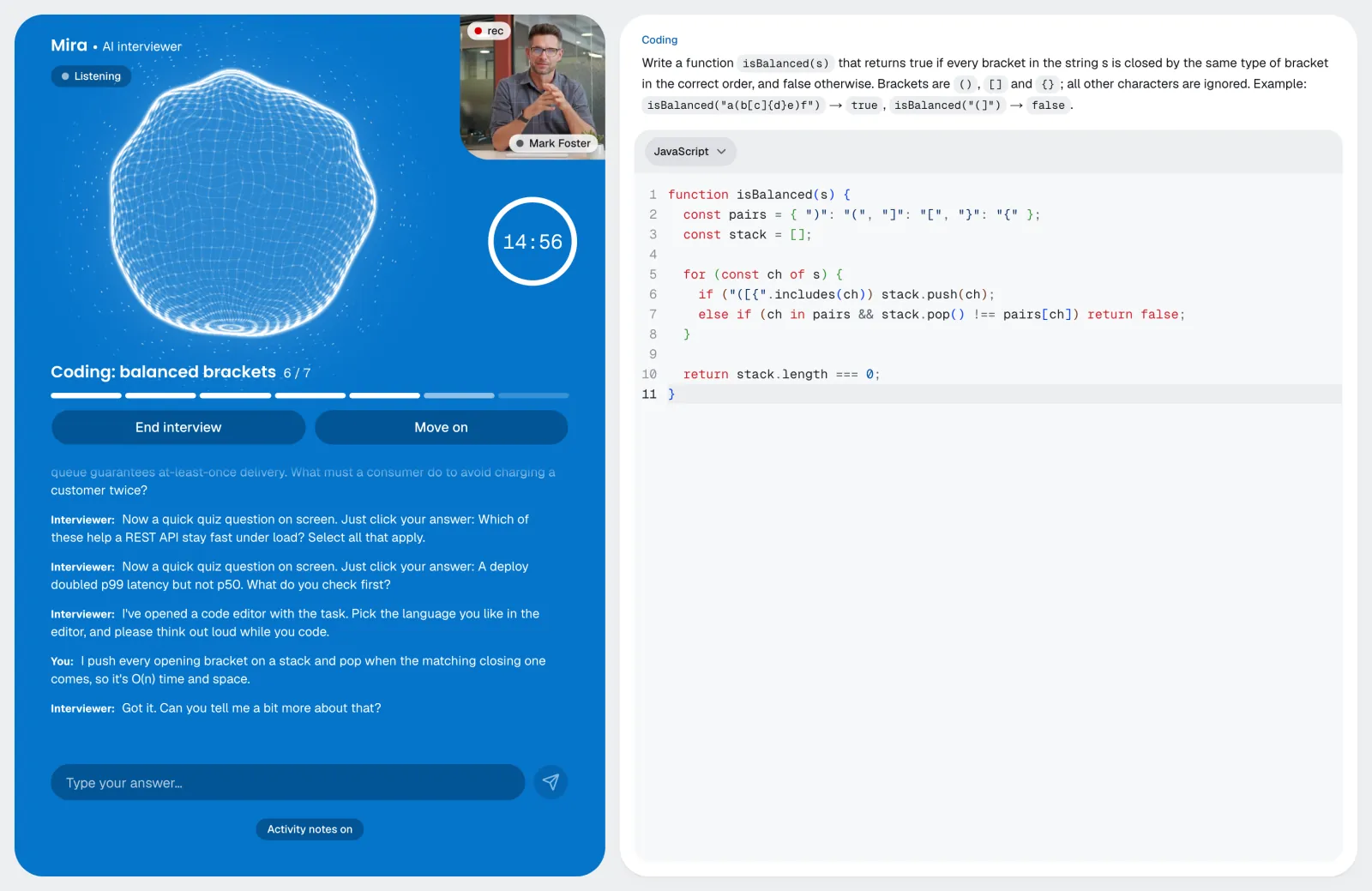
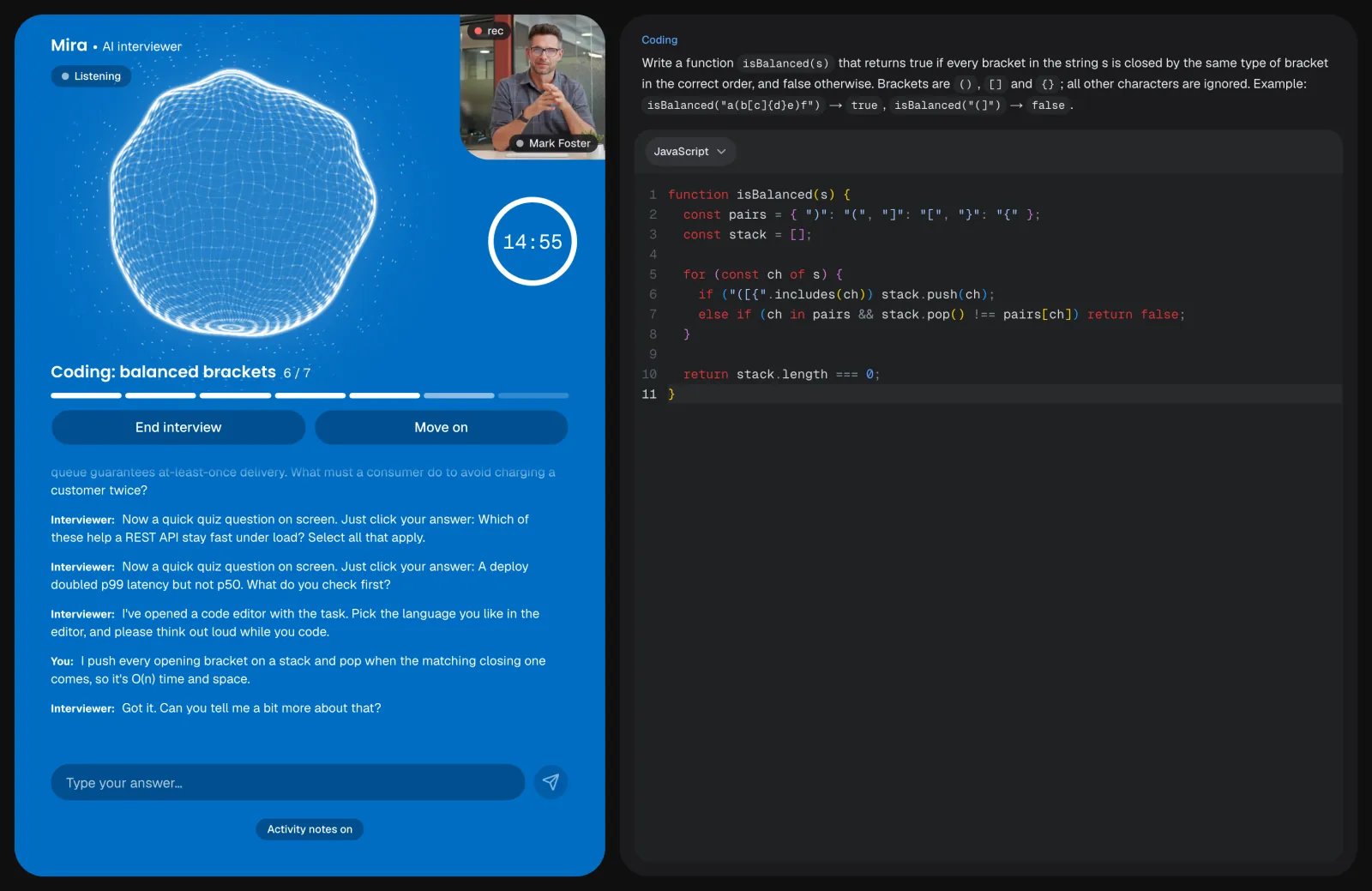
Coding
The task and the editor on the right, the interviewer asking about the approach.
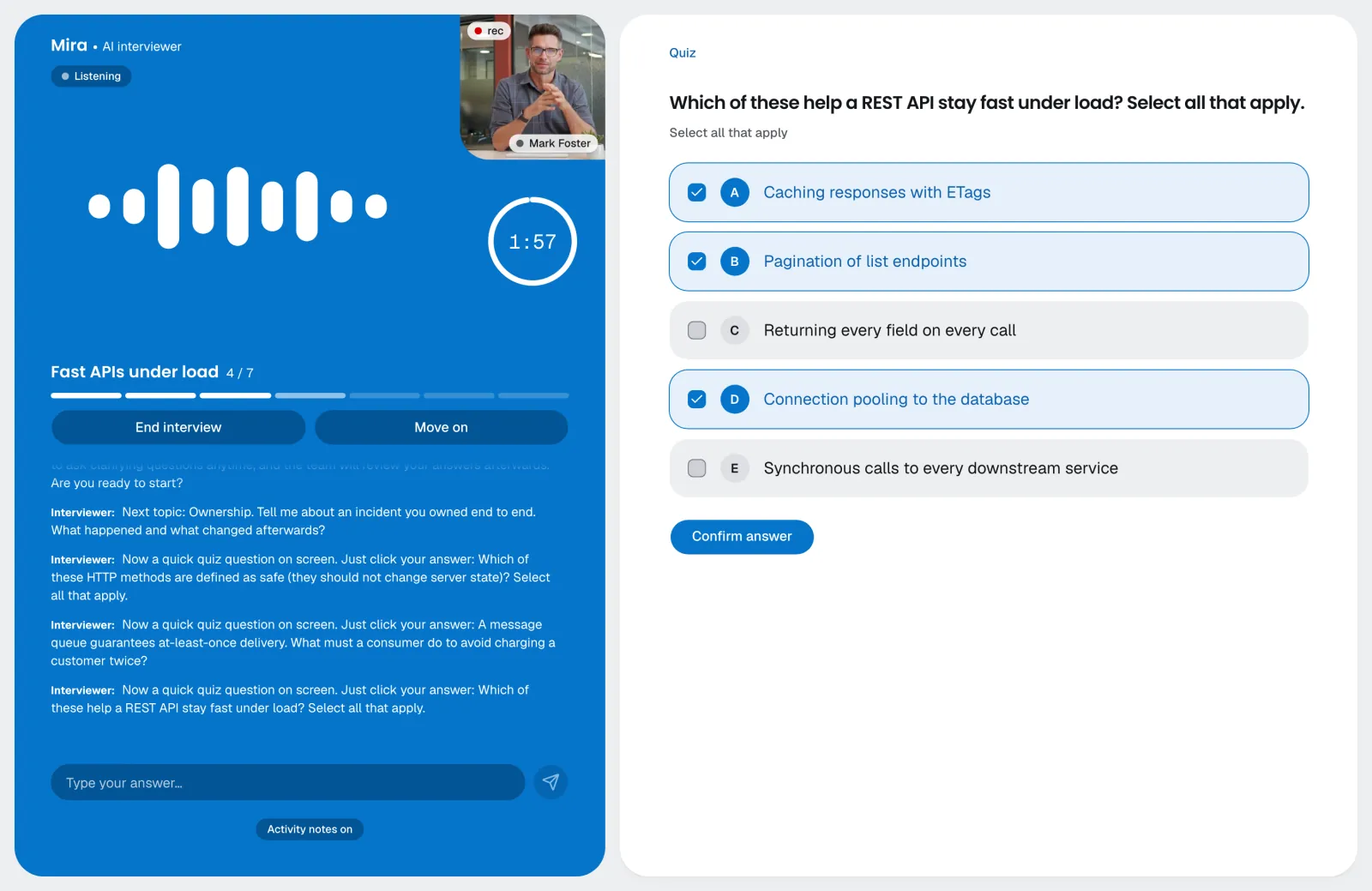
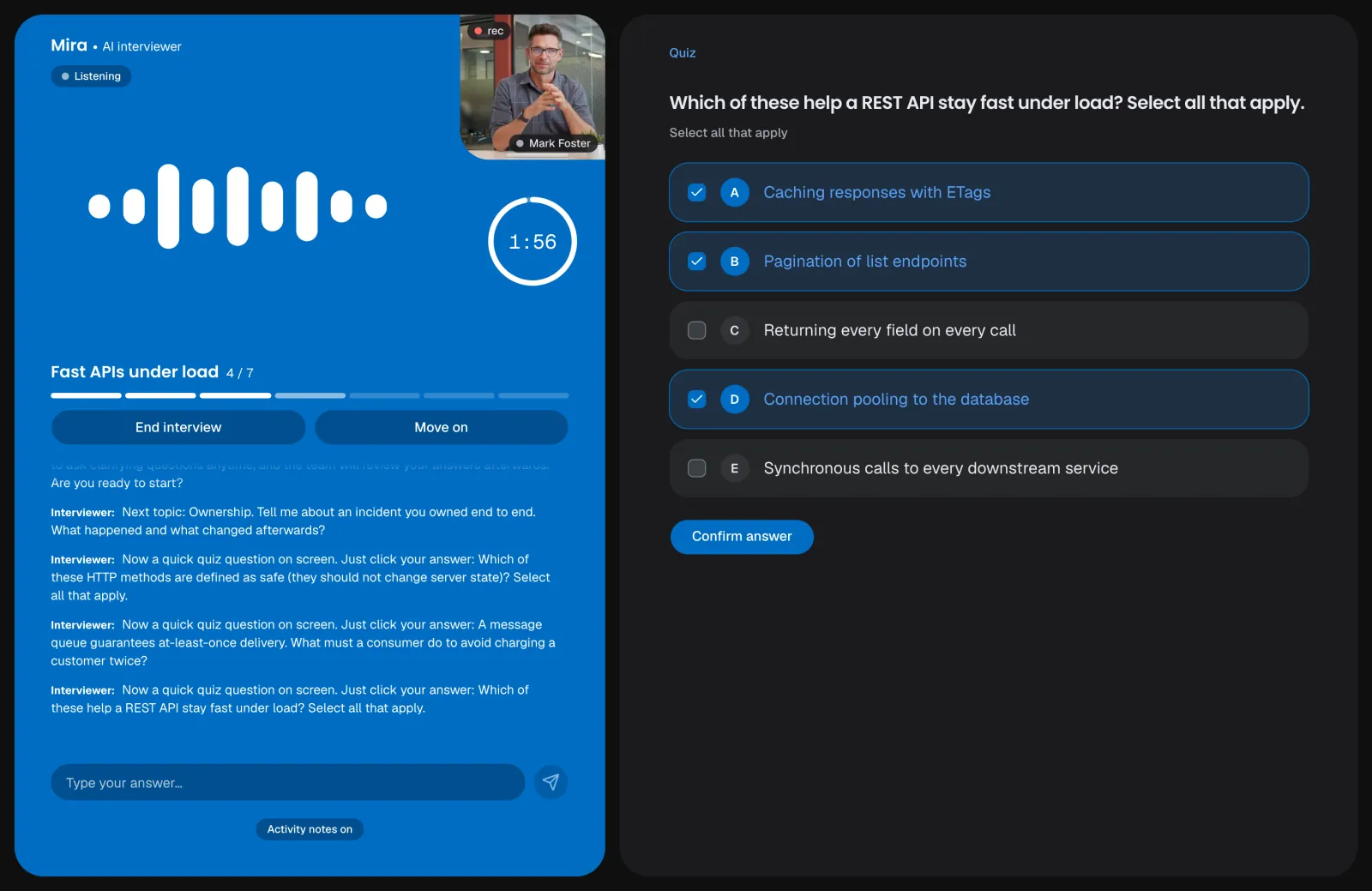
Quiz
Single and multiple choice, scored automatically; the interviewer can ask why.
Video interviewer
A real-time video avatar gives the interviewer's voice a lip-synced face, on Enterprise.
Conversation
The question on the right; the interviewer, the timer and live captions on the left.
Coding
The task and the editor on the right, the interviewer asking about the approach.
Quiz
Single and multiple choice, scored automatically; the interviewer can ask why.
Video interviewer
A real-time video avatar gives the interviewer's voice a lip-synced face, on Enterprise.
Role-play
The AI plays a customer, a colleague or a vendor from a hidden brief.
Review tasks
Candidates find the problems planted in code, a document or an email.
Written response
A written answer to a prompt, with a word limit.
Candidates can stop
They can skip a block or end the interview; one who is upset is offered a pause.
Four animations
Particles, an orb, a ring or bars, in your brand colors.
Noise filtered out
Coughs, sighs and background sounds never reach the interviewer, the captions or the transcript.
Stays in its role
It never reveals answers, steers abuse and detours back, and ends the block if they go on.
Connection drops pause
If the candidate drops out, the clock and the interviewer wait for them.
Busy? Nothing used
If the AI is at capacity, the candidate is asked to try again in a few minutes; the link stays valid and no minutes are used.
- See how it works
Invite
Invite candidatesfrom anywhere.
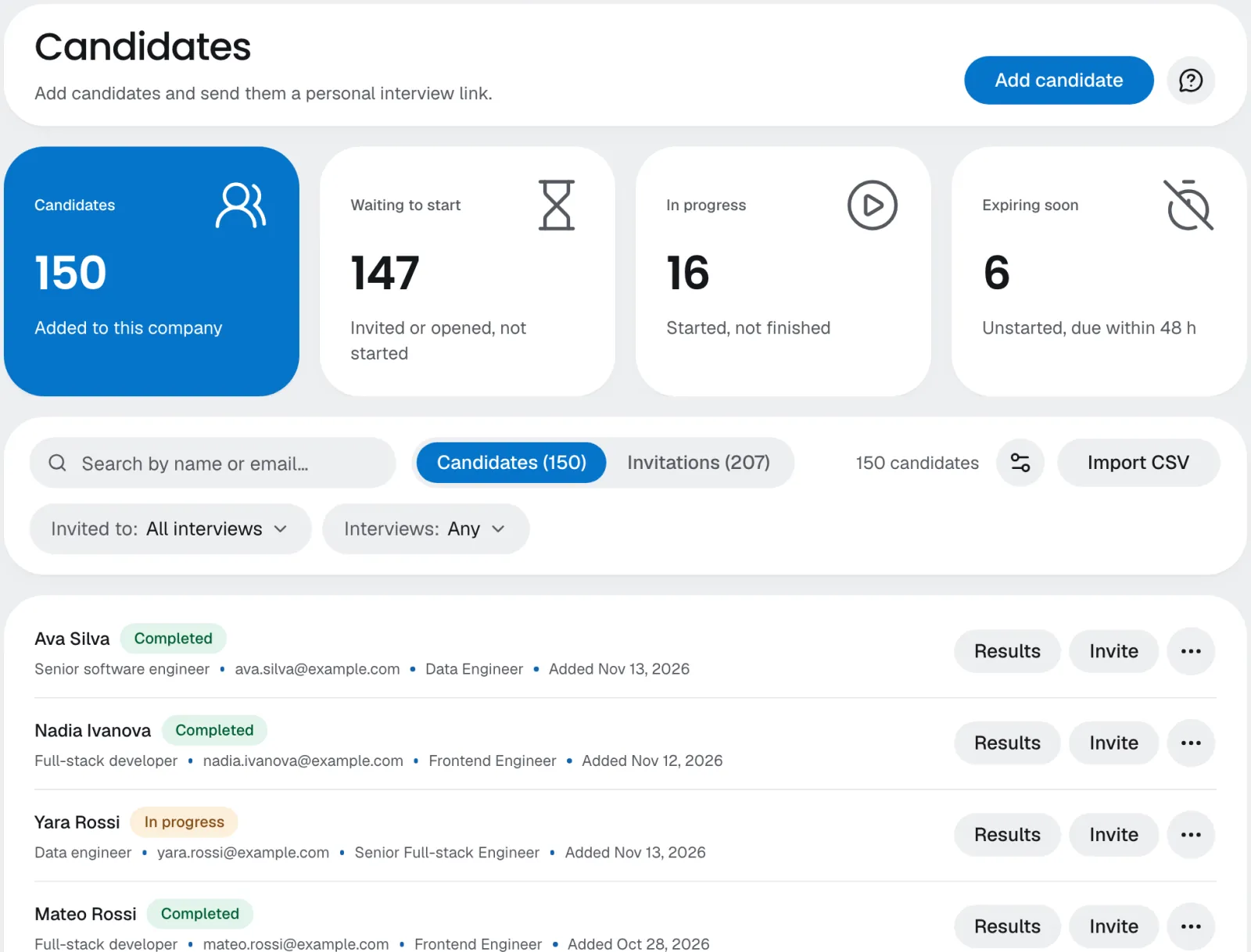
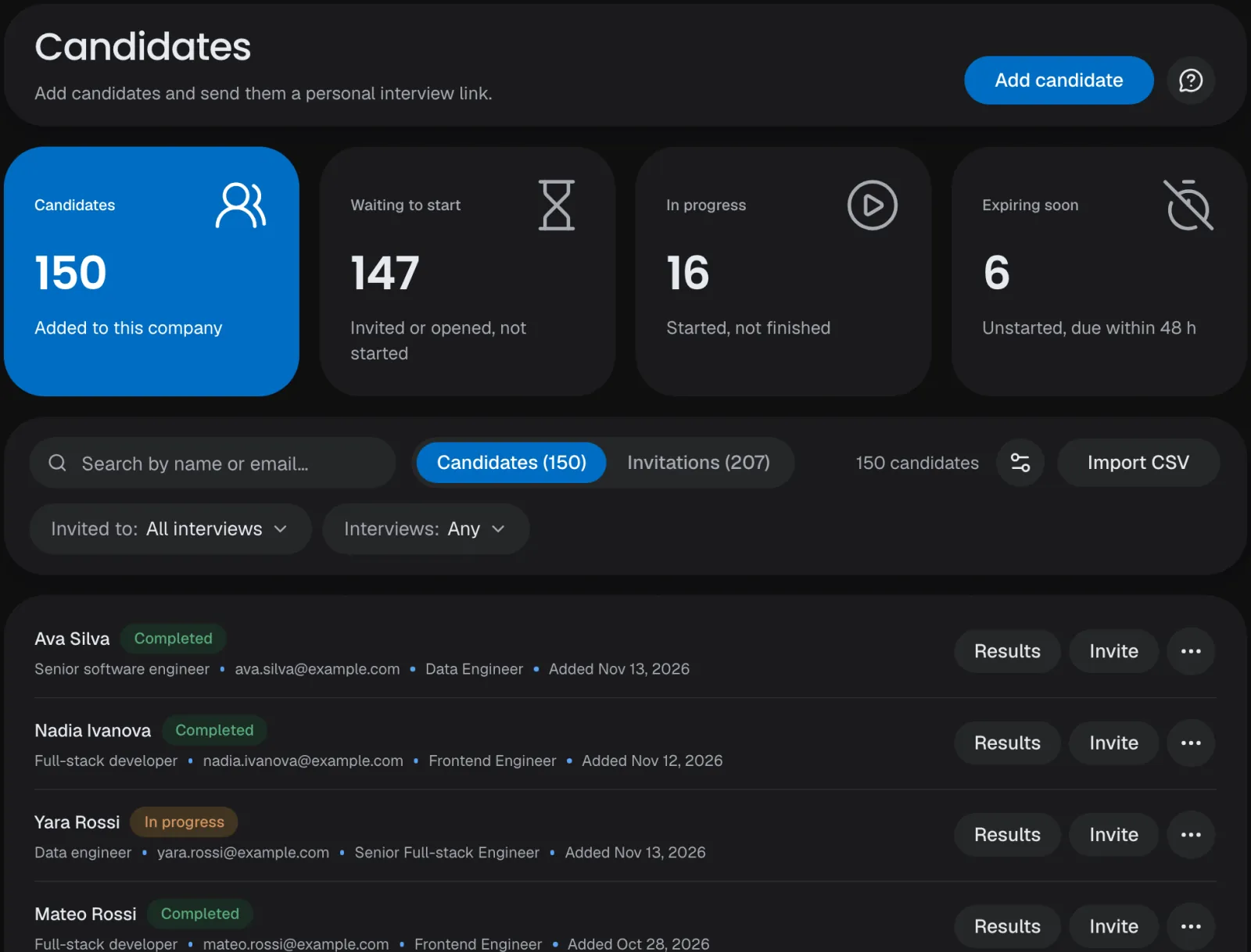
Add candidates by hand or from a CSV, call the public API or, on a paid plan, connect your ATS and embed the interview in your careers site. Each candidate gets their own link and an email with a code to sign in.
CSV import
Up to 5,000 rows at once, each one added, already there or skipped.
Five ATS
Workable, Greenhouse, Teamtailor, Recruitee and Breezy HR.
Public API
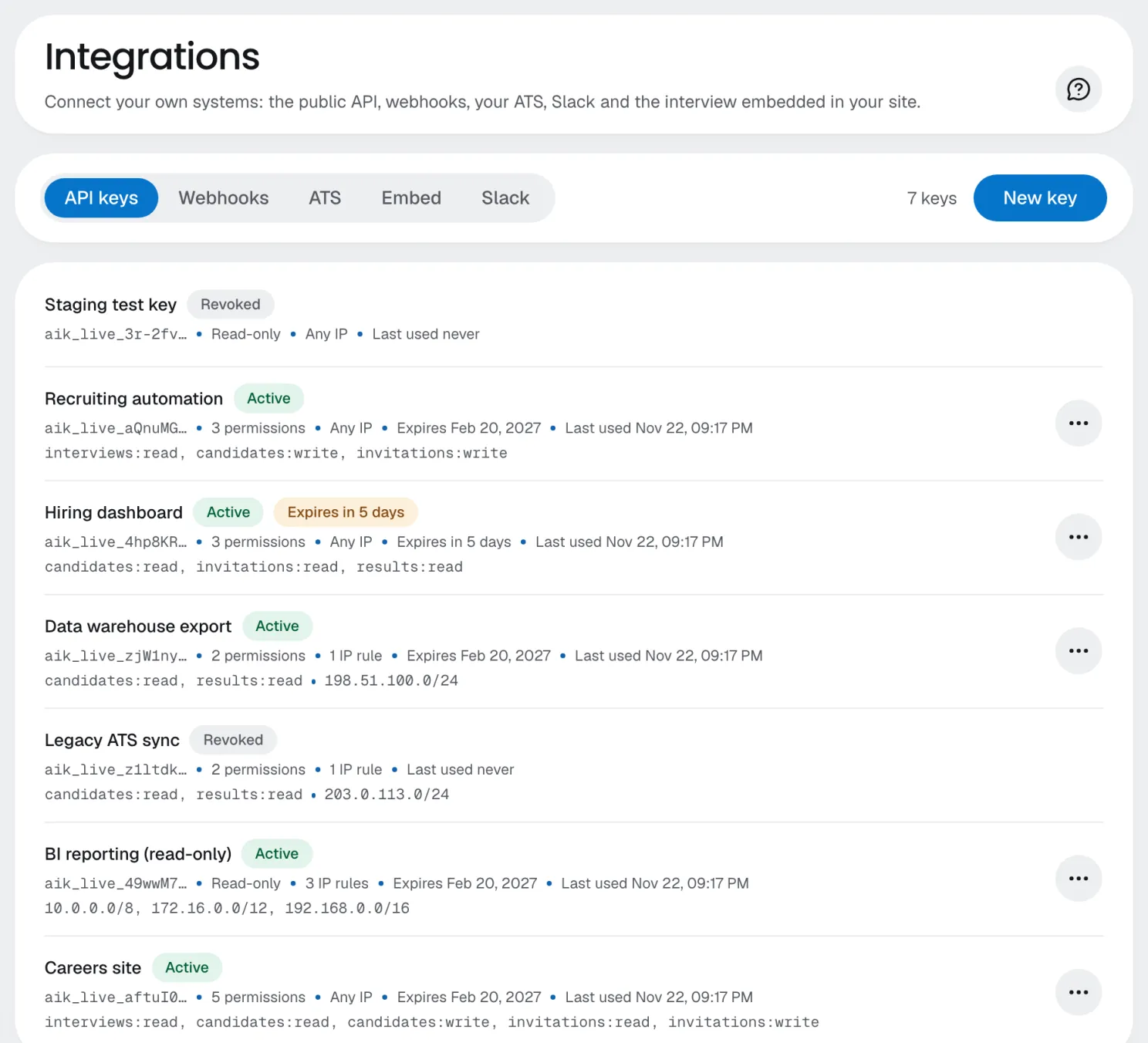
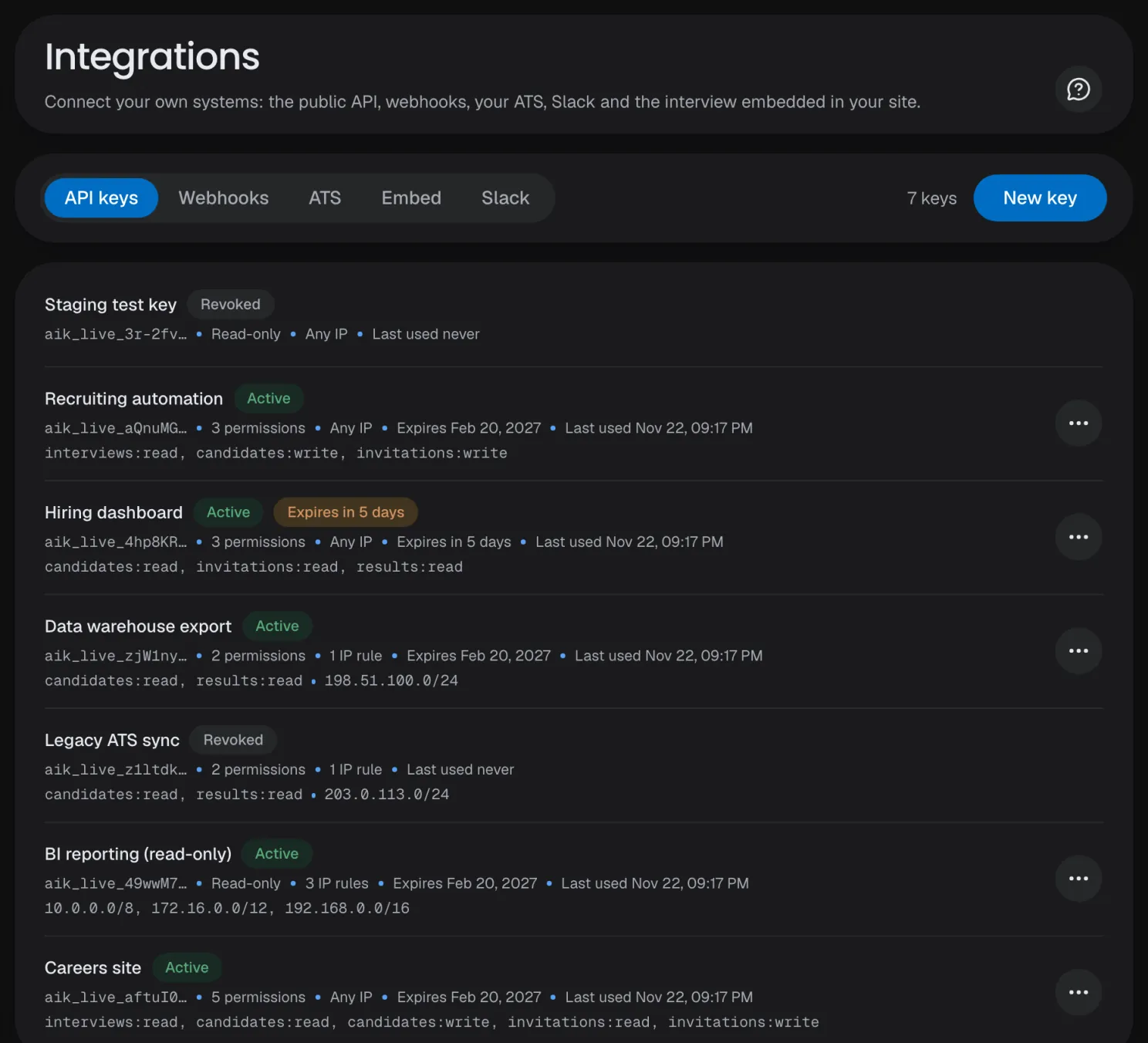
On every plan: scoped keys, IP allowlists, expiry dates and an OpenAPI spec.
Embed SDK
The interview inside your careers site, on the domains you allow.
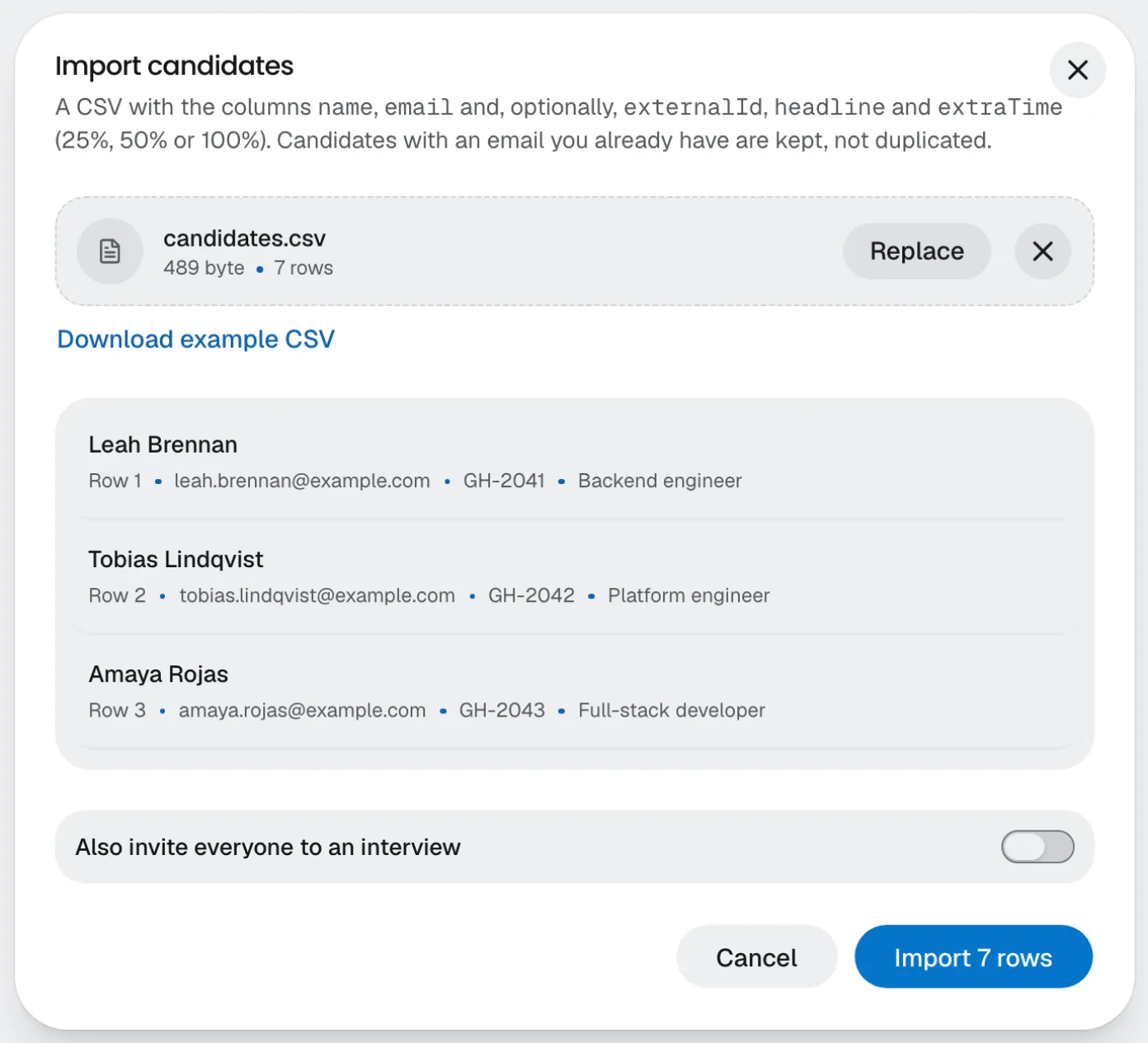
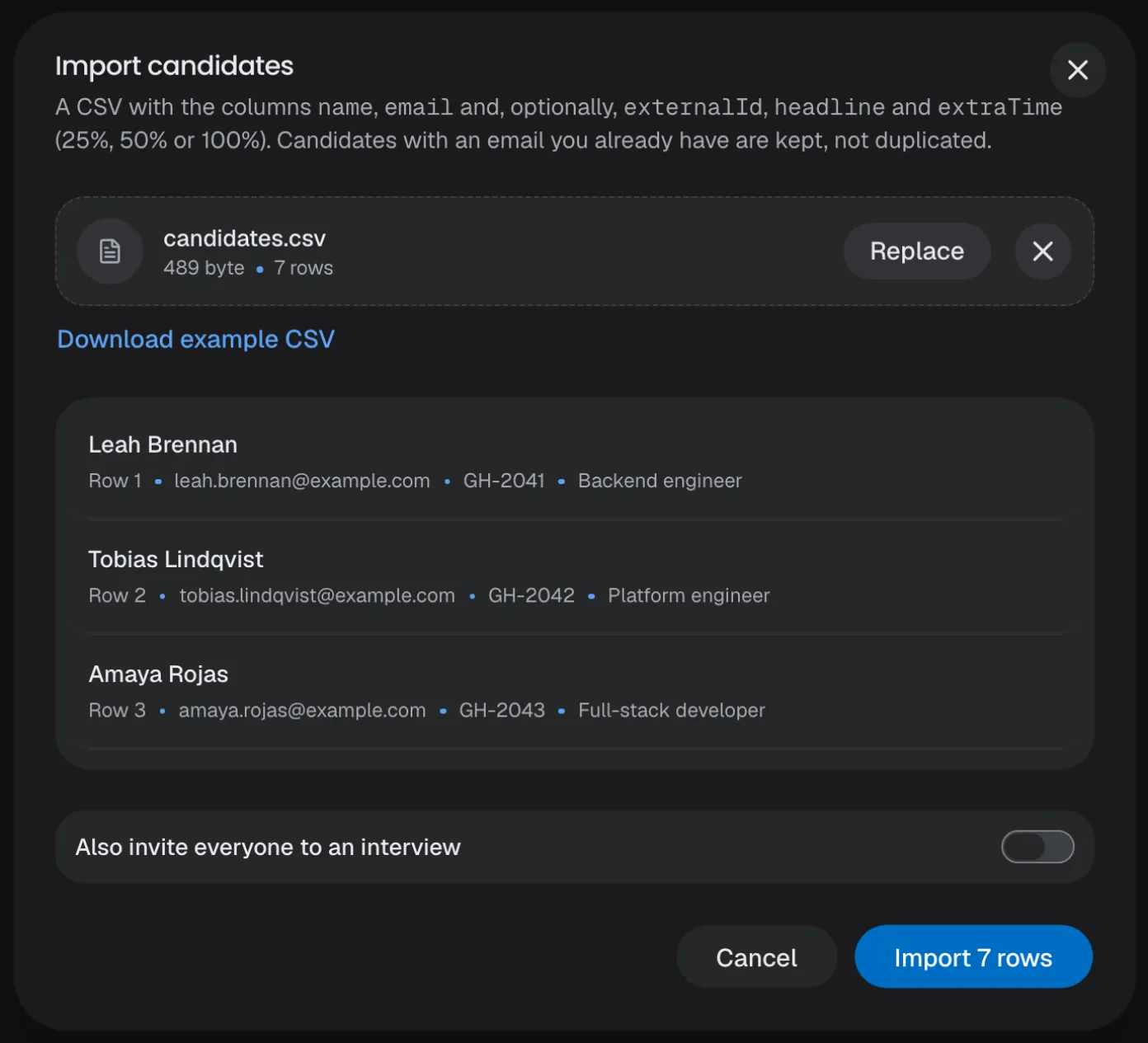
CSV import
Check every row before you import, then invite everyone to a published interview.
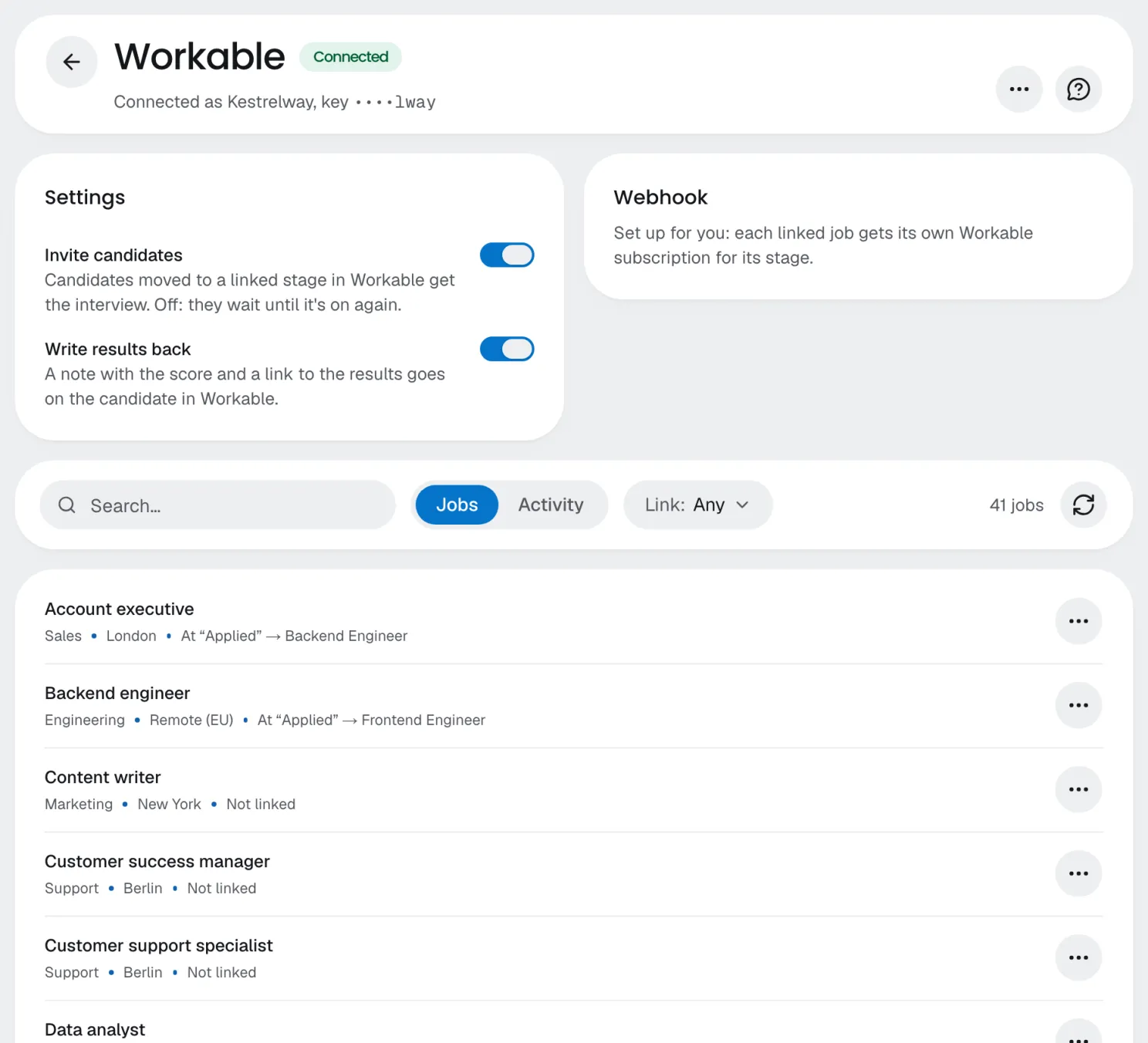
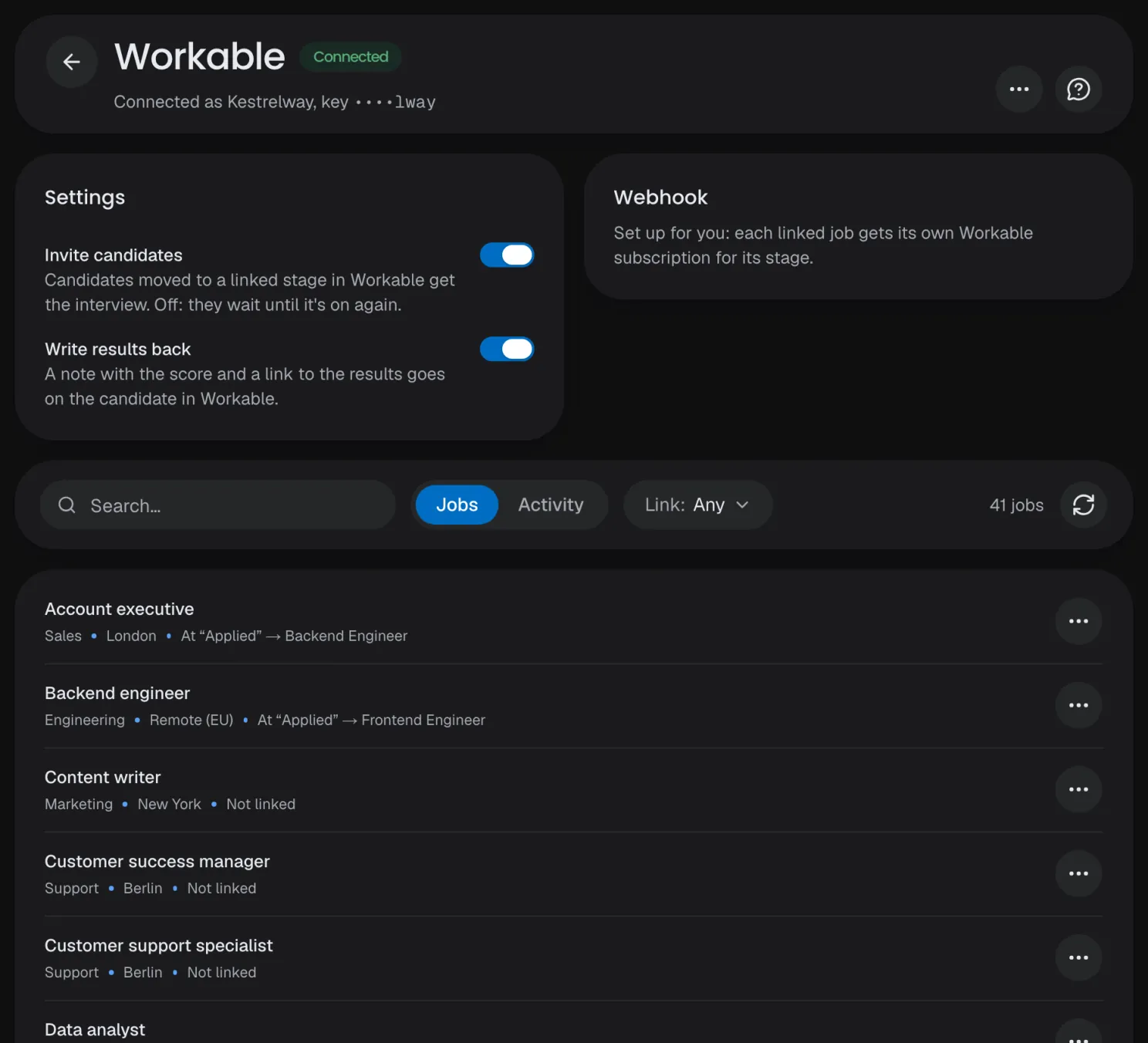
ATS connections
A candidate moved into a linked stage gets the interview; results go back as a note.
API keys
Granular permissions, an optional IP allowlist and an expiry, rotated or revoked any time.
CSV import
Check every row before you import, then invite everyone to a published interview.
ATS connections
A candidate moved into a linked stage gets the interview; results go back as a note.
API keys
Granular permissions, an optional IP allowlist and an expiry, rotated or revoked any time.
Personal links
One link per candidate, opened with a 6-digit code from their email, unless you turn the code off.
Reminders
A reminder before the deadline, at the time your company sets.
Resend, revoke, correct
Send a new link, end an unstarted invitation, or fix a candidate's name or email.
Webhooks
Signed events for invitations, sessions and results, retried for a day; on the trial too.
Extra time
+25%, +50% or +100% for a candidate who asks; reviewers see it next to the duration.
Return URL
Send candidates back to your own site when the interview ends.
- Read the integration guide
Review
Every verdict,with its evidence.
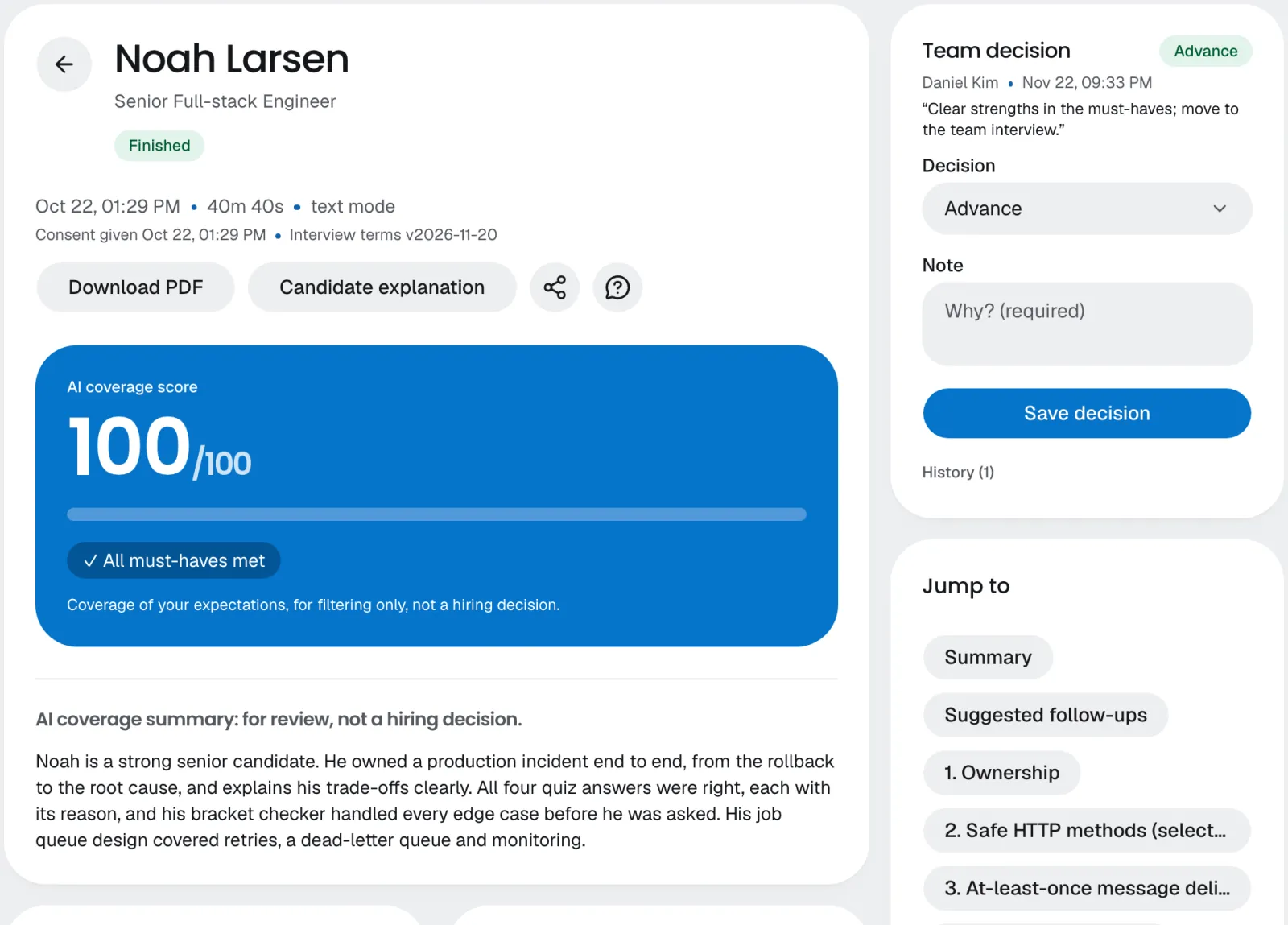
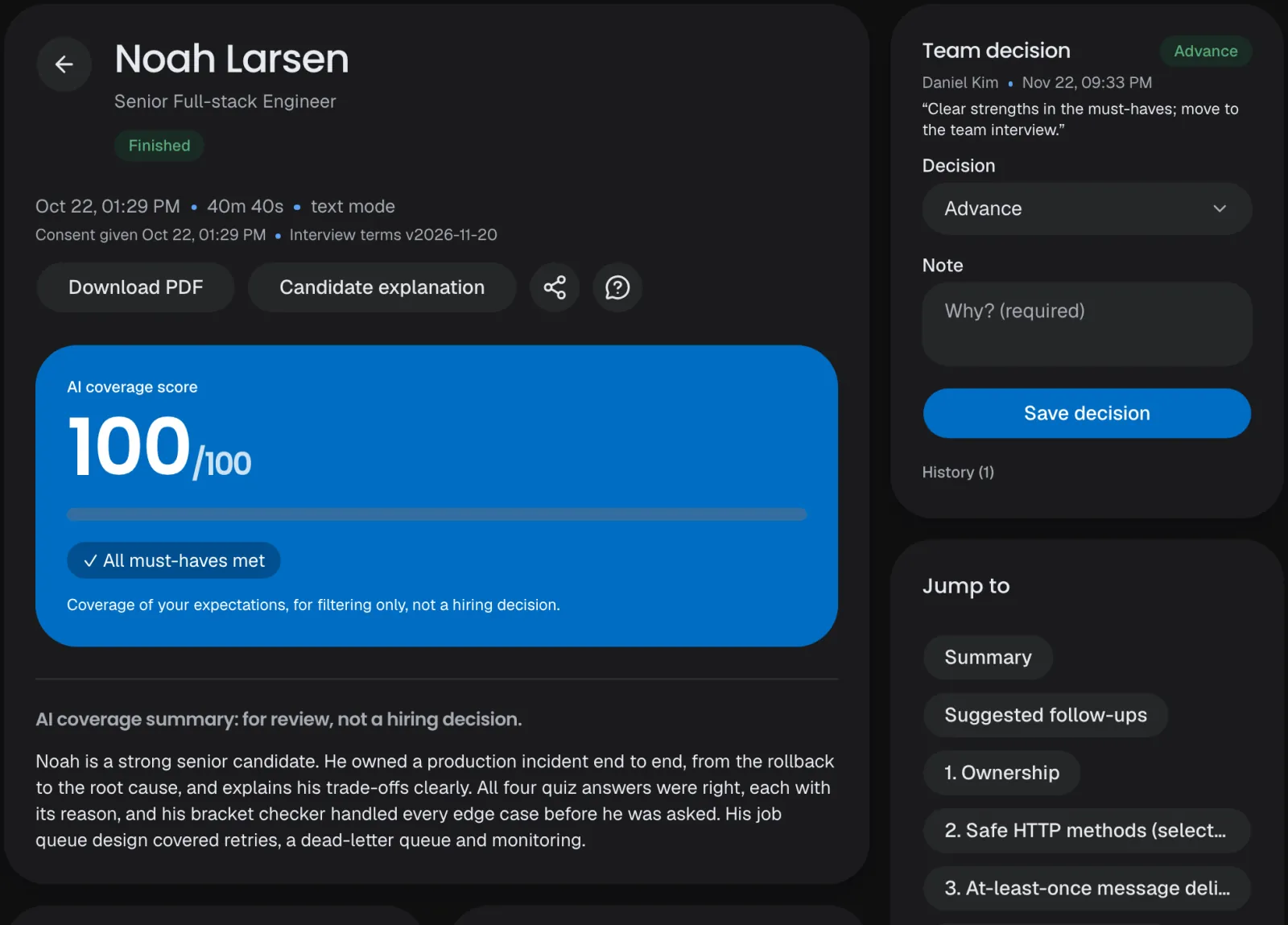
After each interview the AI checks every expectation and quotes what the candidate said. Your team reads, listens, comments and decides. The score helps you sort; it never makes the decision.
Coverage score
Each expectation covered, covered after a prompt, partial, incorrect or not covered, scored out of 100.
Evidence
The quote behind every status, with its moment in the recording.
Suggested follow-ups
Five to eight questions for your final round, each with why.
Team decision
Advance, hold or reject, with a note and its history.
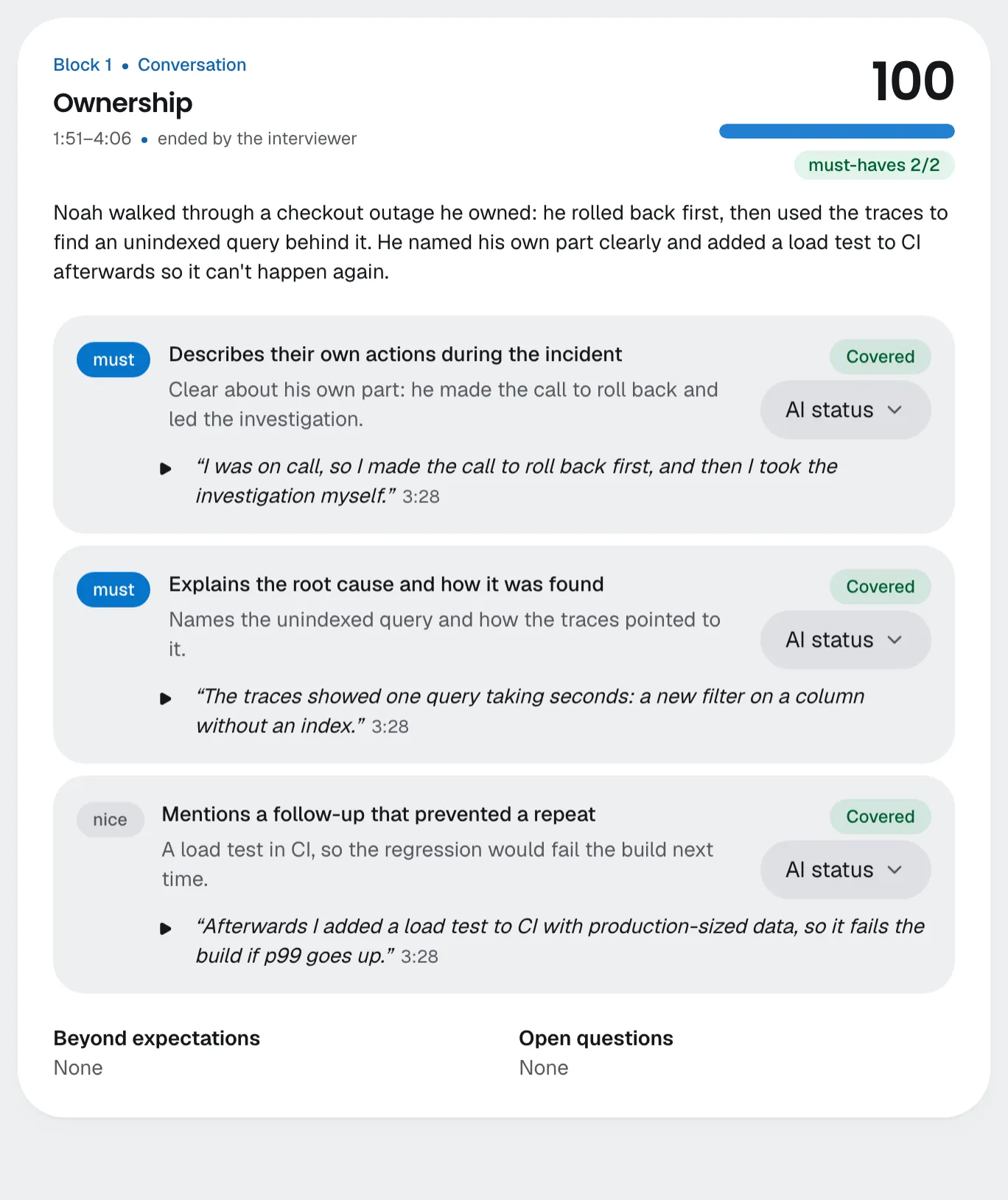
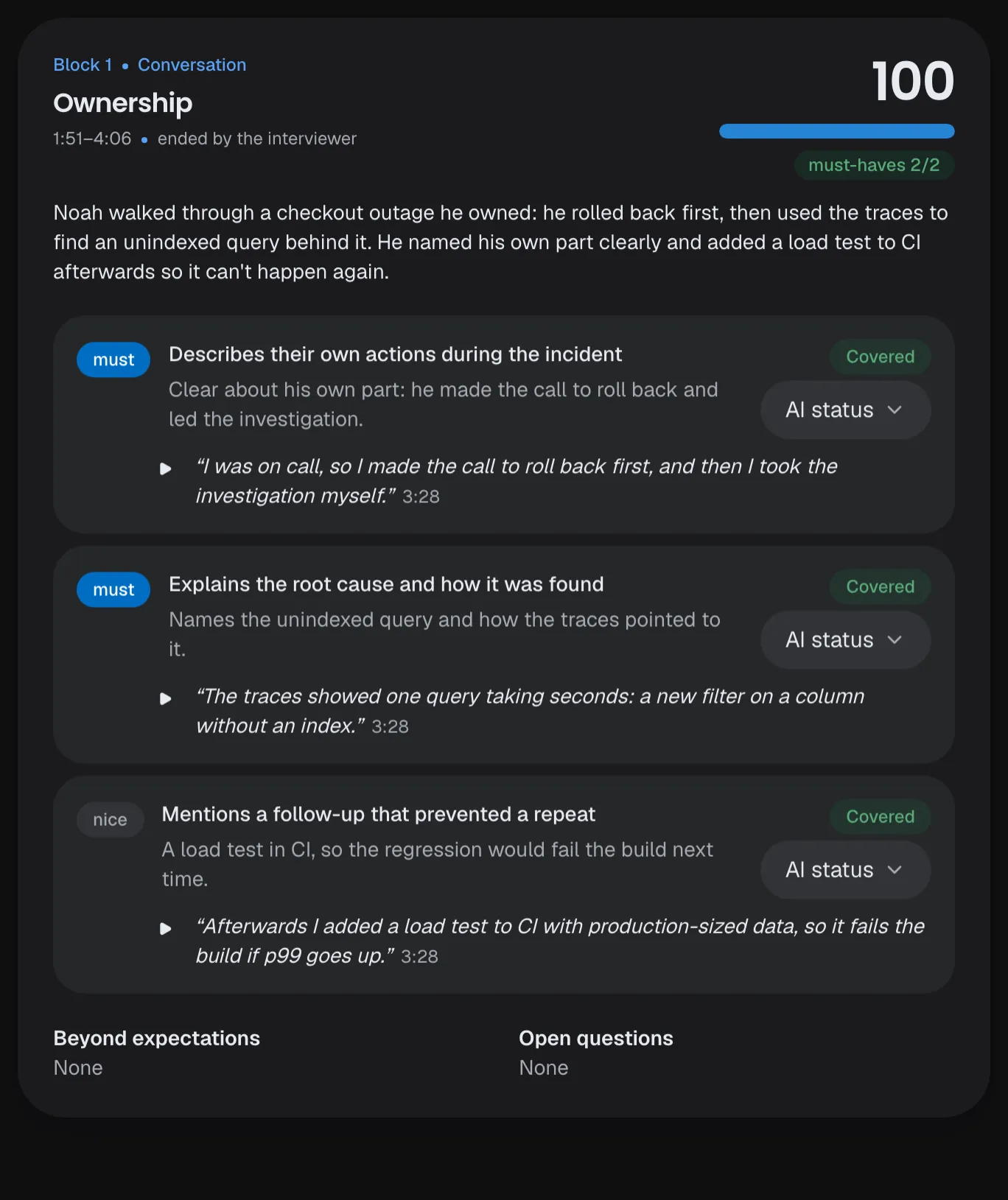
Per block
Each block's summary, score and must-haves, then every expectation with its quote.
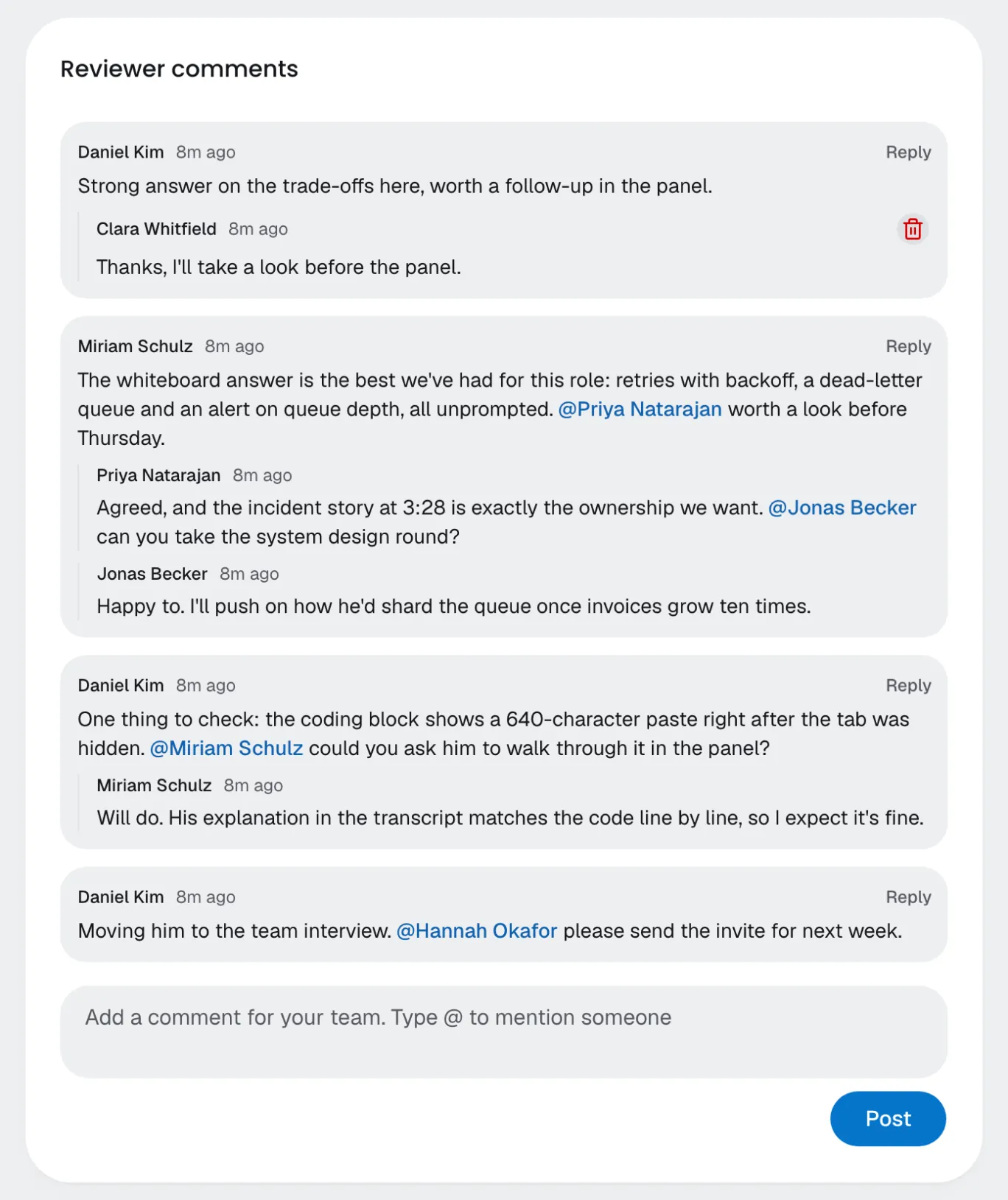
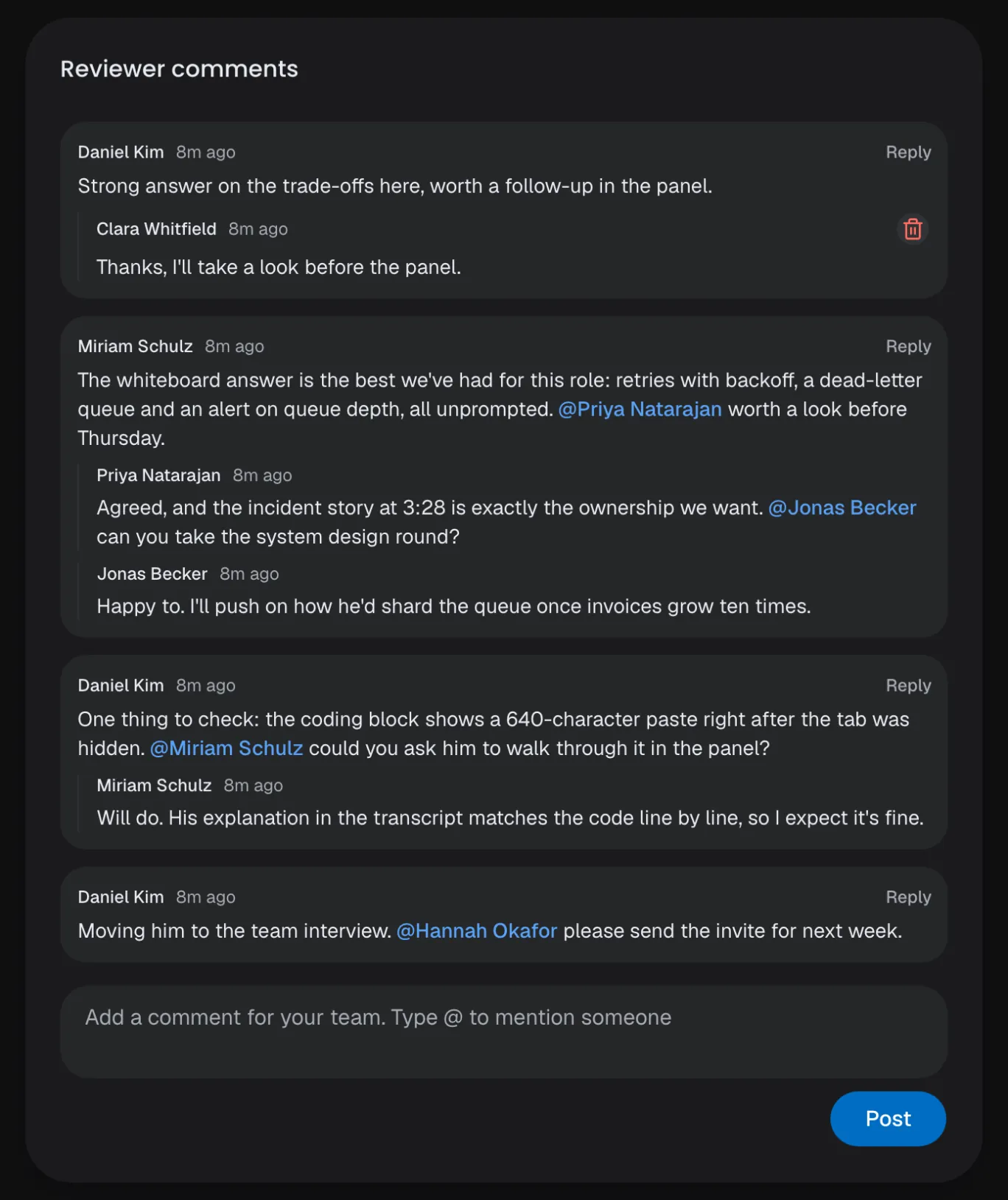
Comments
Reviewers discuss a result in a thread, with replies and @mentions.
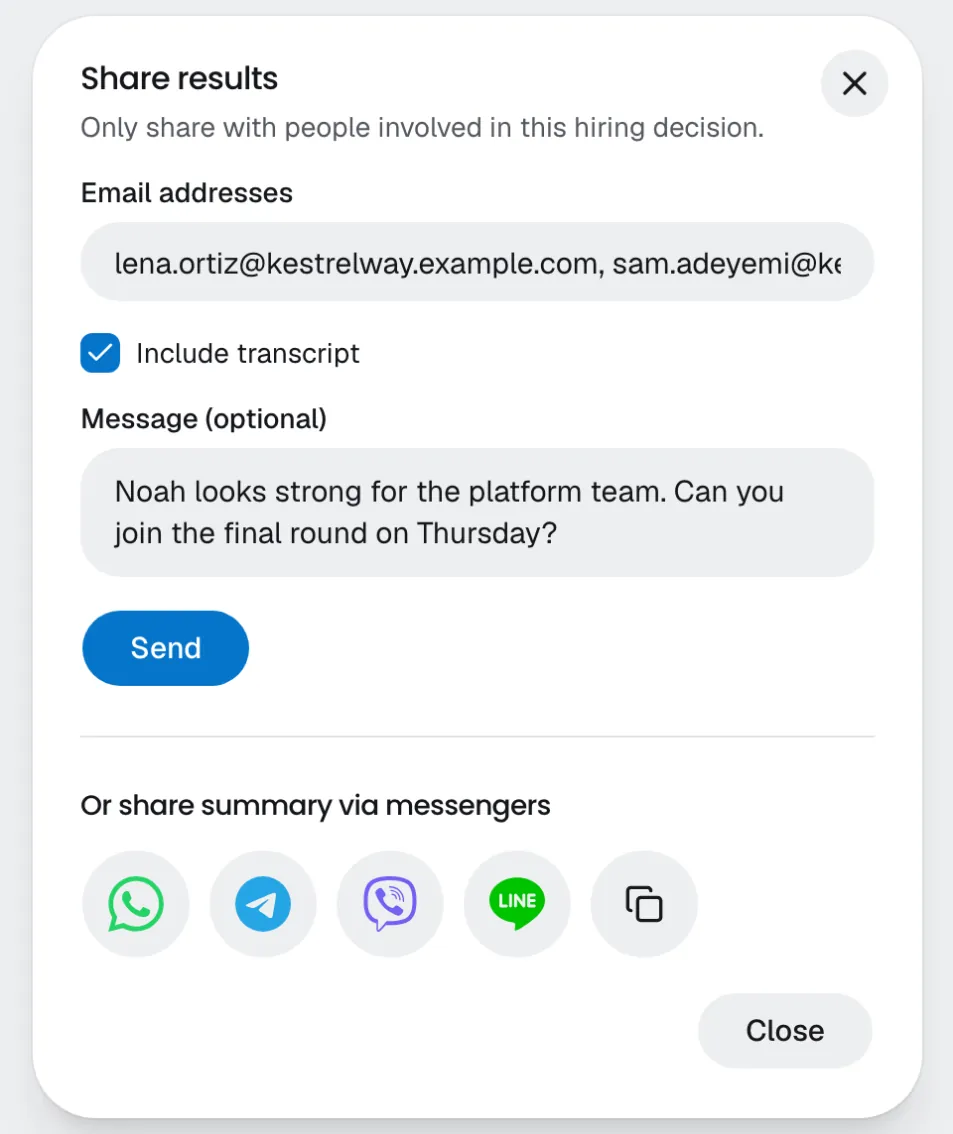
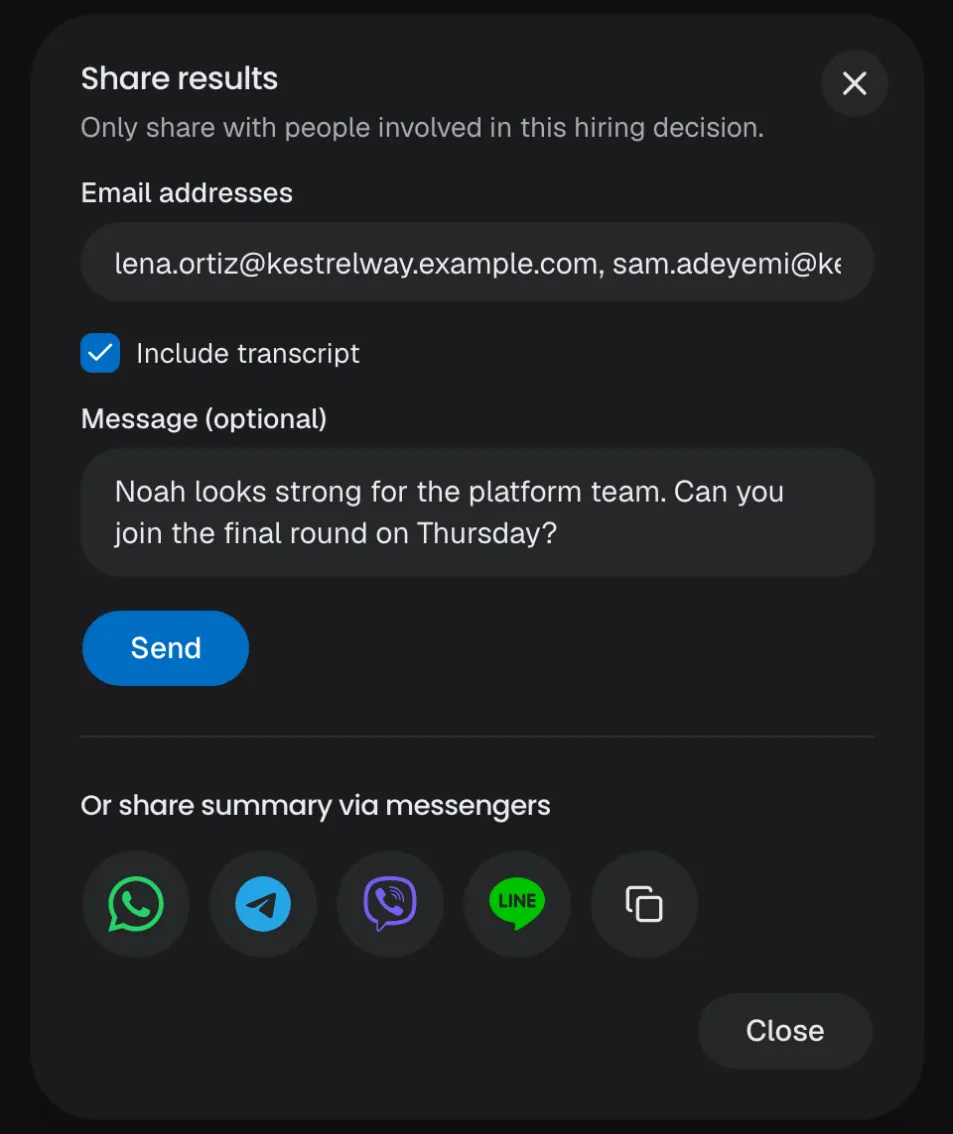
Share
The PDF by email, or the summary and its link in WhatsApp, Telegram, Viber or LINE.
Per block
Each block's summary, score and must-haves, then every expectation with its quote.
Comments
Reviewers discuss a result in a thread, with replies and @mentions.
Share
The PDF by email, or the summary and its link in WhatsApp, Telegram, Viber or LINE.
Transcript and recording
Every word, in sync with a recording that seeks instantly.
Change an AI status
A reviewer can set any expectation's status by hand.
PDF report
The summary, every block and the transcript in one file.
CSV export
The filtered results list, ready for a spreadsheet.
Results list
Filters by interview, status, decision and dates, with stat cards.
Candidate feedback
Candidates rate the interview; it never counts in the score.
Interviewer review
Our interviewer's own turns are checked after each interview; anything off is flagged with its words.
Notes on candidates
A team thread on each candidate's page, with replies and @mentions.
Retry, never regenerate
A written analysis stays as it is; only a failed one can be retried.
- Read the report guide
Integrity
Hard to cheat.Easy to check.
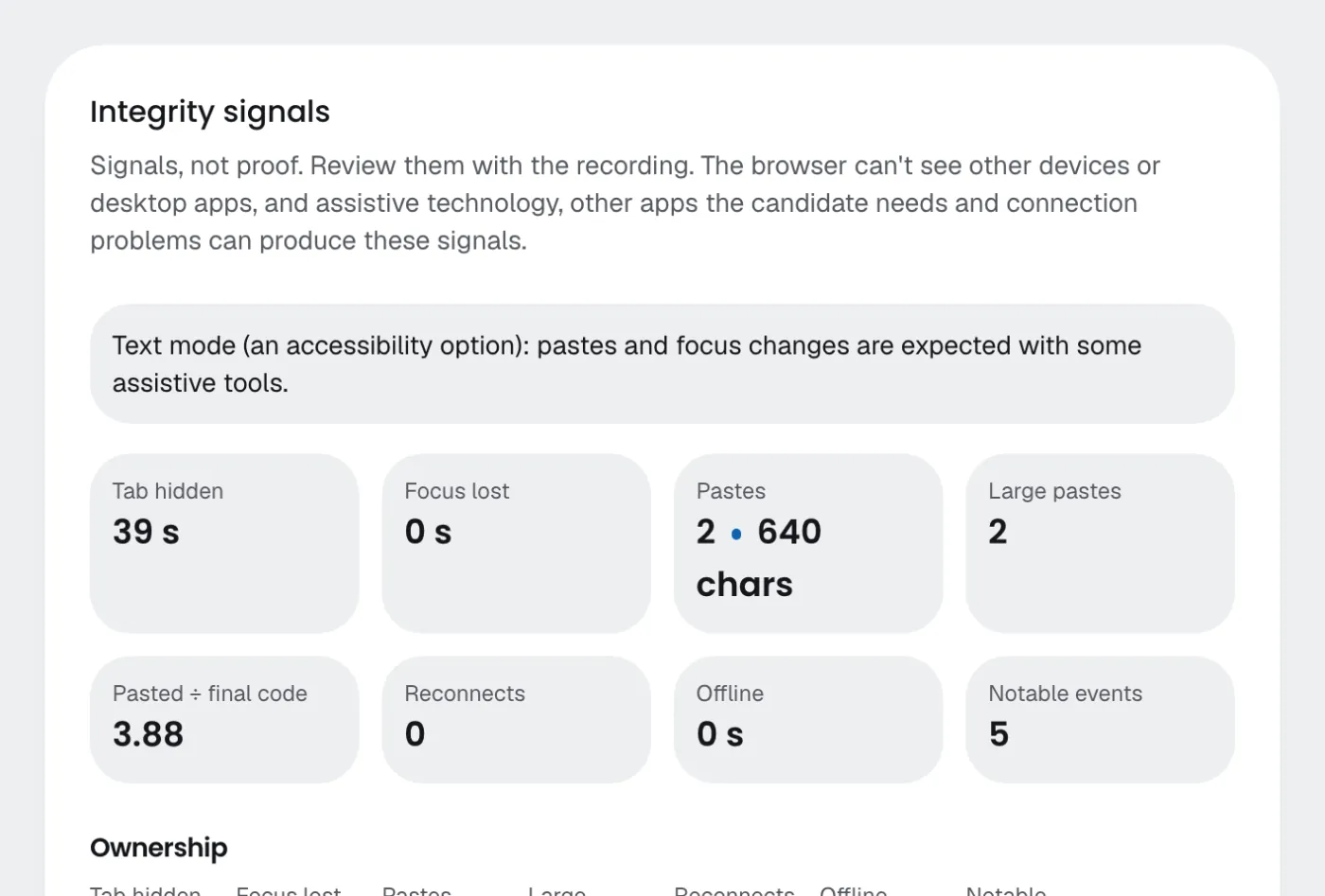
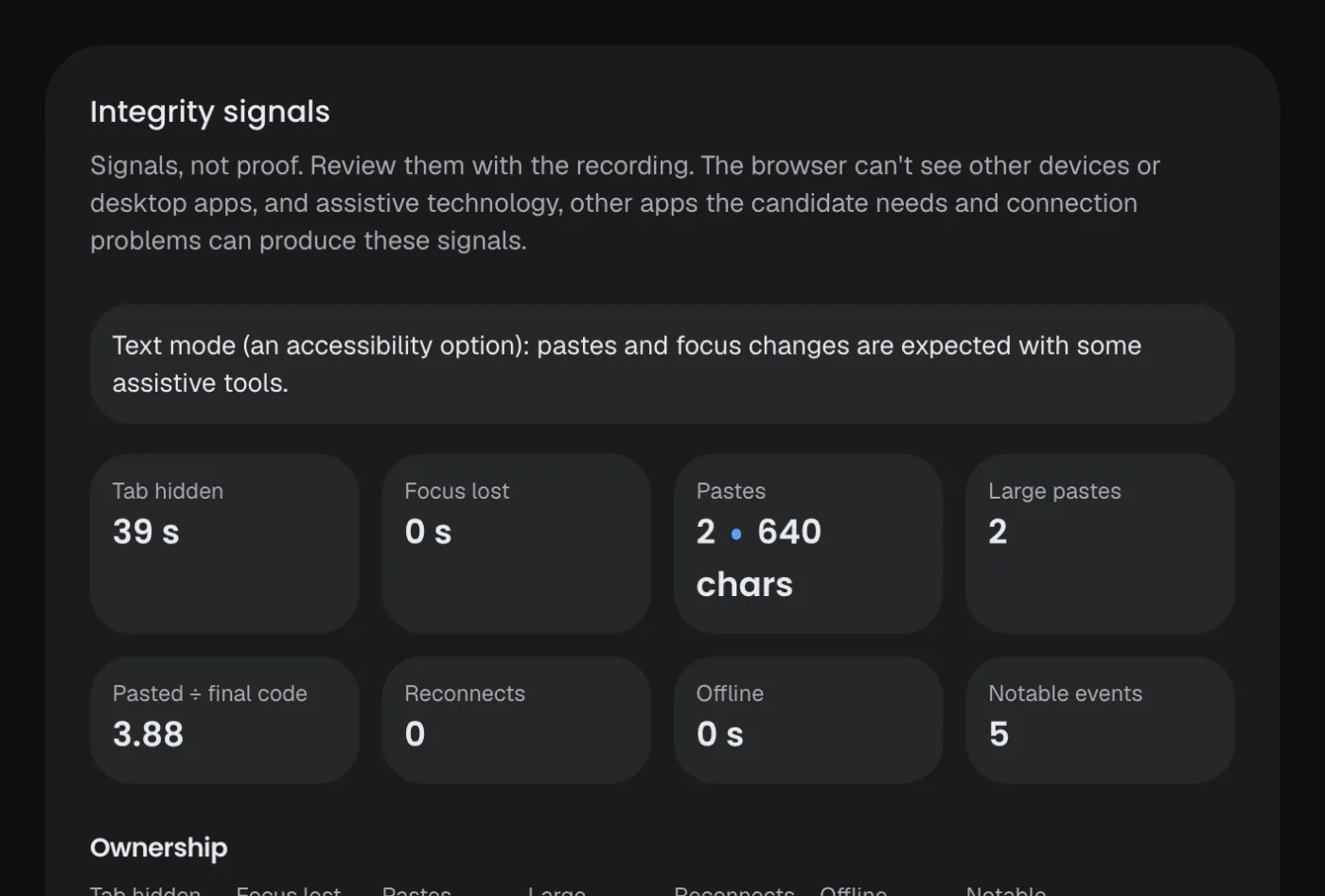
Once you turn monitoring on, the browser notes tab switches, focus loss, pastes and reconnects, and the report shows each one in context. Signals, not proof: there is no integrity score, and a reviewer marks each event explained or dismissed.
Activity notes
Hidden tabs, pastes (their size, never their text), offline time, a second connection.
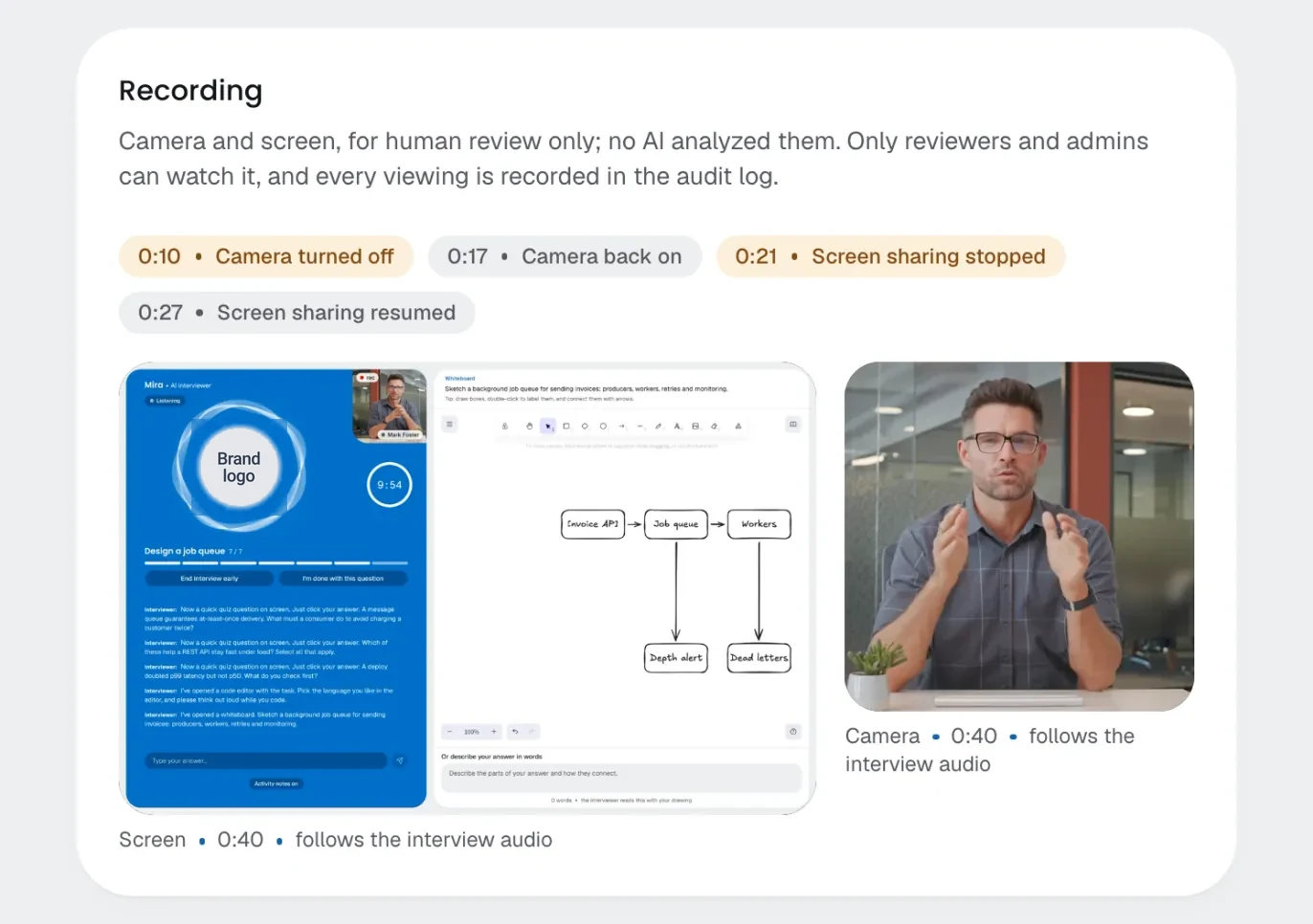
Camera and screen
Optional recordings, for human review only; no AI watches them.
Sharing stops, the room hides
If the screen or camera stops, the whole room is covered until it's back.
Reviewed by people
Mark an event explained or dismissed, with a note.
Recordings
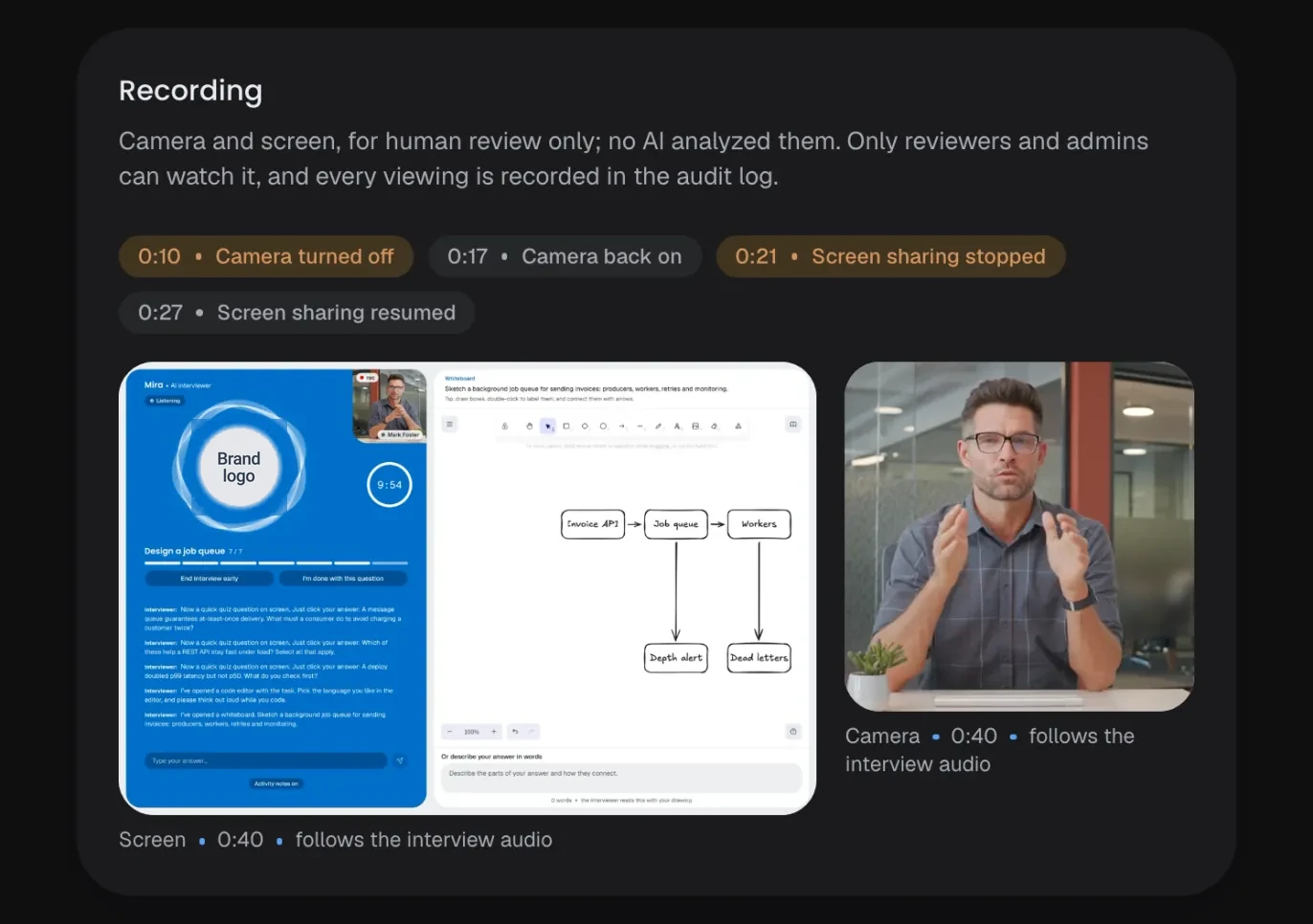
Camera and screen, hidden until a reviewer chooses to watch, with every gap marked.
Your choice
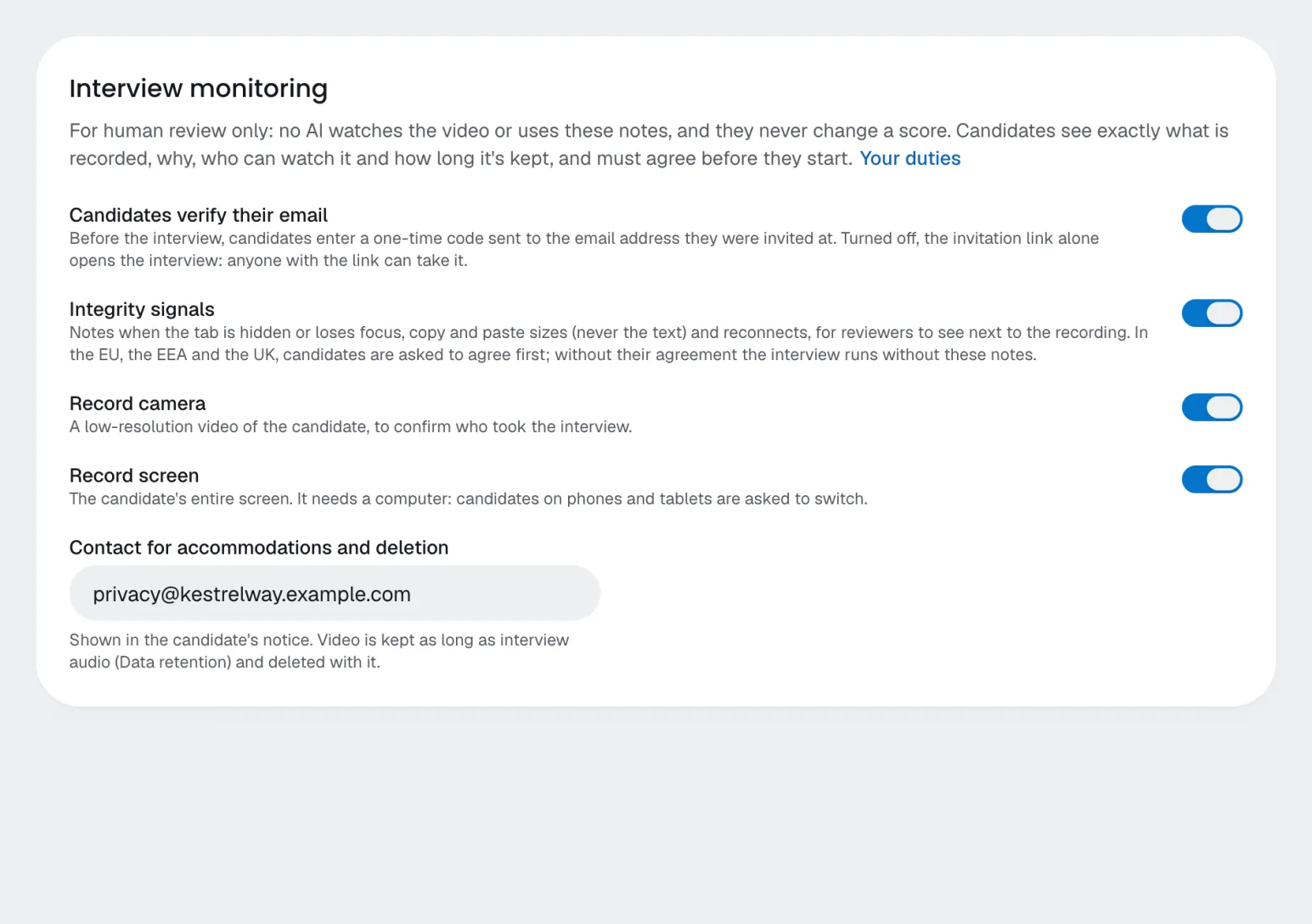
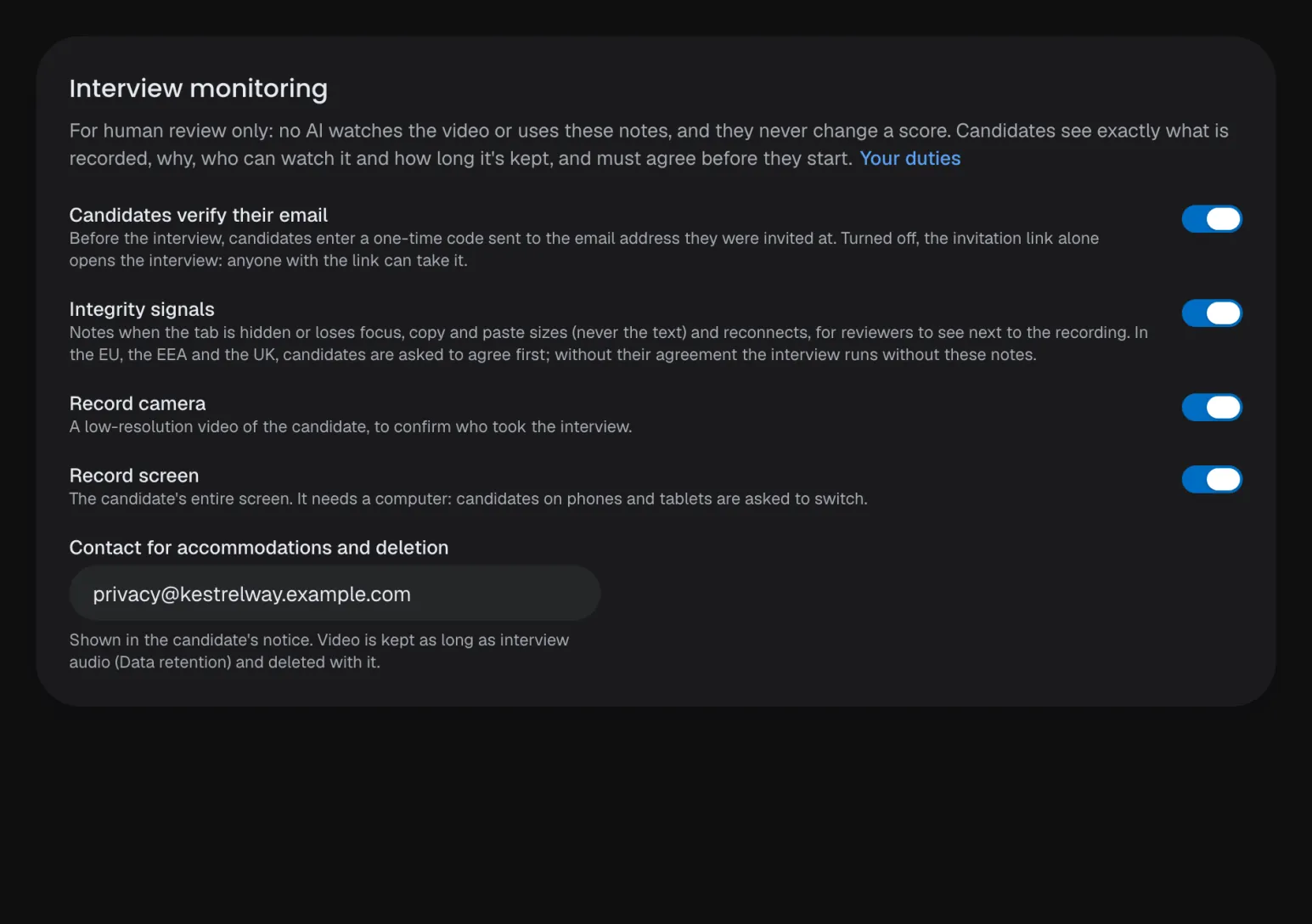
Turn each kind of monitoring on or off for your company.
Recordings
Camera and screen, hidden until a reviewer chooses to watch, with every gap marked.
Your choice
Turn each kind of monitoring on or off for your company.
Told up front
Candidates see what is noted and recorded before they agree, and in the EU can decline activity notes.
No answers in the browser
Expectations and correct answers never reach the candidate.
No verdict
Signals stay out of scores, lists, exports, emails and webhooks.
Recording off on request
Turn recording off for a candidate who asks; the result says who did it and when.
Every view logged
Each time someone watches a recording goes to the audit log.
Follow-ups, not accusations
Questions about notable moments never mention the signal.
Team
Made forhiring teams.
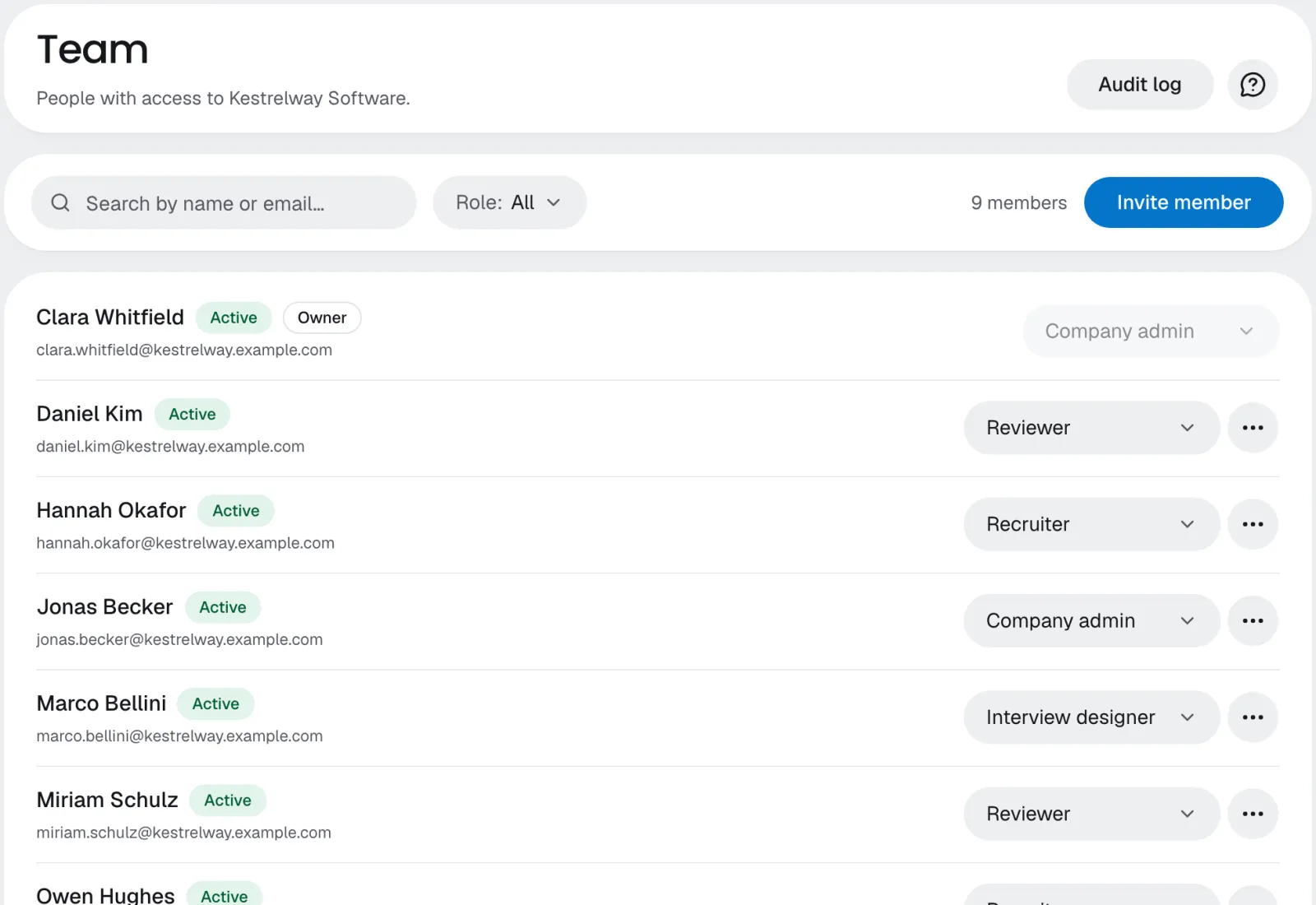
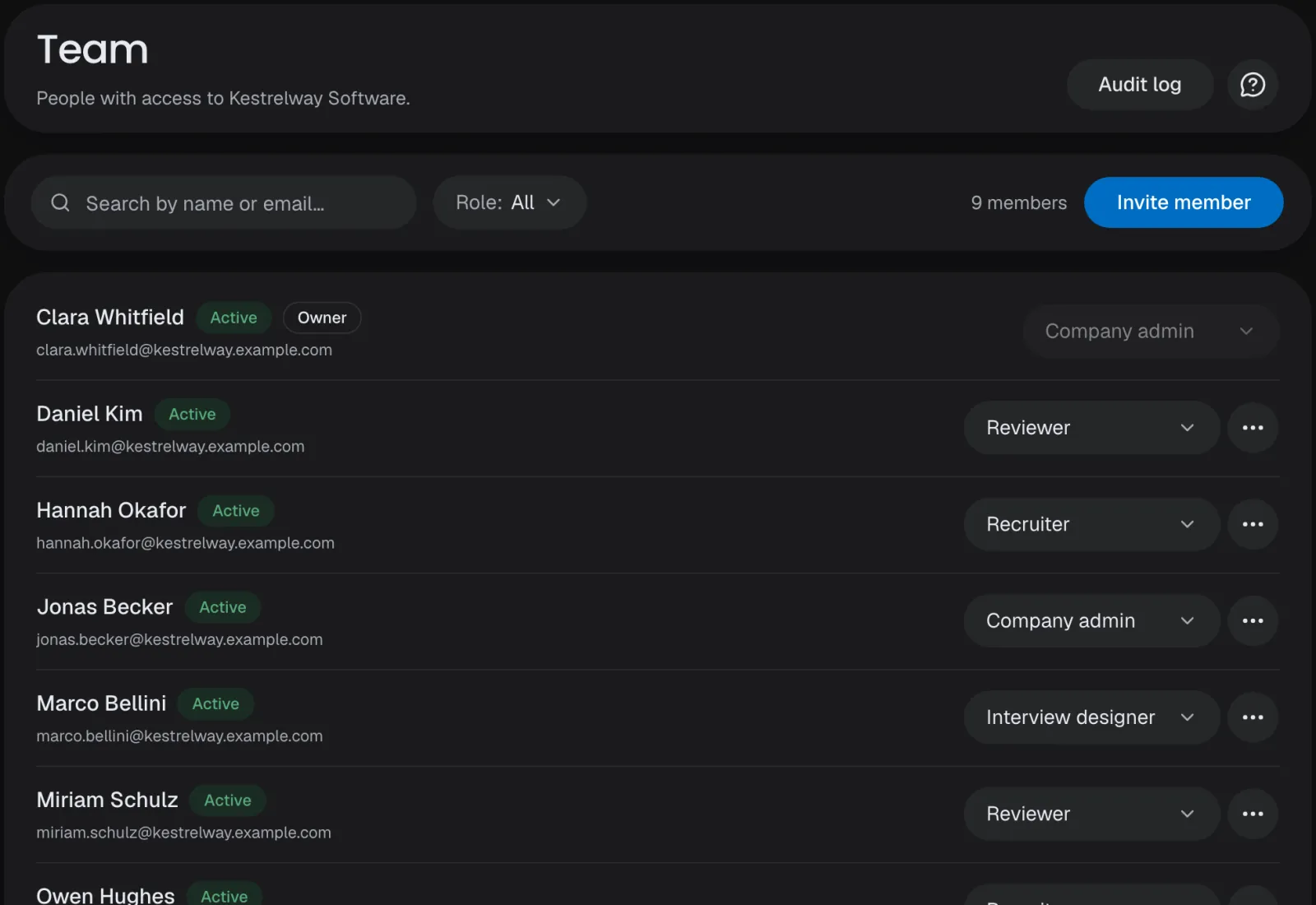
One organization for all your companies, five roles that decide who sees and does what, single sign-on, an audit log, and notifications where your team already works.
Roles
Company admin, interview designer, recruiter, reviewer and viewer.
Single sign-on
SAML or OpenID Connect with Okta, Entra ID or Google Workspace, on Scale and Enterprise.
Audit log
Who changed what, kept for a year, exported as CSV.
Notifications
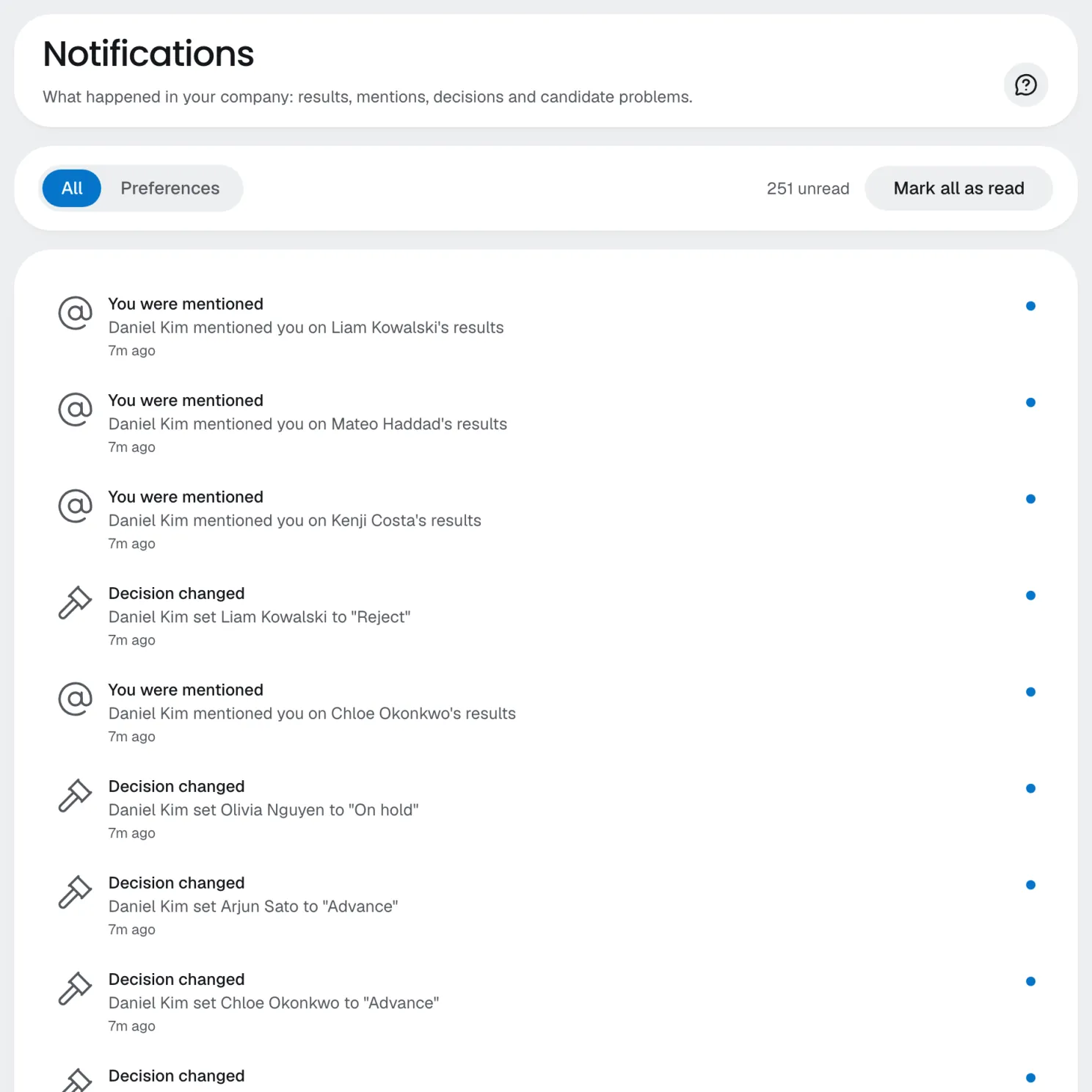
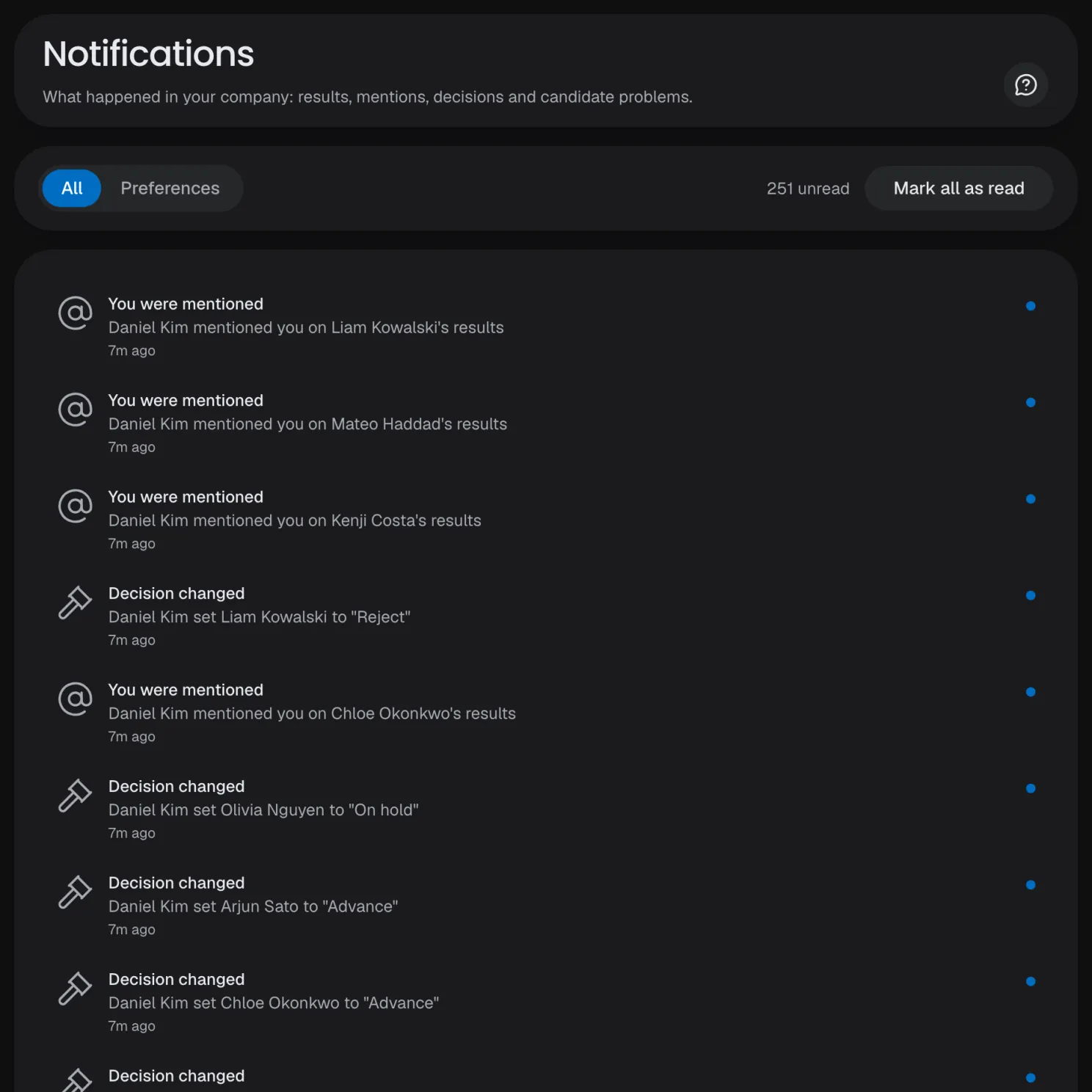
In the app, by email, in Slack and as a push, picked per type.
Notifications
Results, mentions, decisions and candidate problems, live in the app.
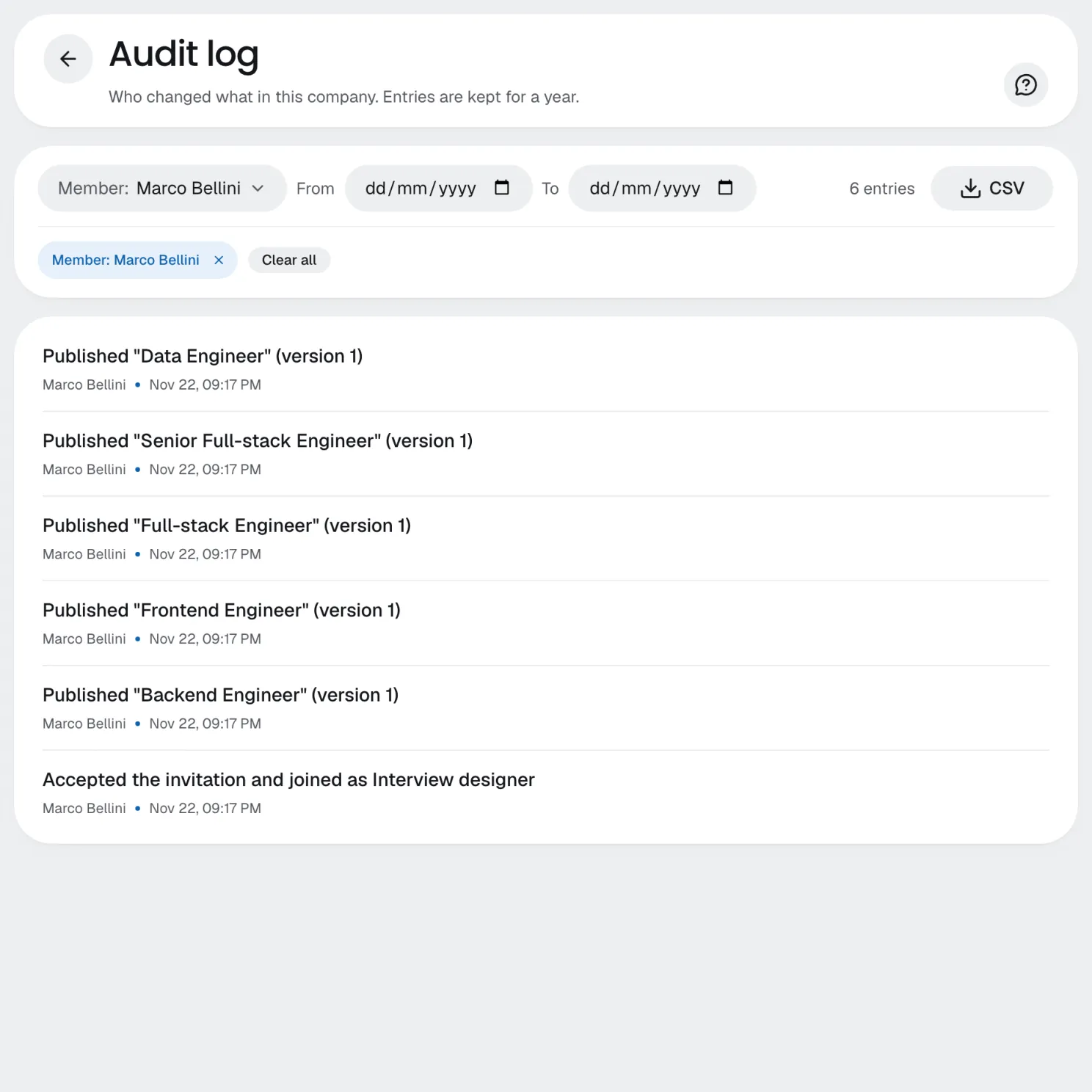
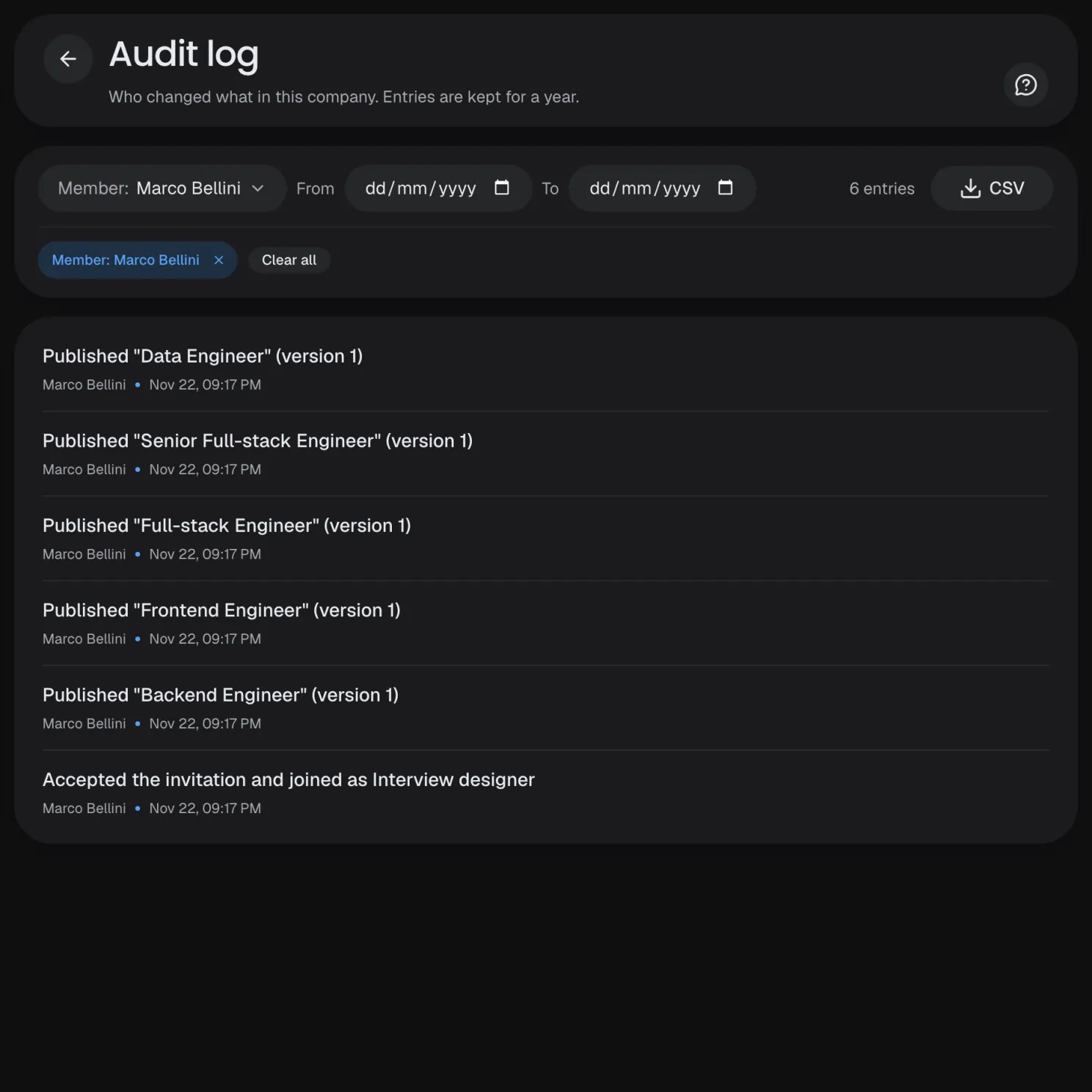
Audit log
Every change in the company, filtered by member and date.
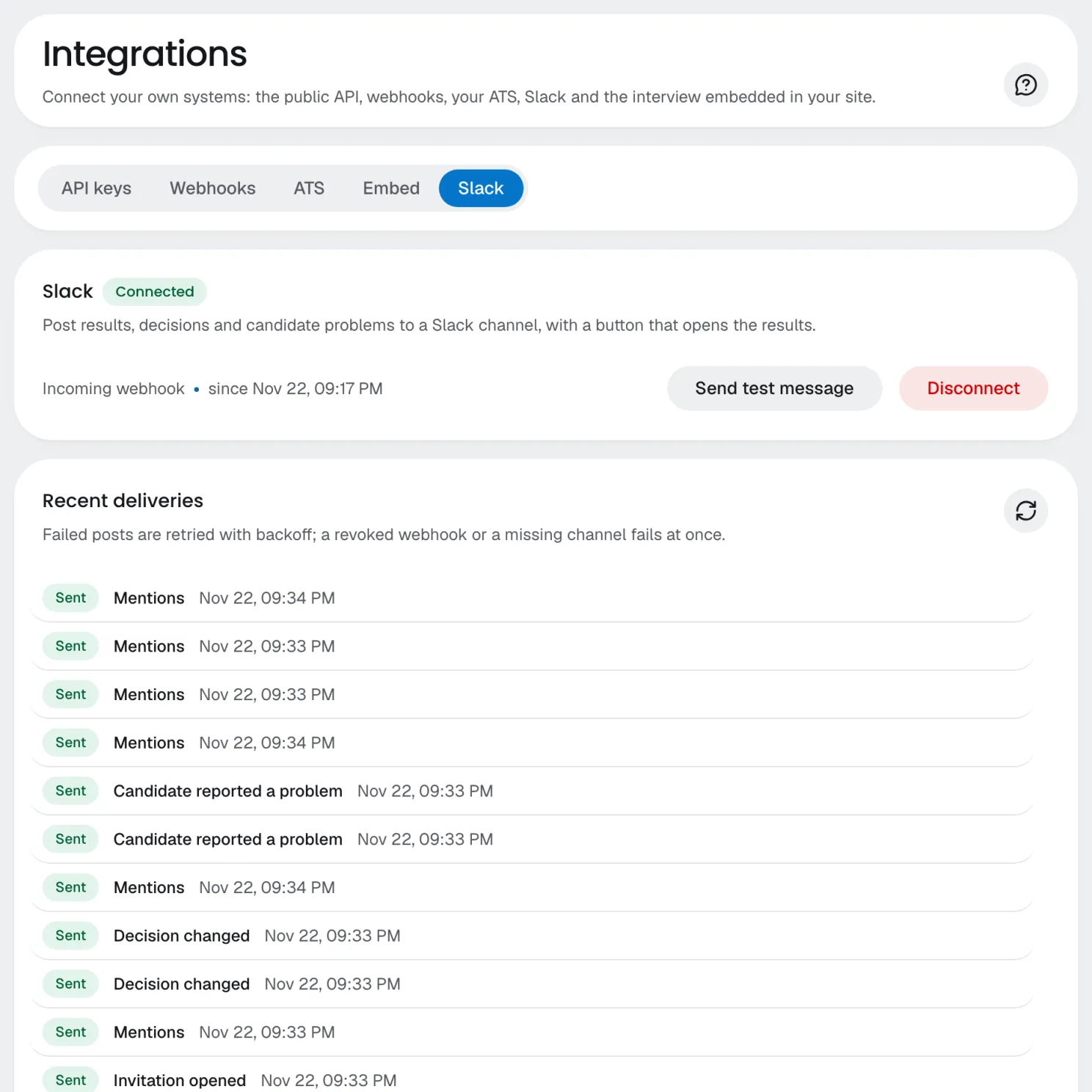
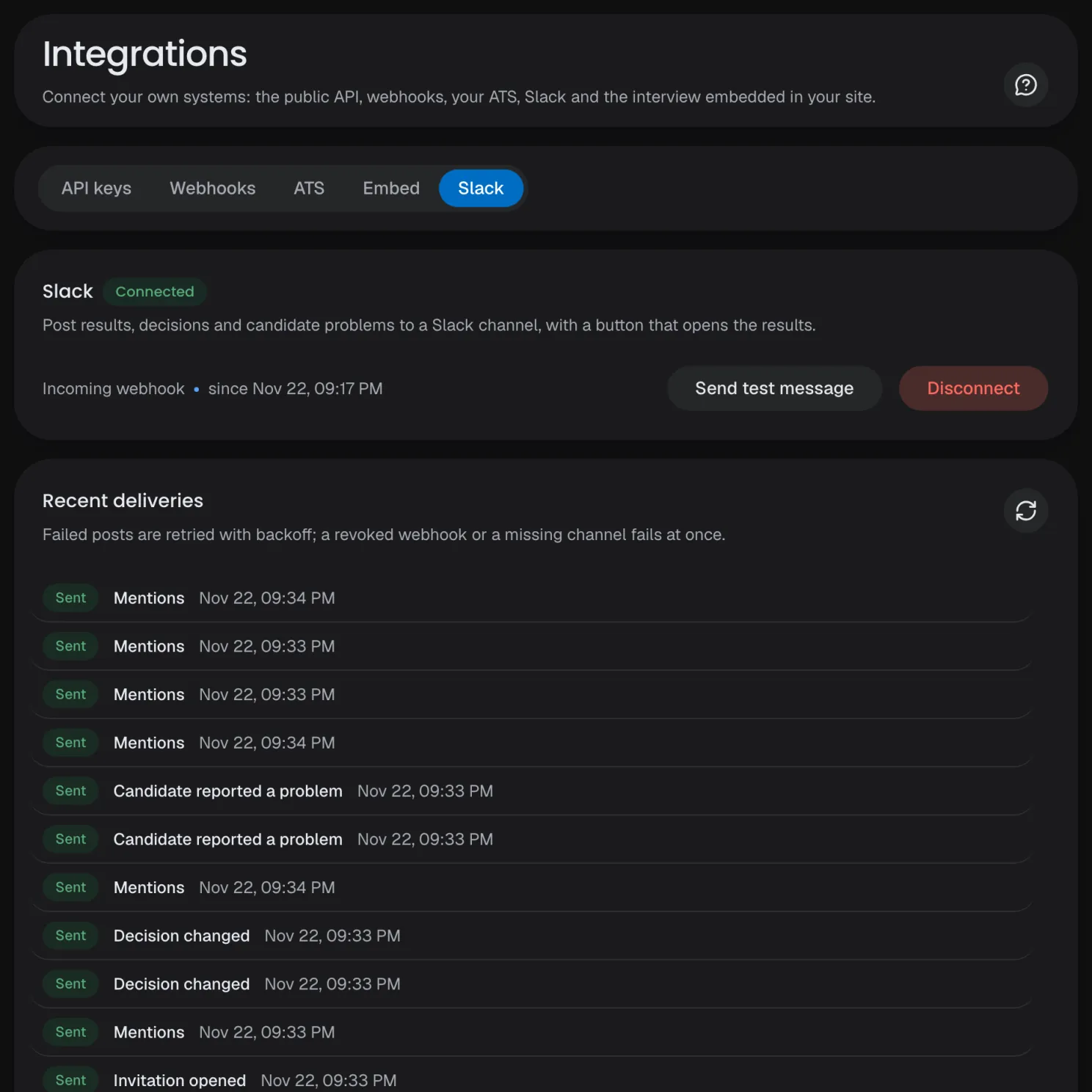
Slack
The updates you choose, in a channel, with a link to the results.
Notifications
Results, mentions, decisions and candidate problems, live in the app.
Audit log
Every change in the company, filtered by member and date.
Slack
The updates you choose, in a channel, with a link to the results.
Several companies
Each brand or business unit with its own interviews, team and branding.
Sign-in your way
Email and password, Google or LinkedIn, all linked to one account.
Two-factor authentication
Codes from an authenticator app, which an organization can require of every member.
Dashboard assistant
Explains each page, answers numbers, proposes changes you confirm, never ranks by protected traits.
13 interface languages
Each member picks the dashboard's language; Arabic, Hebrew and Urdu read right to left.
On phones and tablets
The dashboard works on a small screen too, and installs as an app.
Branding
Your brandon every screen.
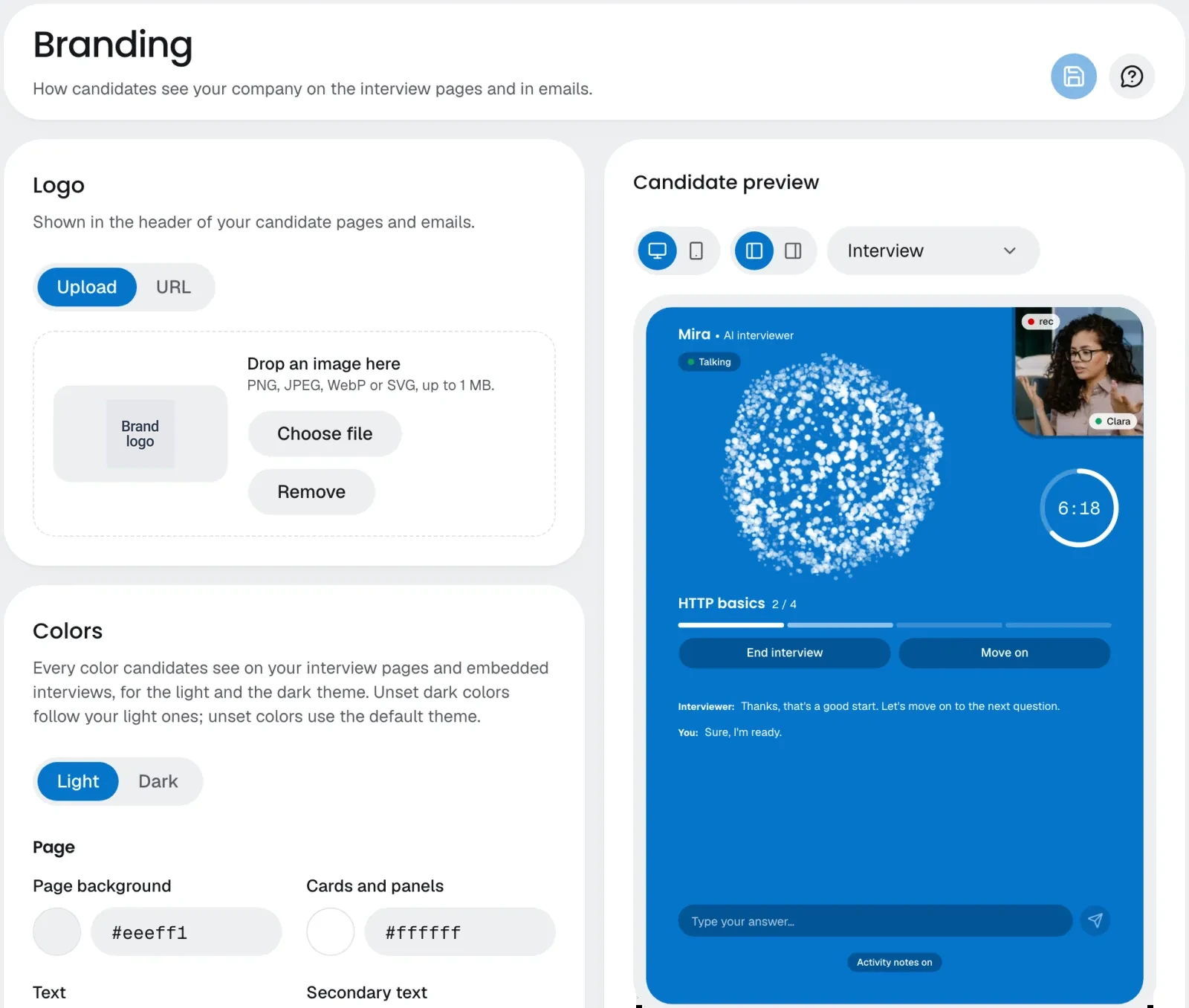
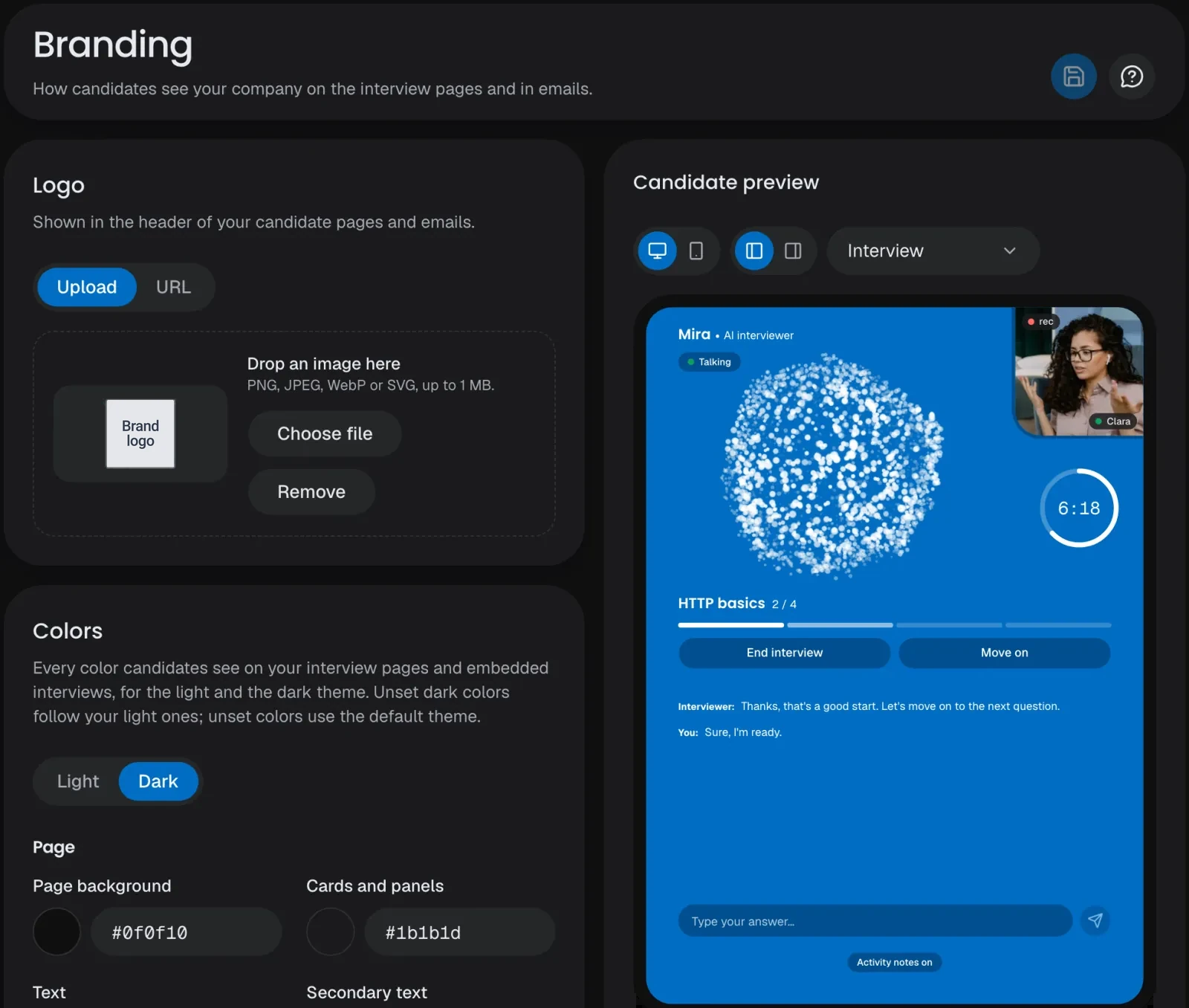
Your logo, colors for the light and the dark theme, fonts, rounding, a welcome message and how your AI interviewer looks and sounds, previewed live on the candidate's real screens before you save.
Light and dark
A color set for each theme, with a contrast warning on every pair.
Live preview
The candidate's real invitation and interview screens, with your draft applied as you edit.
Your interviewer
Its name, its voice with a sample to play, and one of four animations.
Verified check
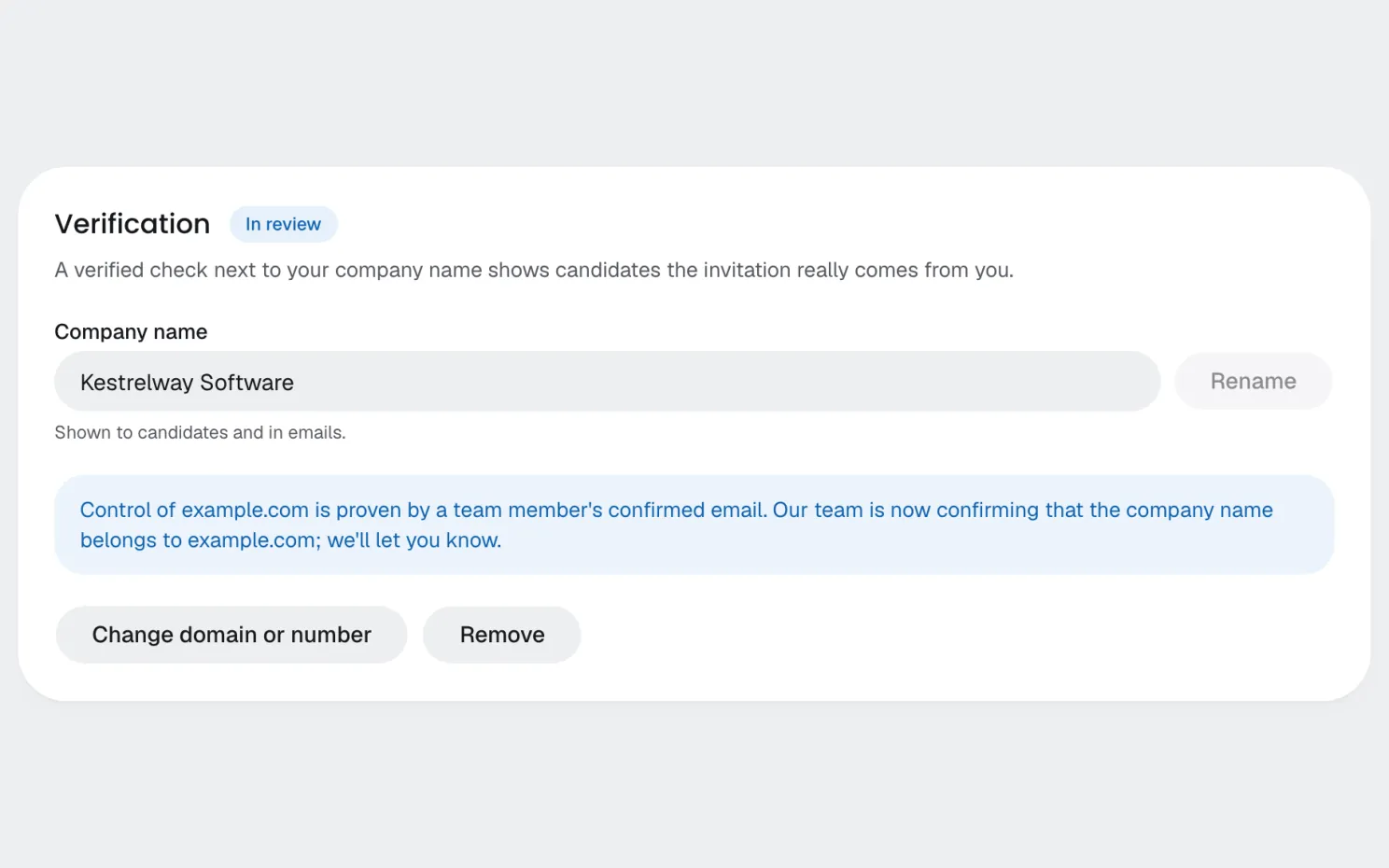
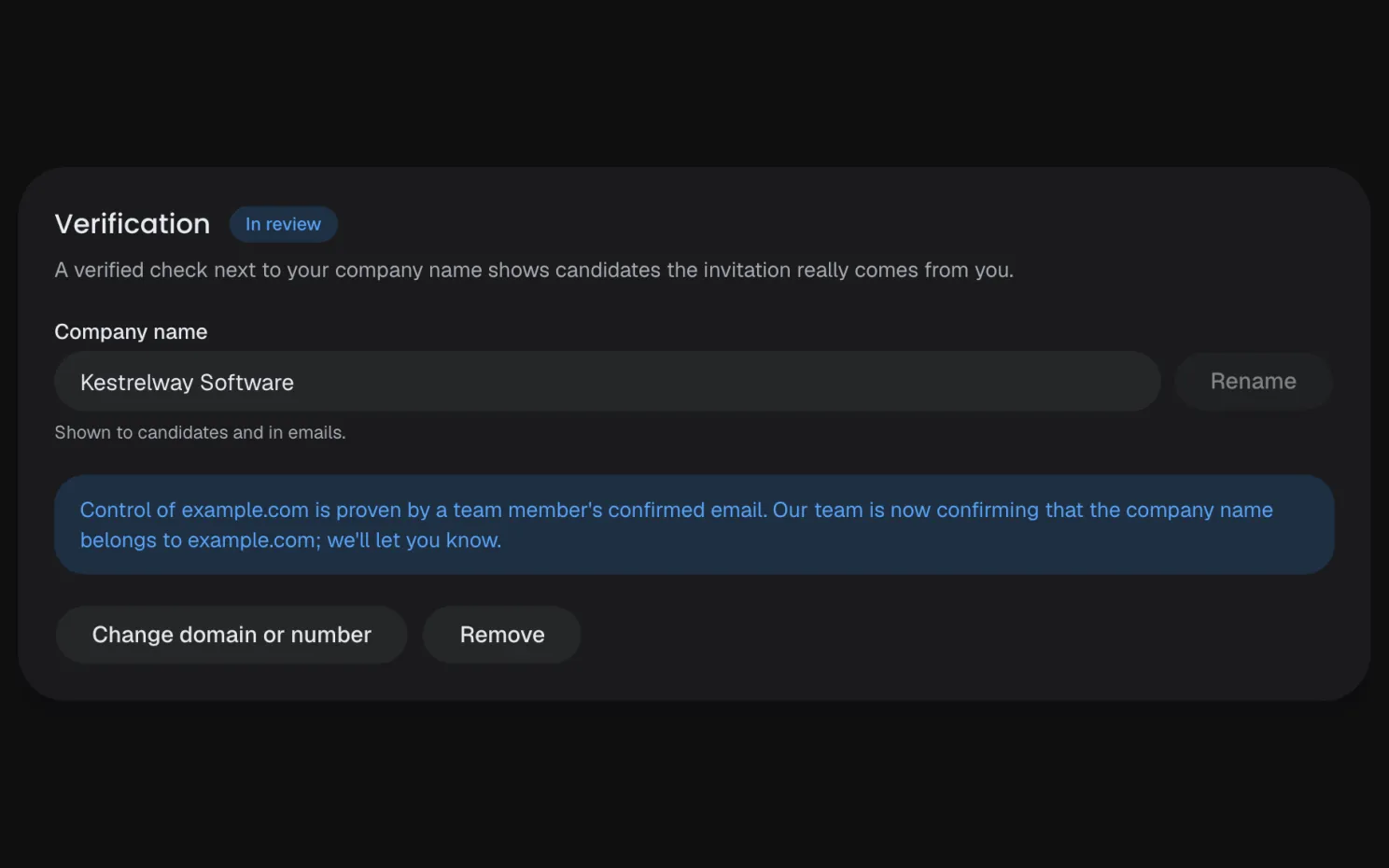
A check next to your name shows candidates the invitation really comes from you.
Company verification
Prove your domain by a team email or a DNS record; our team confirms the name.
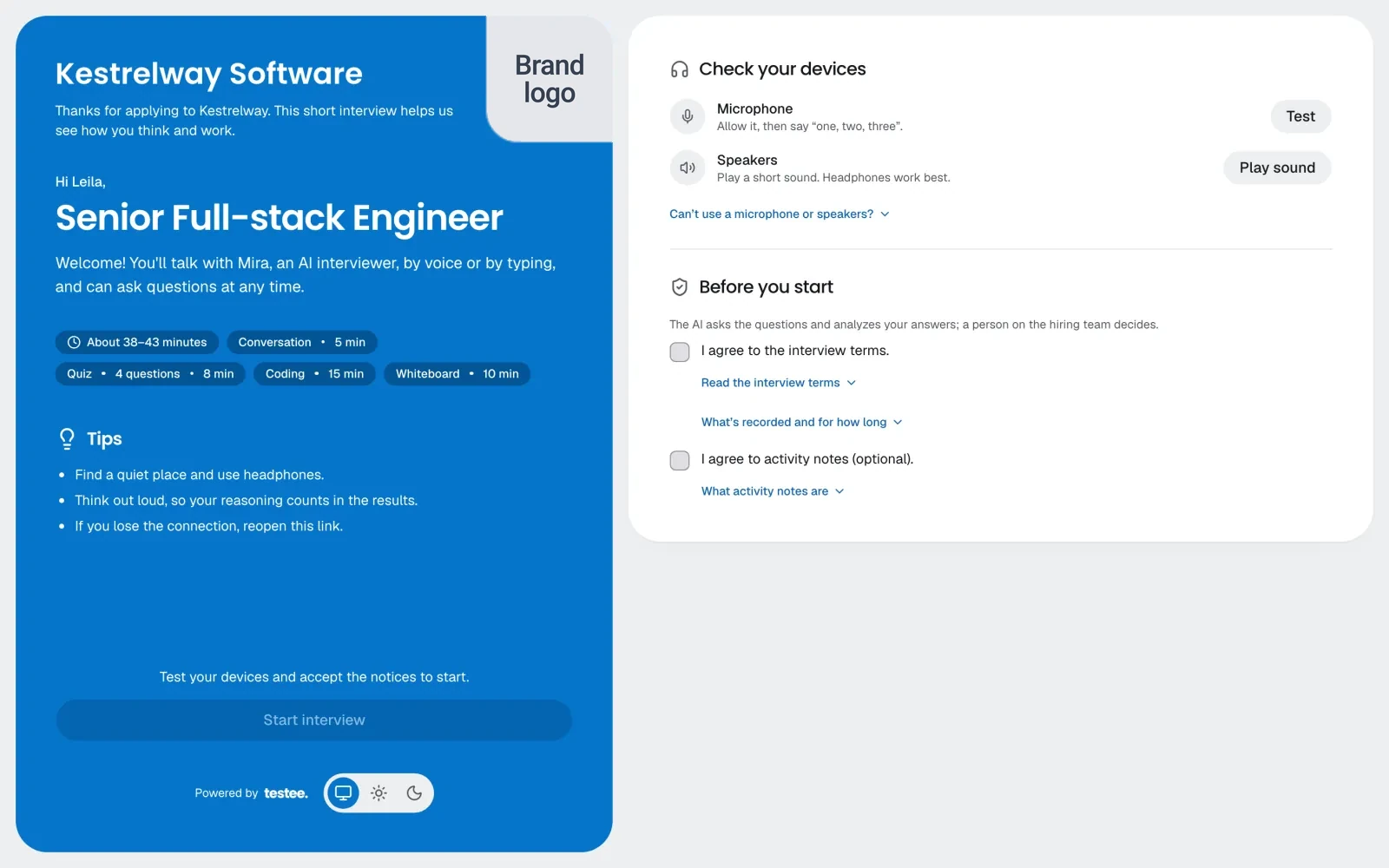
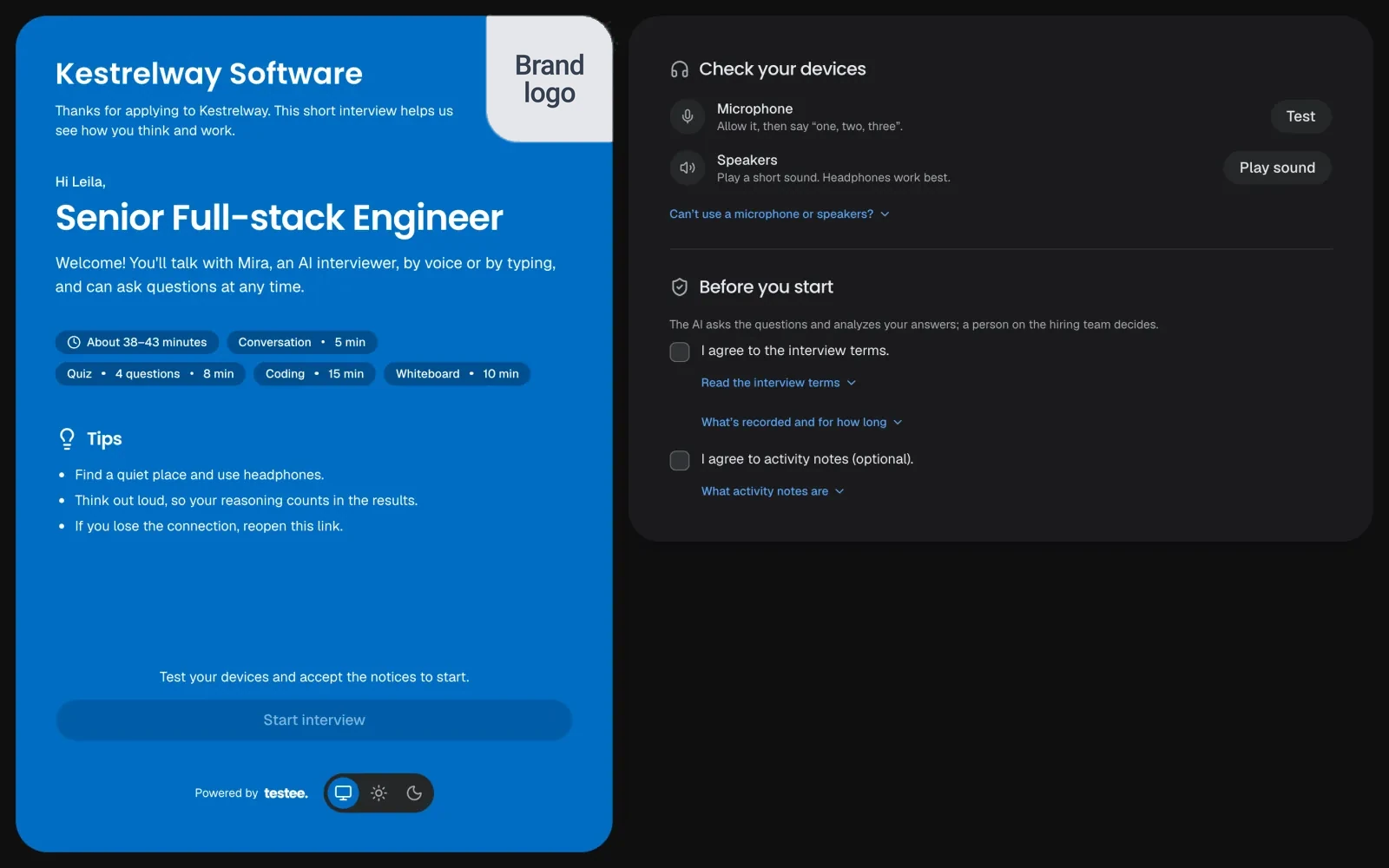
The candidate's first screen
One compact screen: your name and colors, the interview's parts and length, the device checks and the notices.
Company verification
Prove your domain by a team email or a DNS record; our team confirms the name.
The candidate's first screen
One compact screen: your name and colors, the interview's parts and length, the device checks and the notices.
Fonts and rounding
Pick the type and the corner radius candidates see.
Branded emails
Invitations and reminders carry your logo and name.
Animation or avatar
On Enterprise, a real-time video avatar can take the animation's place.
Your own subdomain
Once verified, your candidate pages live on your company's address.
Rechecked every 90 days
The badge stays only while you still control the domain.
Welcome message
Your own words under your name, checked for harmful content before it's saved.
Privacy
Privacyby design.
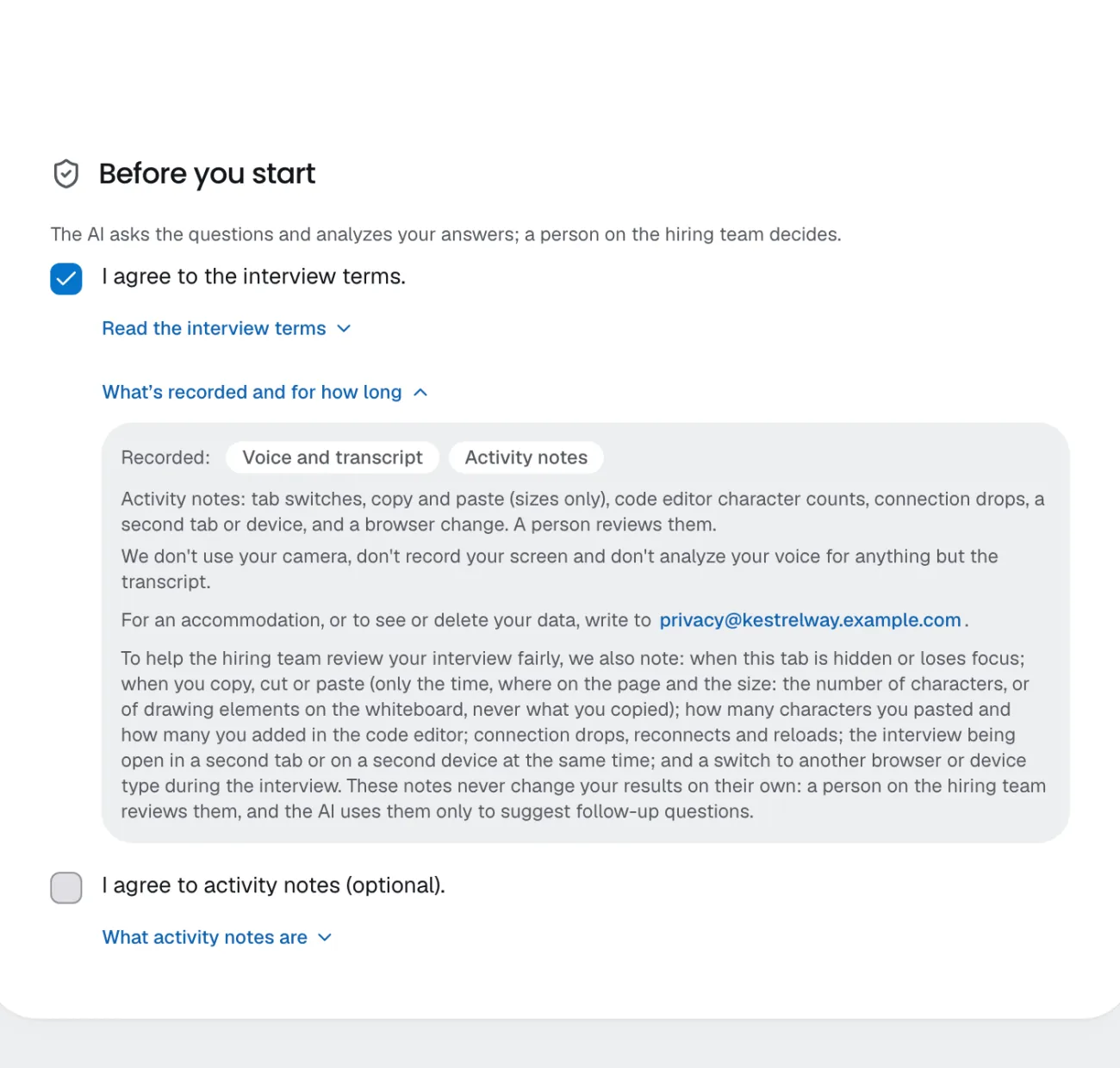
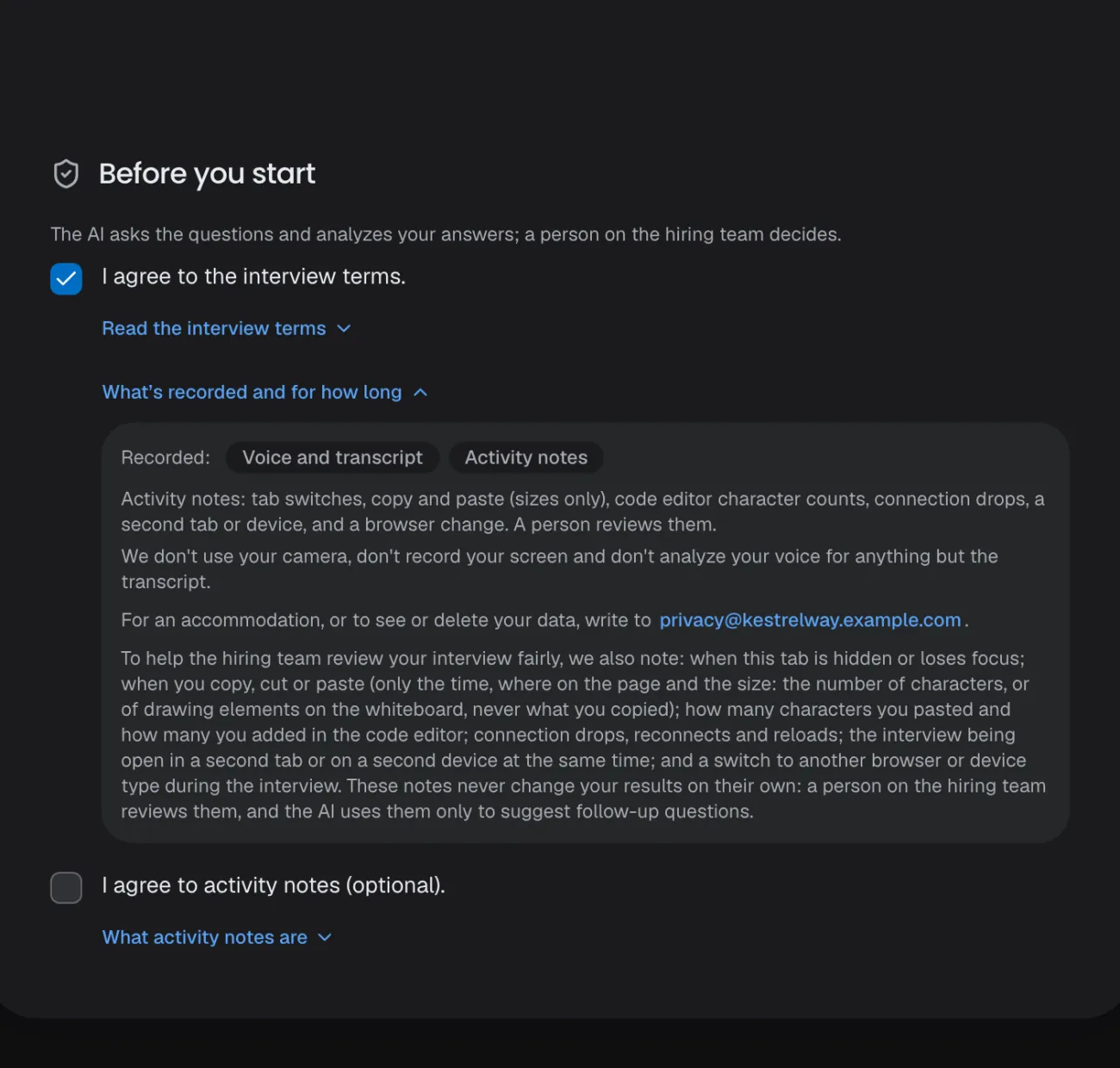
Your company controls its candidates' data. Candidates read what is recorded and agree before they start, and you decide how long anything is kept.
Consent on record
The text and version each candidate accepted, with the time.
Retention you set
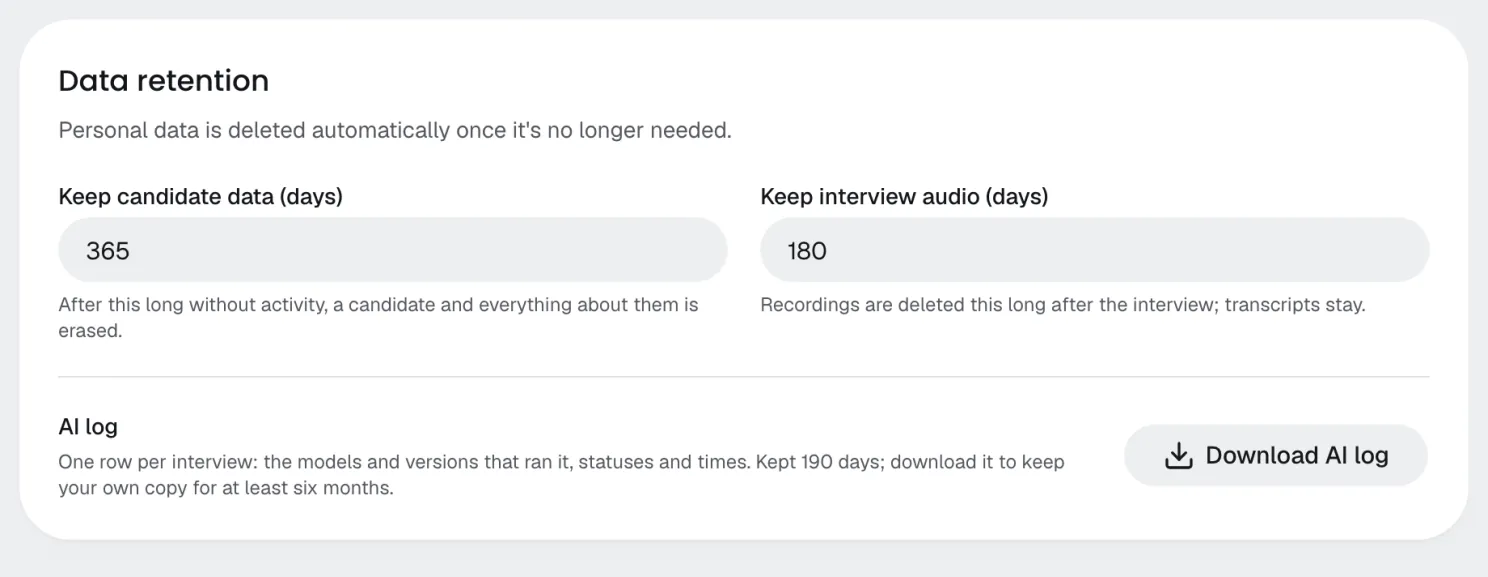
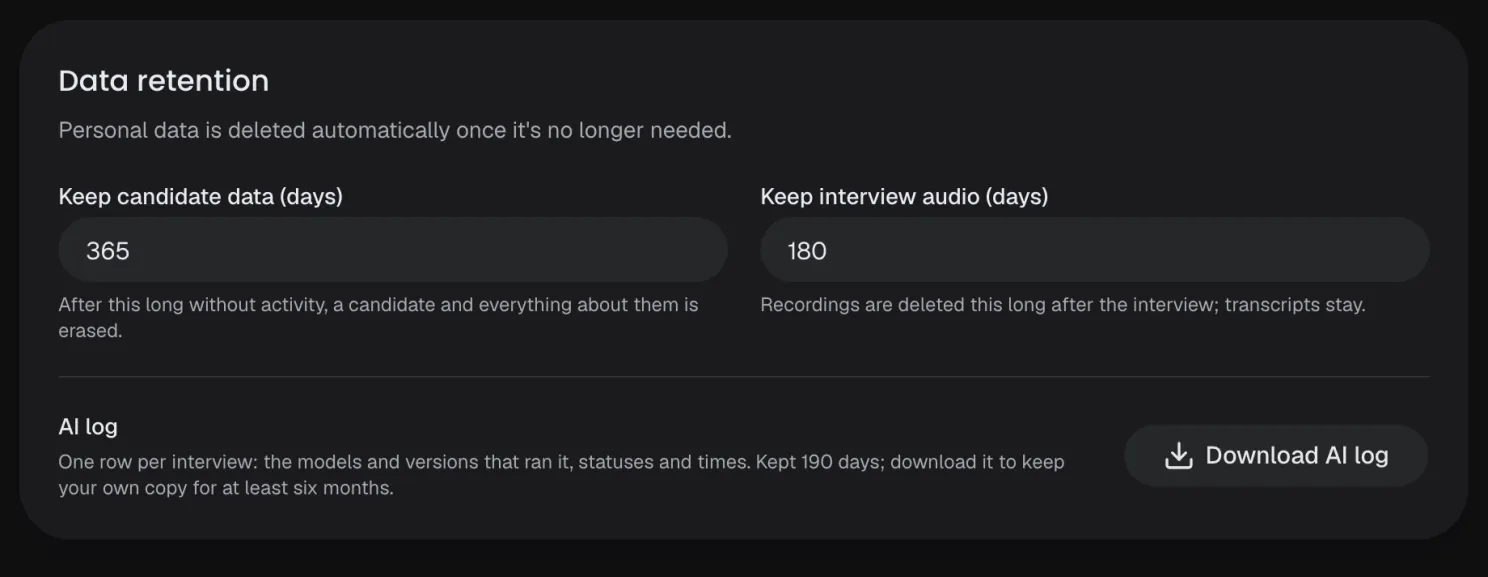
By default, candidate data after a year without activity, recordings after 180 days.
Export and erase
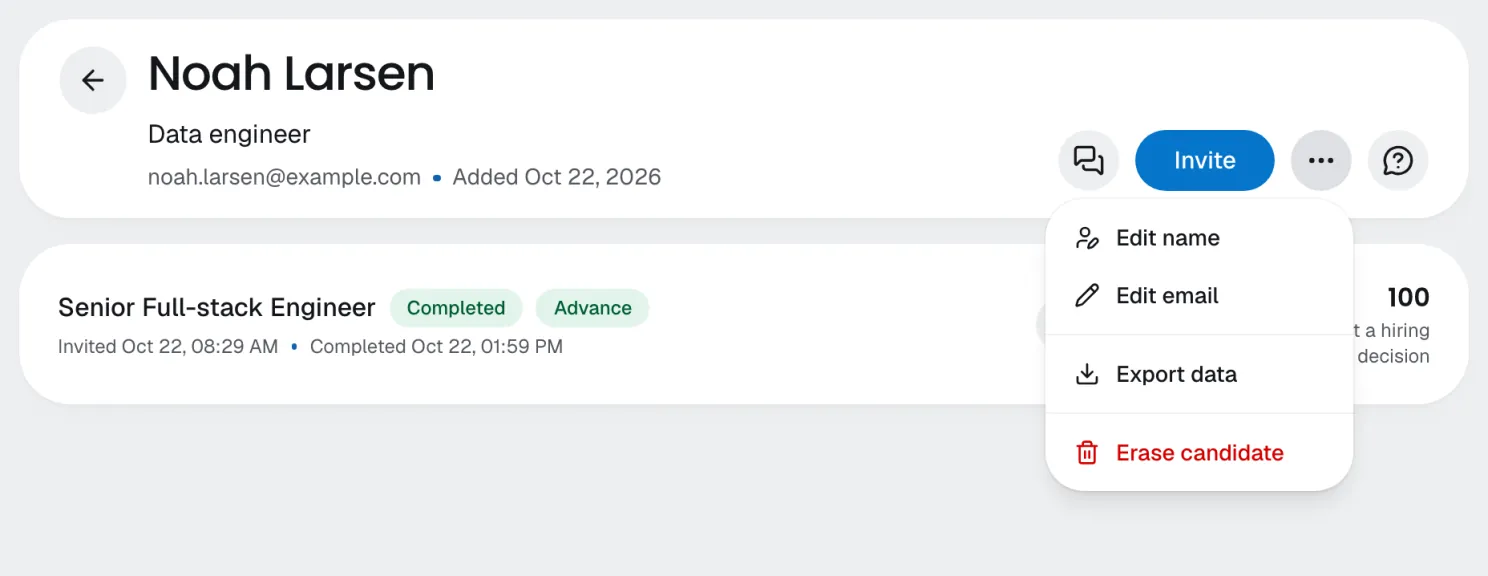
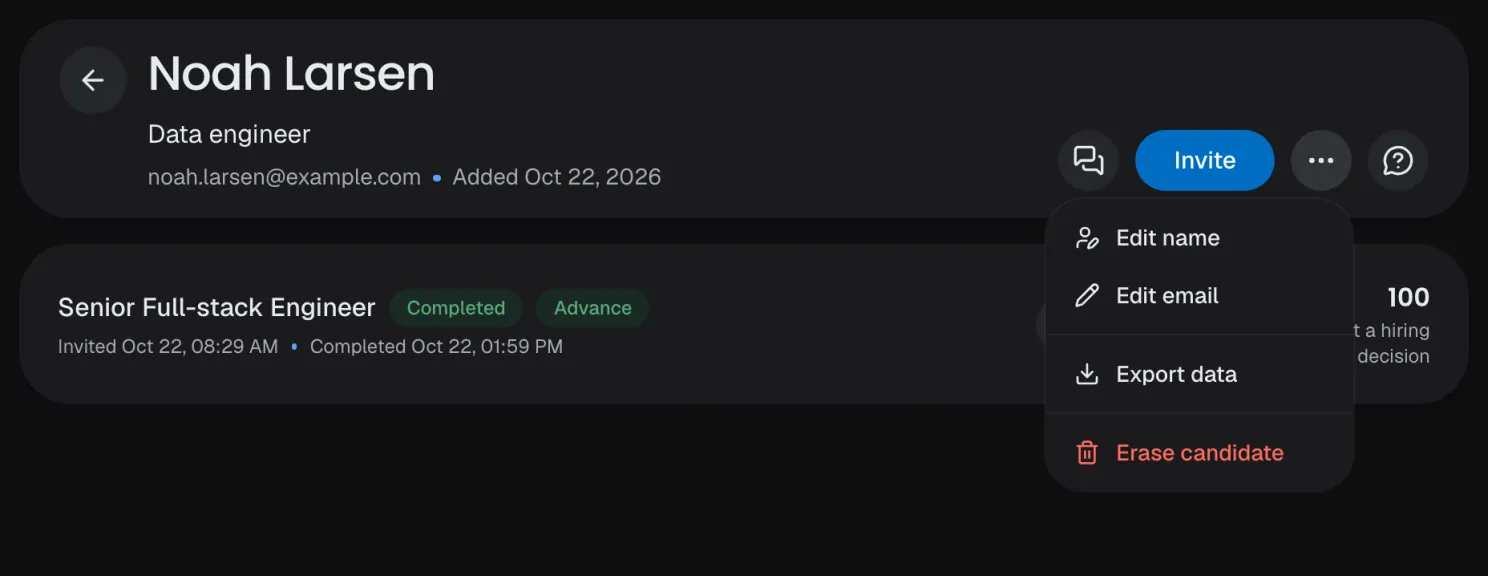
A candidate's data as a file, or erased from every service at once.
Data in the EU
Stored and processed on Google Cloud in the EU; the AI runs on OpenAI in the US.
Data retention
How long candidate data and interview audio are kept, per company.
Data export
A candidate's data as one file: their profile, transcripts, own work and how each answer was assessed; your team's comments stay out.
Data retention
How long candidate data and interview audio are kept, per company.
Data export
A candidate's data as one file: their profile, transcripts, own work and how each answer was assessed; your team's comments stay out.
Erasure
Sessions, recordings, analyses and comments deleted, each service confirming.
Candidate explanation
A PDF for a candidate who asks: each expectation, its status and their quotes, never the answer key.
NYC Local Law 144
Your notice goes in the email, and the interview opens after 10 business days.
- Read the compliance guide
Billing
Pay for the minutesyou interview.
Start with a 14-day free trial, no card needed. Every plan includes interview minutes, shared by all the companies in your organization.
Free trial
150 interview minutes over 14 days, no card.
Minutes, not seats
Each interview counts its actual length, rounded up, never more than it was built for.
Extra usage, if you want it
Off by default; on, it stays under a monthly cap you set.
Your currency
USD, EUR or GBP, with tax handled at checkout.
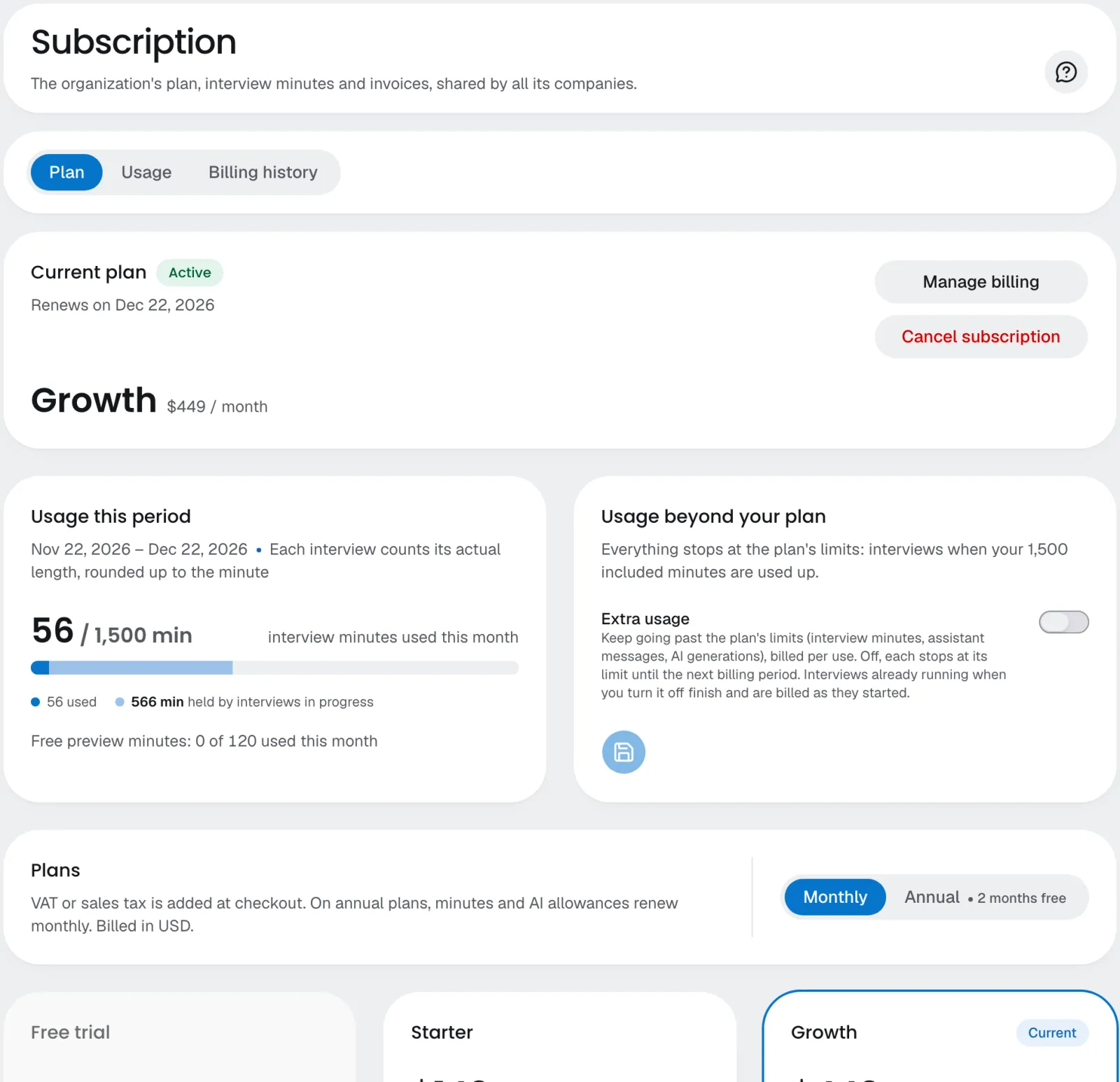
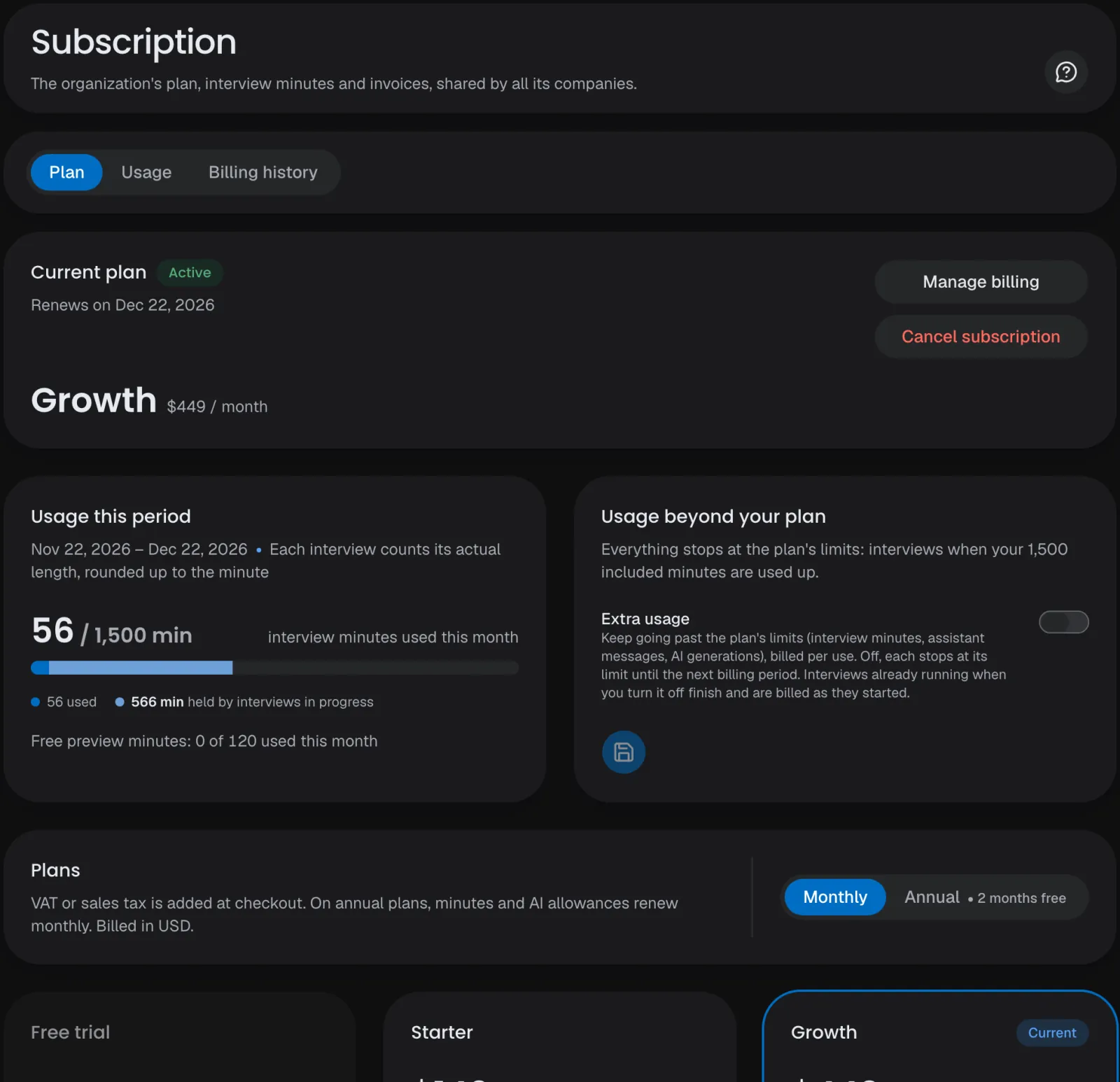
Free preview minutes
Try your own interviews; previews have their own allowance.
Usage
Every limit this period, and the last six months.
Upgrade any time
Upgrades apply at once; downgrades at the end of the period.
AI tools included
Every plan, the trial too, includes assistant messages and generated interviews.
Invoices
Every invoice as a PDF, and a CSV of the billing history.
One plan, every company
Minutes and seats are shared across the organization.
Try it for free.
14 days and 150 interview minutes free, no card needed.Then from $124 a month. See pricing